
Key takeaways
- A brand portal centralizes your guidelines and assets in one living hub, transforming static rules into interactive experiences
- Brand inconsistency erodes brand equity, and portals keep every touchpoint aligned with your brand vision
- Portals help break knowledge silos by democratizing brand access, turning every employee into a confident brand ambassador
- A modern brand portal is a source of truth for people and for AI tools alike, so assistants like Claude, ChatGPT, and Cursor work from your real guidelines and assets rather than approximating them.
Your brand is your most valuable asset. It's the heartbeat of your business, the promise you make to the world, and the reason customers choose you over competitors. Yet in today's fragmented digital landscape, your brand lives across countless touchpoints, and each one is an opportunity to strengthen or dilute its power.
When teams lack a central source of truth for your brand, inconsistency becomes inevitable. Every misaligned presentation, off-brand social post, or outdated logo isn't just a small mistake. It's actively eroding the brand equity you've worked so hard to build.
This is exactly where brand portals come in: not just organizing your assets, but transforming how everyone experiences, understands, and champions your brand.
And your teams are no longer the only ones reading your brand. AI tools draft the email, mock up the landing page, and generate the social post, and they use whatever brand context they can reach. A portal that is live, structured, and queryable is how the brand stays consistent in the work people do with AI, not only the work they do by hand.
What is a brand portal?
A brand portal is a centralized online platform where you store everything related to your brand. Unlike simple file storage systems, a brand portal isn't just about where your assets are kept. It's about bringing your brand guidelines to life in a way everyone can understand and apply.
A truly effective brand portal brings together:
- Brand guidelines that document the rules, standards, and guidance on how to communicate your brand correctly
- Access to approved digital assets that ensures everyone uses the right files every time
- Templates that let people produce on-brand content from the portal, rather than only download from it
The brand portal is the front door to your enterprise DAM. The DAM governs the brand: it holds every approved asset, controls permissions and rights, and delivers the right file wherever it's needed. The portal is where people find those assets, learn how to use them, and create from them without leaving the brand's rules behind.

Why are brand portals important?
In a digital world fragmented across countless touchpoints, brand consistency isn't optional. It's the foundation of trust. Your audience experiences your brand across more channels than ever before, and they expect a seamless experience at every turn.
Delivering brand consistency across global operations
For international businesses adapting their brand to different markets and cultures, a brand portal becomes the unifying force.
It organizes your brand materials across sub-brands and regions while ensuring everyone accesses exactly what they need. Teams everywhere can confidently represent your brand knowing they're using the right materials every time.
Ending the request chaos
Remember the last time someone asked, "Can you send me the latest logo?" Those days are over. With a brand portal, everyone accesses what they need, when they need it, with no more endless email threads or frantic searches across shared drives. Your marketing team can finally focus on strategy rather than fielding basic asset requests.
Democratizing brand knowledge across your organization
In too many companies, brand knowledge remains locked in the minds of a select few, creating bottlenecks and brand gatekeepers rather than brand ambassadors. We believe your brand thrives when everyone understands and connects with it.
A brand portal breaks down these artificial walls, transforming your brand from an exclusive club into an inclusive movement. When everyone from leadership to new hires can access, understand, and contribute to your brand story, your brand identity grows stronger with every interaction.
The knowledge that used to be locked in a few people's heads is now also needed by the AI tools everyone works in. With a Brand Assistant in the portal and a connection for external AI tools, a new hire, a regional marketer, and a ChatGPT session all get the same answer, from the same source, in their own language.

The benefits of implementing a brand portal
Implementing a brand portal isn't just another item on your digital transformation checklist. It's a fundamental shift in how your organization relates to your brand, and the impact goes far beyond organized files.
From brand police to brand empowerment
We've all seen the traditional approach to brand governance: the marketing team becomes the "brand police," constantly saying no and slowing down creativity. A brand portal flips this dynamic completely.
By providing interactive examples that show both successful and unsuccessful brand applications, you transform abstract guidelines into practical knowledge. People don't just learn what your brand looks like. They understand why it matters and how to apply it correctly.
Support brand architecture within large organizations
Whether you operate as a branded house, house of brands, or a hybrid model, your brand architecture deserves a home that respects its complexity without creating confusion.
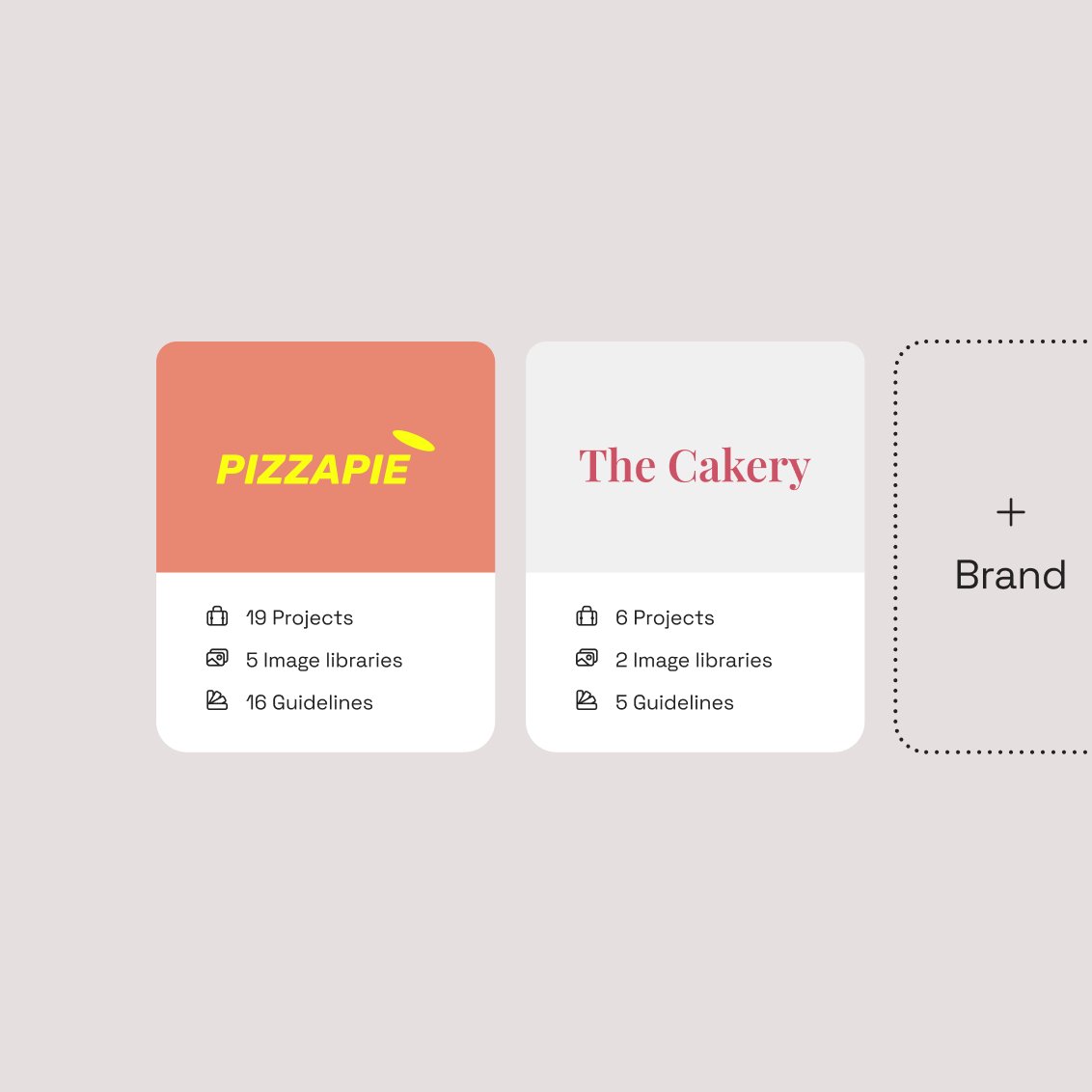
A powerful brand portal adapts to your specific structure, creating intuitive pathways for each brand while maintaining appropriate separation. Users only see what's relevant to their work, eliminating the confusion that leads to brand misuse.
Democratizing creation through templates
One of the most important parts of a modern brand portal is the template system. These aren't just design files. They're guided creation tools that empower everyone to produce on-brand content.
With locked brand elements and flexible content areas, your teams create materials that are automatically on-brand. The design bottleneck disappears, and your creative team finally focuses on high-value work rather than routine updates.
Spring Health shows what that looks like in practice. Publishing a single template on its legacy DAM took three to six weeks. On Frontify, the team completes a basic template in about 10 minutes, saves 16+ hours per template, and has published more than 175 templates since launch.
Opening your brand to the right external partners
Your brand extends beyond your employees. Agency partners, distributors, media outlets, and other external stakeholders need appropriate access to your brand materials without compromising security.
A brand portal provides customized external experiences with precisely controlled permissions, ensuring partners have what they need while protecting your brand assets.
How brand portals integrate with your brand ecosystem
Your brand portal shouldn't exist in isolation. The most powerful implementations connect seamlessly with the tools your teams already use daily:
- Design tools like Adobe Creative Cloud and Figma
- Communication platforms like Slack and Microsoft Teams
- Content management systems like Webflow and Contentful
- AI assistants like Claude, ChatGPT, and Cursor, through the Frontify MCP server
These integrations bring your brand into existing workflows, ensuring governance without disrupting productivity. Your teams access brand assets and guidelines without leaving the tools where they create, and the MCP server does the same for the AI tools they increasingly work in.

Brand portal, DAM, and CMS: What are the differences?
We often hear confusion about how these systems relate:
- A brand portal is the front door to your brand: guidelines, approved assets, templates, and the AI layer that answers questions about all of them, in one place people and AI tools can reach.
- An enterprise DAM stores, governs, and delivers the assets themselves, with the permissions, rights management, metadata, and CDN delivery that keep them correct and available at scale.
- A CMS manages the content on your website, including publishing workflows.
The strongest setup is an enterprise DAM at the core with the portal built on top of it. That way, the assets a person finds in the portal are the same governed assets the DAM delivers to the website, the CMS, and the AI tools your teams use.
Why your brand portal now has a second audience: AI
Teams now draft copy in ChatGPT, mock up screens in AI design tools, and write code in Cursor. According to Salesforce's 2026 State of Marketing report, 75% of marketers have adopted AI. Every one of those tools produces brand-adjacent output using whatever brand context it can reach.
If your guidelines sit in a PDF or a hand-built site, the tool can't read them, so it guesses. Off-brand output at AI speed is the new consistency problem.
Guidelines that answer back
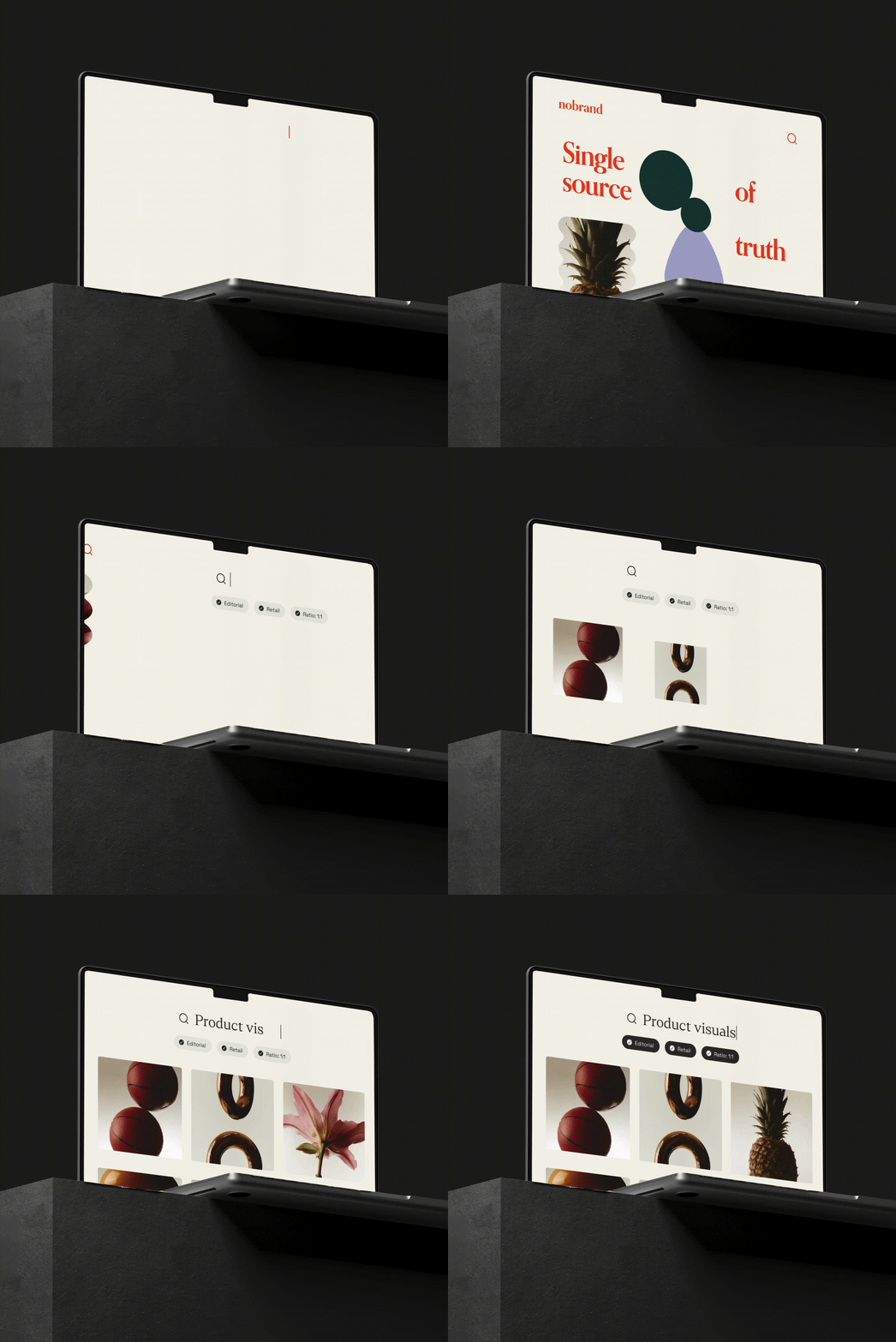
The first step up from a static portal is an AI layer grounded in your own guidelines. Ask it which logo version to use on a dark background, or how to write a product headline, and it answers from your guidelines and links to the section it answered from. Frontify's Brand Assistant does this in more than 100 languages, which matters for the global teams described above.
On any demo, ask one question: is the assistant answering from your actual guidelines, or from its general training? Both get described as "AI-powered," and they produce very different results.
AI tools that can query the portal directly
The second step goes further. Instead of someone pasting guidelines into a prompt, the AI tool connects to the portal and reads it as a live source. The Model Context Protocol (MCP) is the open standard that makes this possible: it lets AI assistants connect to external tools and data.
The Frontify MCP server is hosted by Frontify, so there's nothing to install. It organizes its capabilities into packs, including a dedicated brand-portal pack that lists guidelines, reads guideline pages, and browses library page assets, plus packs for asset search and retrieval, template export, and workflow tasks. Frontify recommends starting with the read-only discovery pack. In practice, that looks like this:
- A marketer in Claude asks for the current tagline and tone-of-voice rules before drafting a campaign email, and gets them from the portal's voice page.
- A developer in Cursor pulls the brand's color values and typography from the guidelines while building a component.
- A regional team in ChatGPT exports an on-brand creative from an approved template, with their market's copy filled in.
The portal as a brand intelligence layer
When the portal is structured, live content rather than a document, it becomes the single brand-context layer that both people and AI tools draw from. That's the difference between a well-designed brand site and a brand intelligence platform, and it's the criterion most brand portals weren't built to meet. Our guide to machine-readable brand guidelines covers how to structure guidelines so AI tools can use them.
Essential brand portal functionality
When evaluating brand portal solutions, focus on these four key capabilities:
Security that doesn't block access
Your portal needs to balance security with usability, allowing the right people to access exactly what they need. Look for customizable permission structures:
- Viewers who access and share approved assets
- Editors who contribute new content
- Reviewers who approve materials before publication
- Owners who manage the entire system
The ability to create custom audience groups ensures users only see relevant assets, eliminating confusion and misuse.
Templates that enable without compromising
The most powerful brand portals include template systems that balance freedom with control. These templates lock brand elements while allowing customization of content, empowering everyone to create on-brand materials without designer intervention.
Look for approval workflows that maintain quality without creating bottlenecks, giving brand teams visibility without slowing down the process.
Flexibility for multi-brand organizations
If you manage multiple brands, your portal must support your specific brand architecture:
- Branded house structures with a strong master brand
- House of brands approaches with independent sub-brands
- Hybrid models that combine elements of both
Your brand architecture is unique to your organization. Your portal should adapt to your needs, not force you into a predetermined structure.

Whatever your brand architecture looks like, you need a brand portal that has the flexibility and can be customized to support your setup. You want a space that fits your brand rather than trying to fit your brand into the constraints of a rigid system.
AI tools can read it
Look for a Brand Assistant grounded in your guidelines, and for a documented way for external AI tools to connect to the portal, such as an MCP server. A portal that offers neither is a brand site, not a brand intelligence layer.
Examples of best-in-class brand portals
Uber

Uber's portal is proof that a live portal gets used at scale. Because it's structured content rather than a static document, Uber's brand rules and assets are exactly the kind of source a Brand Assistant and MCP-connected AI tools read from.
The portal enables more than 20,000 people in the company to create, manage, and share assets. "It really demonstrates a one Uber, one brand approach. We're all one company that is built on the same solid foundation, the same platform," explained Uber Global Creative Director Brian Coonce.
"When we launched Frontify, it was almost overnight that about 2,000 people were using it," said Shayla Love, Senior Executive Producer. Usage has grown 136% over the last 12 months, and about 12% of the company now creates, manages, and shares assets through the portal.
Learn more about Uber's brand portal
Budweiser

Budweiser's portal is proof of governed asset delivery across markets, the enterprise DAM at work behind the portal. Its teams built a global asset library housing brand files for 20 different countries: one governed library, with the right asset for each market.
In one central hub, Budweiser houses the core elements and assets for its core brands across multiple platforms, improving brand consistency by making it easier for people to find and use the correct files for their market.
Telefónica

Telefónica's portal is proof that multi-brand architecture can live in one place, with the flexibility described above. Telefónica manages 16 brands across 16 global markets. Its brand portal, which the team calls its Brand Factory, provides an intuitive, scalable, centralized space to maintain a high level of consistency across all its brands and markets.
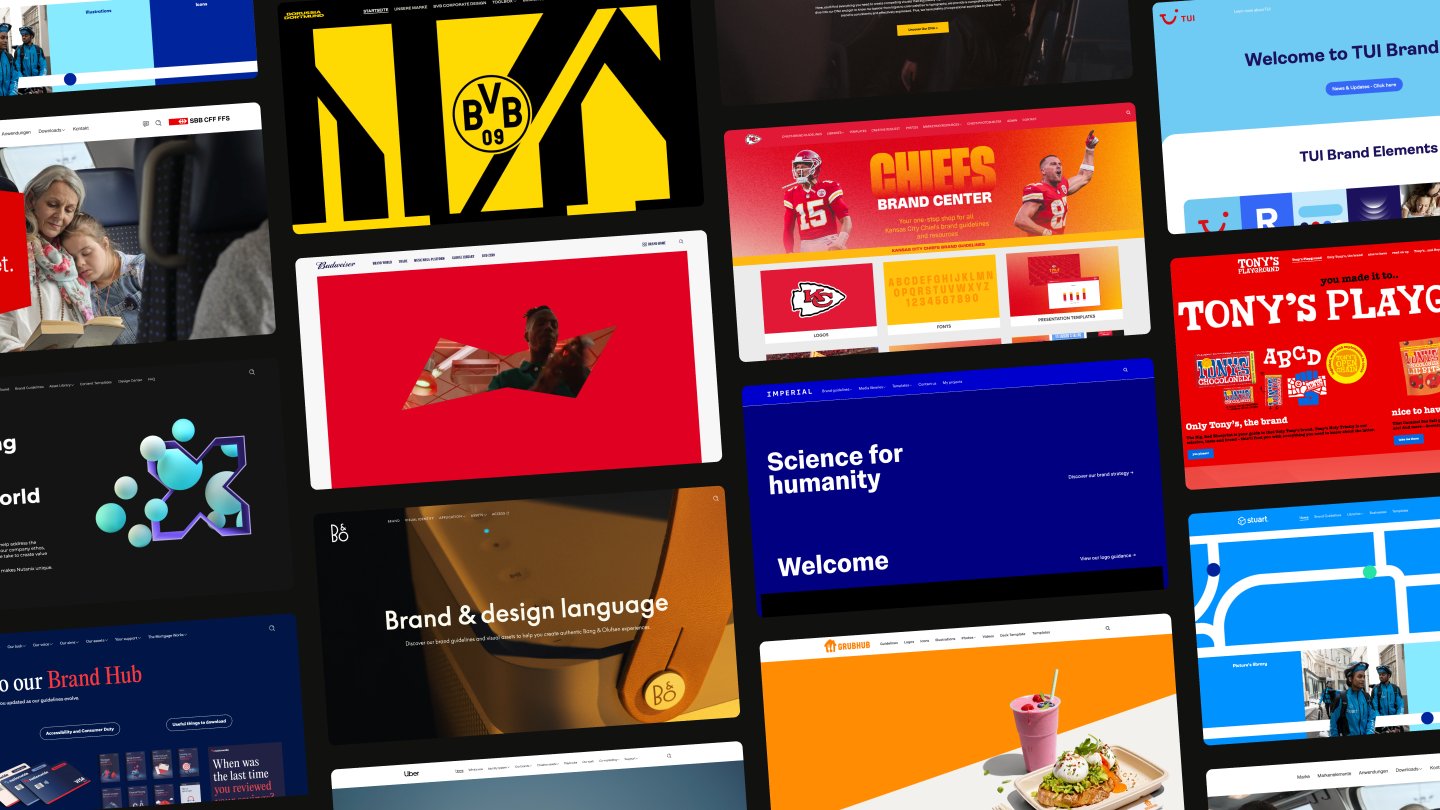
For more portals, browse Built with Frontify, or see our brand guidelines examples for a longer curated list.
Frontify's unique approach to brand portals
The Frontify MCP server connects Claude, ChatGPT, and Cursor directly to your brand portal's guidelines, assets, and templates. The Brand Assistant answers brand questions from your guidelines, with links back to the source section, in more than 100 languages. Together, they make the portal the brand-context layer that people and AI tools both draw from.
Frontify is an enterprise DAM at its core, wrapped in brand guidelines, templates, governance, and AI-powered brand intelligence.
Here's how our solution enables teams of all shapes and sizes to work together to build their brand:
- Make your brand readable by AI: The Brand Assistant answers questions from your guidelines, and the MCP server lets the AI tools your teams already use read the portal directly.
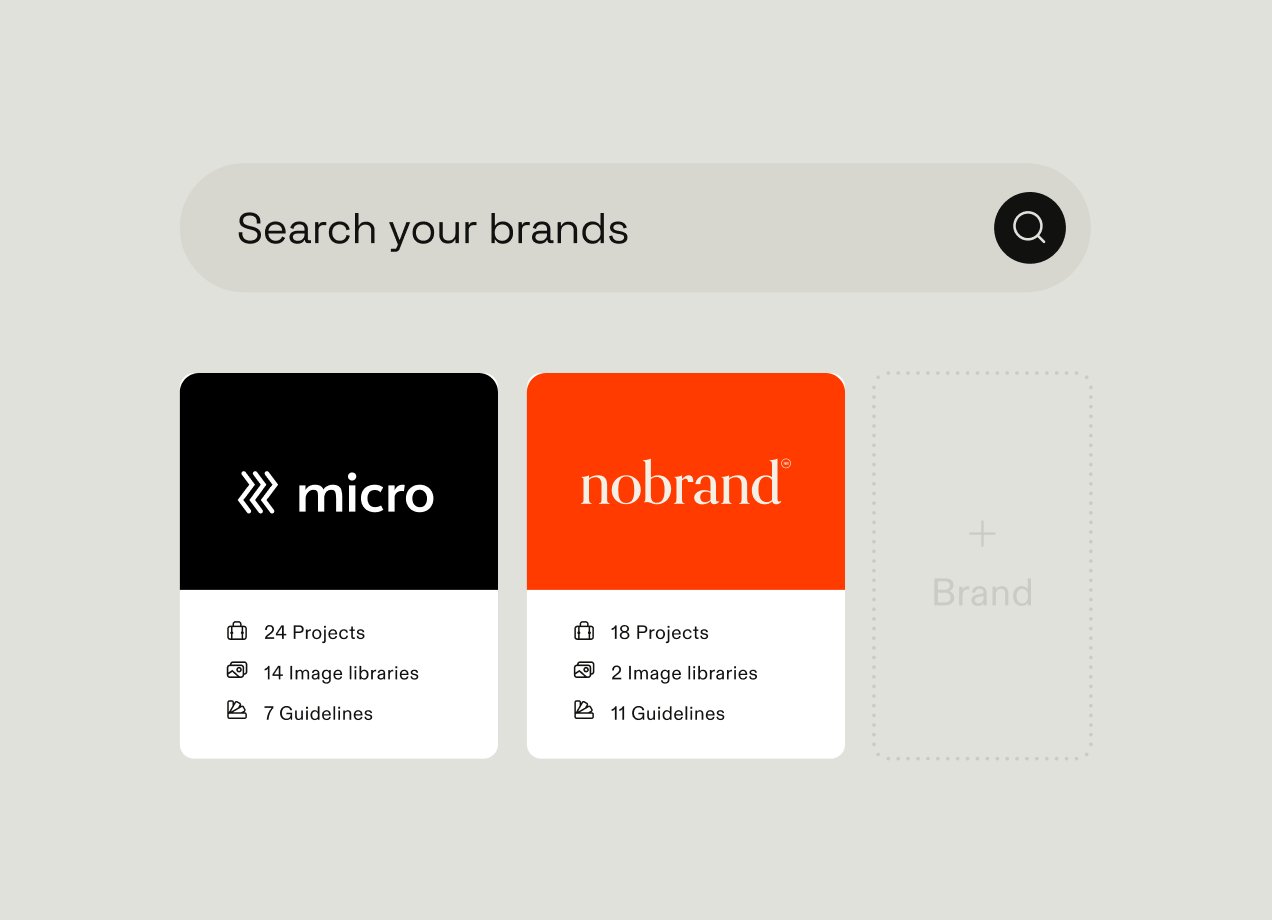
- Customize entry points to your brand hub: Create a central hub that points people in the right direction so they can easily find the materials they need. Navigate straight to each sub-brand, important asset collections, brand guidelines or tutorials, and resources for particular teams or projects.
- Collaborate on brand projects in real time: Get everyone working in the same shared, collaborative space, and enable users to request and exchange feedback. Automating approvals processes and setting up workflows make cross-team work simple.
- Create a one-stop shop for your brand: Centralize all your brand materials, from digital assets and code snippets to guidelines, design templates, and creative projects, so it's easy to find the right resources. Save your marketing team from yet another email asking where the right logo is, and help people find it themselves.
We work with some of the world's leading brands, like Kia, Borussia Dortmund, and the Emmy® Awards. Uber's portal is used by more than 20,000 team members, with usage up 136% over the last 12 months. Spring Health now completes a basic template in about 10 minutes instead of weeks, saving 16+ hours per template.
See portals in action on Built with Frontify, or if your portal is built somewhere else, see how to switch to Frontify. Book a demo to see what Frontify can do for your brand.
Brand portal FAQs
What's the difference between a brand portal and a brand guidelines website?
A brand guidelines website documents the rules: logo usage, color, typography, and tone of voice. A brand portal includes those guidelines but adds the approved assets, templates, and permissions people need to apply them, so someone reading the logo rules can download the correct file from the same page. A guidelines site built as a one-off project tends to go stale once the agency hands it over. A portal is maintained by the brand team as live content, which is also what lets a Brand Assistant or an external AI tool read it.
Should a brand portal be public or behind a login?
Usually both. Public pages work well for material you want partners, press, and fans to use correctly, such as the logo, core color rules, and a media kit. Everything else, including unreleased campaigns, licensed photography, and internal templates, belongs behind a login, with permissions set by role or audience group. Many brands run one portal with a public front page and gated sections, so a journalist and a regional marketer land in the same place but see different things.
How do you get people to actually use a brand portal?
Make it the fastest way to get the job done. If the right logo is two clicks away in the portal and the old one is one click away on a shared drive, people will use the drive, so retire old sources when you launch. Put templates for the most common requests, such as presentations, social posts, and email signatures, where people land first, and use analytics to see which assets and pages get used and which don't. Uber saw about 2,000 people start using its portal almost overnight, and it has since grown to more than 20,000.
How can AI tools like Claude or ChatGPT use our brand portal?
Through an MCP server that connects the AI tool to the portal. Once connected, the tool can list your guidelines, read guideline pages, and browse library assets, and with the right access it can export creatives from your templates, all from inside the chat. Frontify's MCP server is hosted by Frontify, and access is organized into packs, so you can start with read-only discovery and add more later. A designer in Claude can ask for the logo's clear-space rule and get the answer from your portal rather than from the model's guess.
How long does it take to launch a brand portal?
It depends more on your content than on the software. A first version with your core guidelines, the assets people request most, and a handful of templates is a much smaller project than migrating a large legacy library or building out a multi-brand structure. The Kansas City Chiefs worked with an agency partner to set up their brand center in time for the start of the football season. Launch with the most-requested material first and expand from there, rather than waiting until every section is complete.