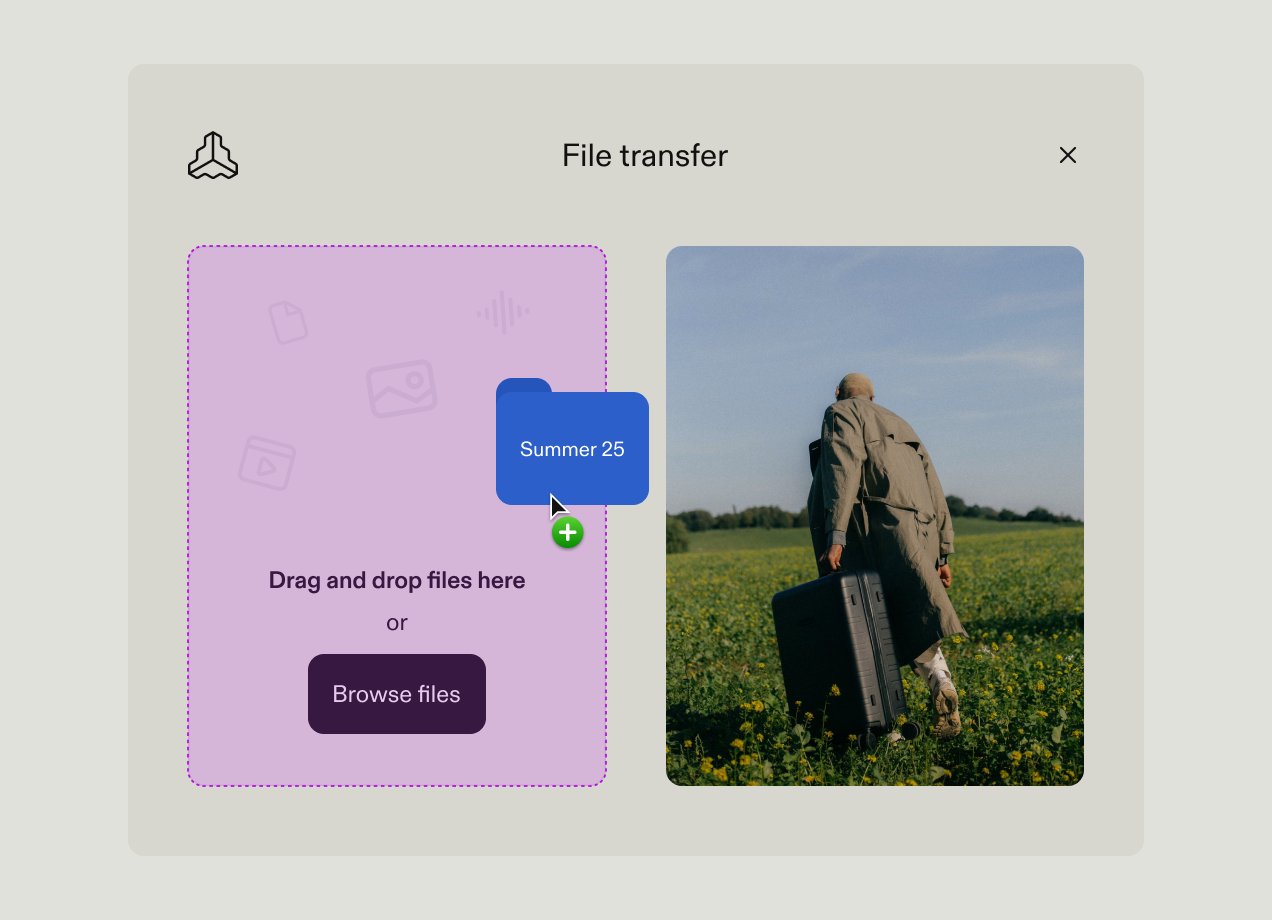
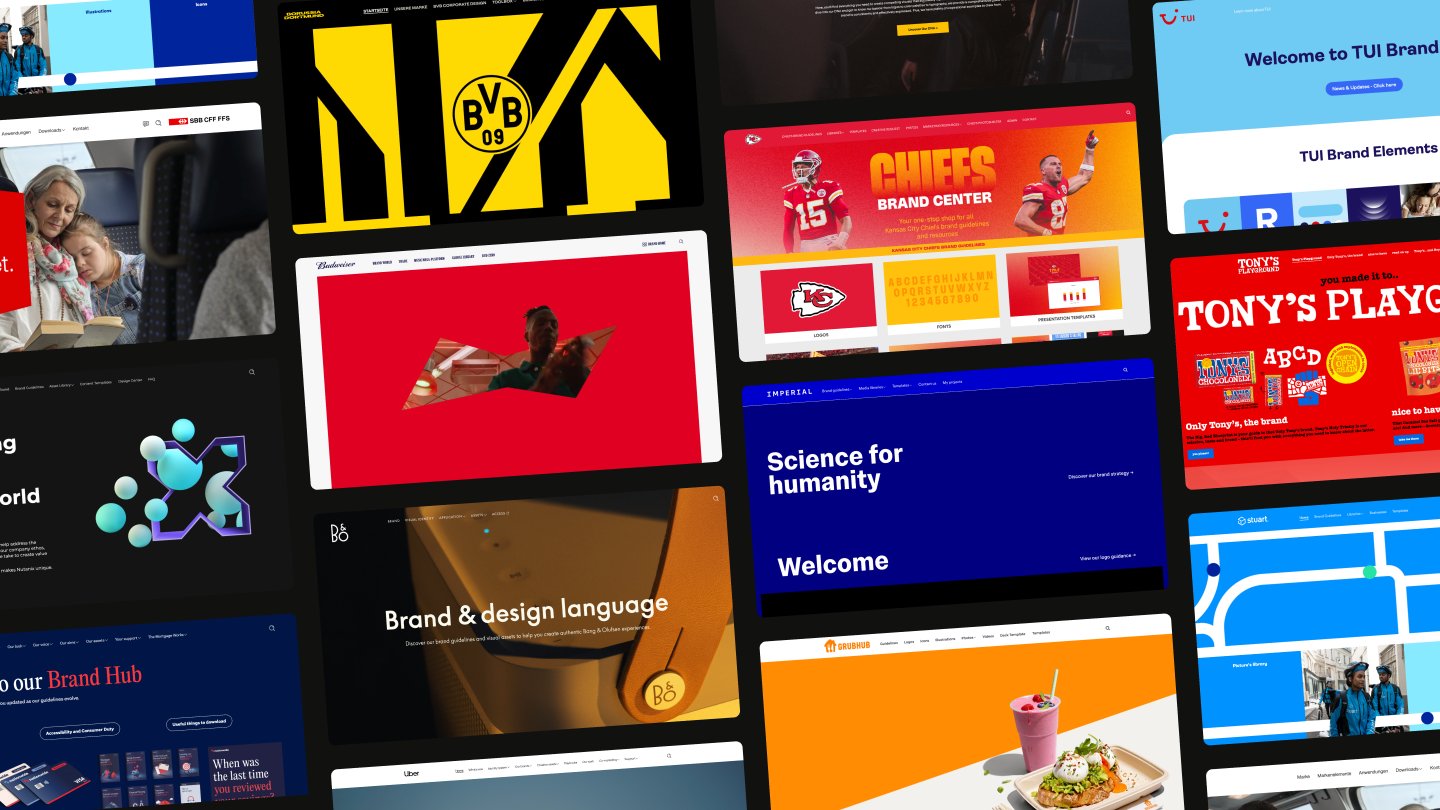


Marketing teams produce more assets than ever, like campaign imagery, video content, brand templates, sales materials, and social graphics. Assets scatter across shared drives, Slack threads, and inboxes, so teams can’t find what they need when they need it.
This guide explains what marketing asset management software does, how it differs from adjacent categories, and what to evaluate so you can confidently shortlist solutions worth demoing.
What is marketing asset management software?
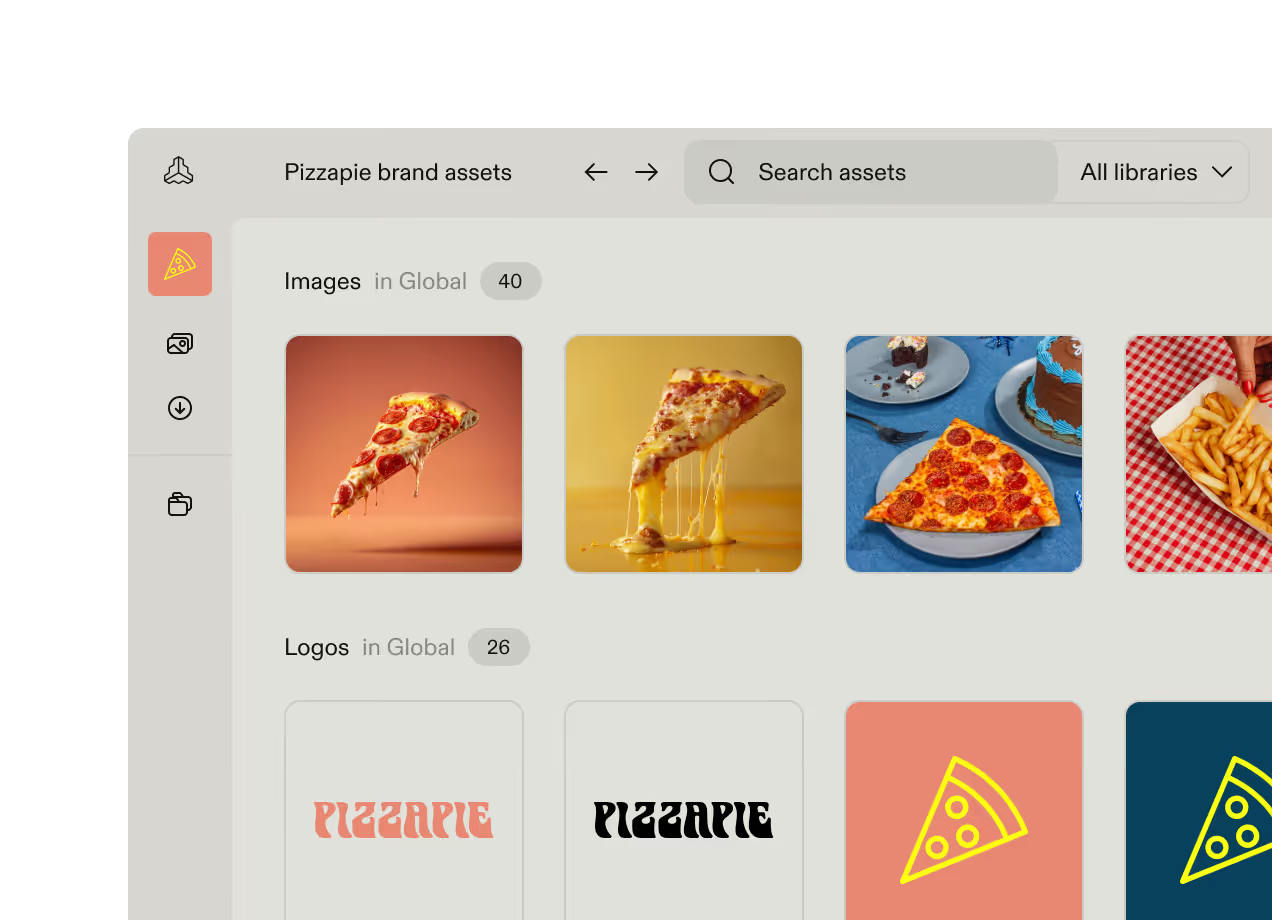
Marketing asset management software is a specialized category of tools that helps marketing teams store, organize, find, approve, and distribute the assets they create and use across campaigns. These include:
- Campaign imagery: photography, graphics, illustrations, icons
- Video content: raw footage, edited videos, motion graphics, social clips
- Design files: Figma, Sketch, Adobe Creative Cloud source files
- Brand elements: logos, color palettes, typography files, brand marks
- Templates: presentation, social media, email, and document templates
- Marketing collateral: brochures, one-pagers, case studies, sales materials
- Audio: podcast assets, music, sound effects for video.
Marketing asset management tools differ from general storage tools like Google Drive or Sharepoint. They provide a dedicated space to store and organize files, then add built-in version control, approval workflows, customizable user permissions, and structured metadata to improve findability. The whole infrastructure supports marketing teams’ work, rather than just defining where files happen to live.
Marketing asset management vs. digital asset management
Digital asset management (DAM) is the broader term that describes systems for storing, organizing, and distributing digital files across an organization. DAM systems serve many teams such as product, legal, HR, and sales.
Marketing asset management (MAM) describes platforms designed to support marketing workflows, offering campaign-oriented organization, creative collaboration, approval processes tied to launch timelines, and distribution to marketing channels.
You may also encounter related product terms:
- Brand asset management (BAM): Emphasizes brand consistency, guidelines, and controlled distribution of brand elements
- Creative asset management (CAM): Focuses on in-progress creative workflows and collaboration on work-in-progress files
- Marketing resource management (MRM): A broader category that includes asset management alongside campaign planning, budgeting, and operational workflows
In practice, the terms overlap, and many marketing teams use a general DAM successfully. The distinction matters most for scoping your requirements.
If marketing is the primary use case, look for a platform that’s organized around campaigns, supports marketing-specific approval workflows, integrates with the creative tools your team uses, and provides appropriate access for agencies and partners.
If you need asset management across multiple departments, a broader DAM may be the right call. But make sure that multi-department breadth hasn't come at the expense of marketing functionality.
Why marketing teams need dedicated asset management
Most teams start organizing their files in Google Drive or Dropbox — and for a while, that's fine. The problems emerge gradually as asset volume and stakeholder complexity grows.
The productivity drain is real
Marketers spend hours each week searching for files instead of executing campaigns. A social media manager needs the approved product photography from last quarter's campaign, or the regional sales team needs the latest deck.
Without a dedicated system, finding the right asset means trawling through nested folders, pinging colleagues, or recreating work they’ve already done.
So designers spend more time providing files than creating them, campaigns launch late because assets aren't ready, and teams duplicate work because finding it takes longer than starting from scratch.
Version confusion creates brand and compliance risk
Without version control, outdated brand assets stay in circulation. Old logos appear on new materials. Photos get reused after licensing terms have expired. A regional team downloads marketing materials from last quarter without realizing guidelines have changed.
Each instance is a small problem that can be solved relatively quickly. But they erode brand consistency and create real legal exposure, especially in highly regulated industries. Organizations can't ensure assets are being used appropriately at scale.
Collaboration and distribution breaks down at scale
Marketers don’t just serve their own department. They support internal teams across the business as well as agencies, freelancers, partners, franchisees, and regional markets — each of whom needs access to assets, often on different timelines and with different permissions.
Manual distribution breaks down quickly. Email attachments get lost, file transfer links expire, and by the time assets reach downstream users, they may be outdated already. There's no way to know who has what version, or whether anyone read the usage guidelines you included in the body of the email.
File storage solves the wrong problem
Google Drive and Dropbox provide space to store company files. But they were never built for marketing workflows. There's no campaign-oriented organization, approval routing, integration with creative tools, or controlled external access.
When asset volumes grow, general file storage starts being a bottleneck. That's the point where dedicated asset management becomes essential to help marketing teams operate effectively.
Key features to evaluate in marketing asset management software
The right platform should help marketing teams move faster, maintain brand consistency, and extend asset access to stakeholders without creating governance gaps. Here's what to look for on vendor websites and test during a demo.
Organization and metadata
How files are organized in your system determines whether or not people can actually find them. When comparing platforms, ask whether you can organize assets by campaign, product line, region, and asset type simultaneously, or whether you're locked into a rigid hierarchy.
Flexible metadata and custom tags should let you build a taxonomy that matches your team's language, and AI-powered auto-tagging reduces manual work as asset volumes grow.
To test this during your demo, upload a batch of 20 assets and see how much metadata the platform suggests automatically versus what requires manual input. That ratio matters more at 20,000 assets than it does at 20.
Search and discoverability
Search quality drives adoption. If users can't find what they need quickly, they'll revert to asking colleagues or rebuilding assets.
Keyword search works when users know the exact filename — which they often don't. Look for a platform that also supports natural language queries (like "lifestyle photography from the spring campaign") and visual search that finds similar imagery in your library. Also check whether users can filter across multiple criteria — asset type, campaign, date range, usage rights — and preview results without downloading.
Test search quality with real assets from your own library during your demo. Ask someone who’s unfamiliar with the system to find a specific asset. How long it takes gives you a good insight into search quality and usability of the platform.
Approval workflows
Approval workflows should accelerate launches rather than create bottlenecks. You want routing that can be configured to match how your team actually reviews work — with feedback and annotation directly on the asset, not in a separate email thread or project management tool.
Look for version comparison that shows exactly what’s changed. This is particularly valuable for creative reviews, where feedback can otherwise spiral into confusion over which file is current.
Ask vendors how approval status is shown on assets. If only the person who initiated the request knows whether an asset is signed off, the tool doesn’t provide clear visibility, so teams won’t know what's ready to use.
Integrations with creative tools
The value of an integration depends on its depth. A Figma integration that lets designers push finalized assets directly to the DAM is meaningfully different from a plug-in that opens a browser window inside the tool.
Look for native integrations with the creative tools your team already uses, like Figma, Canva, or Adobe Creative Cloud. Ask vendors to demo the integration live, in the actual creative tool, and check whether it supports bi-directional sync — assets flowing in from creative tools and approved assets flowing back out.
You should also assess CMS and marketing automation connections for downstream distribution, so your marketing team can easily get finalized assets live on your website, product catalogue, or social campaign.
Access control and permissions
In enterprise marketing orgs, lots of people need to use their assets, from internal teams to external agencies and partners. Each group needs a different MAM experience. Internal designers need upload and edit rights, regional sales teams need to download approved materials, and an external agency needs temporary access to a specific campaign folder with no visibility into anything else.
Map your stakeholder groups against the platform's permission model before the demo. Ask specifically whether external users need a paid seat or can access via a shared portal link, and how to revoke access when a project ends or an agency relationship changes. If permissions management creates too much friction, people will bypass the system entirely.
Brand governance features
This is what separates brand-aware asset management from generic file storage. Ask vendors
whether the platform connects assets to live brand guidelines, offers template libraries that enable independent on-brand content creation, and includes expiration and rights management to flag assets past their license terms.
How to choose marketing asset management software
Don’t start choosing MAM software based on feature comparisons. The more important question is whether the platform will actually be adopted and used across your marketing organization. Here’s how to evaluate marketing asset management software with that in mind.
Define your primary use case
Get specific about the problem you want to solve with marketing asset management software. Is your top priority:
- Organizing campaign assets to improve findability
- Strengthening brand consistency across distributed teams
- Enabling self-service access for non-marketing teams
- Streamlining collaboration with external partners.
These common use cases all require different functionality that you should prioritize.
Involve actual users in evaluation
While marketing teams are your main users, map out your secondary users too. This often includes creative teams, sales, HR, agencies, and regional markets. Different user types need different experiences, so figure out who will be using it most often.
Then, get them involved in product demos rather than leaving it to one marketer or admin.
Have them test specific tasks rather than running through a guided feature tour. For example, have users upload a batch of assets, search for something specific, share a folder with an external user, or submit an asset for approval. Compare platforms based on how easy it is for all users to complete those tasks, not just the most technical person on the team.
Assess adoption risk
Assess how easy platforms will be for non-admin and non-technical team members to use. If the interface is cluttered or confusing, it’s less likely occasional users will embrace it, and instead will stick to their existing file management processes.
Look specifically for whether the platform separates the everyday user experience from administrative setup. A regional partner navigating the same interface as your DAM administrator will struggle, and this can become an adoption barrier for your teams.
Plan for growth
Don’t fall into the trap of short-term thinking. The asset management platform you choose needs to accommodate increased asset volume, additional brands or sub-brands, new markets, and a broader user base without requiring a re-platforming project in two years. Ask vendors specifically about multi-brand architecture, performance at scale, and how the permission model handles organizational complexity as it grows.
Top marketing asset management platforms
The right platform for your company depends on your priorities across adoption, integration depth, brand governance, and scale. The tools below represent a cross-section of the market, from enterprise-grade systems to tools aimed at teams just graduating from file storage.
Frontify
Frontify combines DAM, brand guidelines, templates, and creative workflows in a single, user-friendly platform.
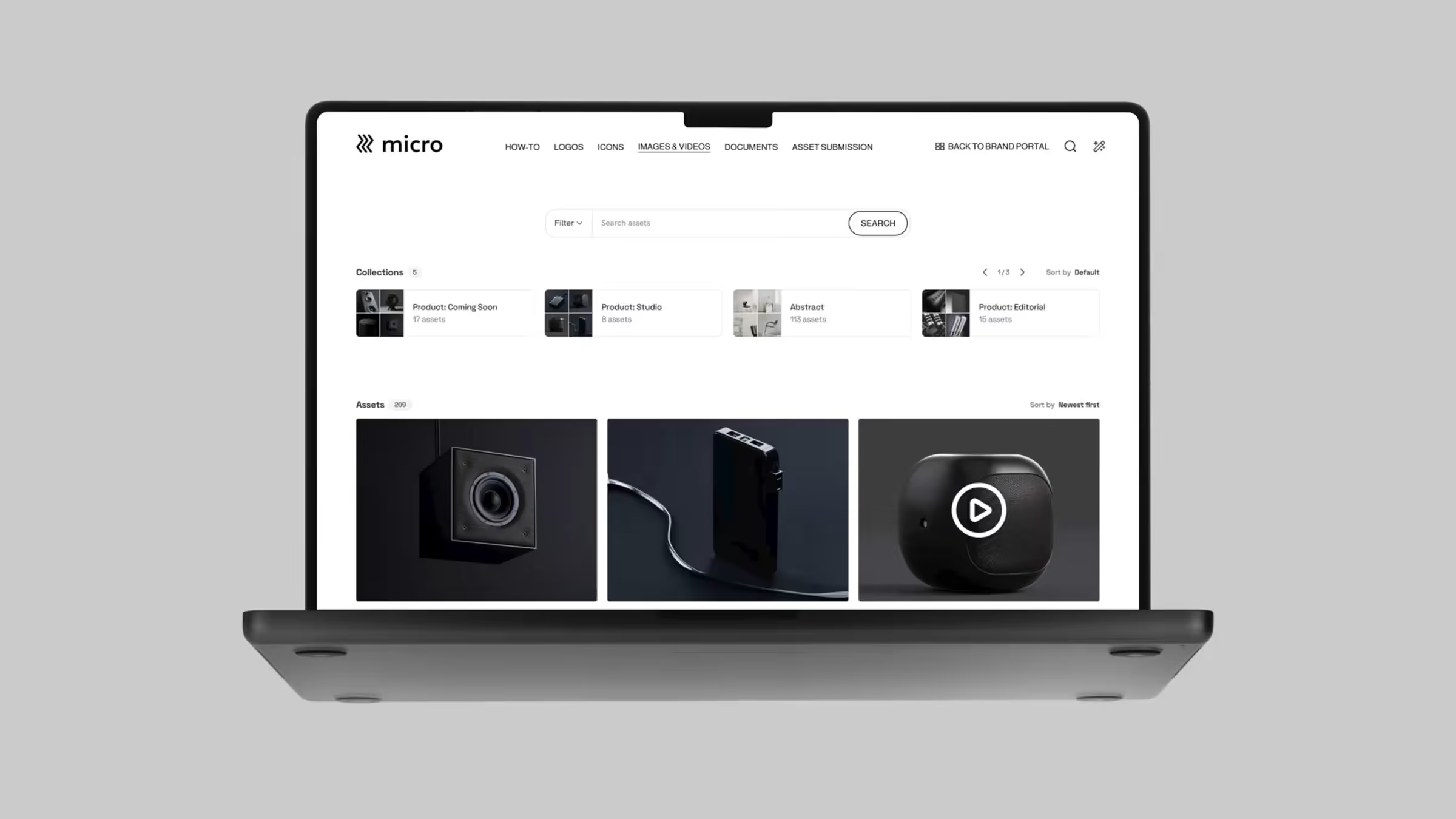
Where it stands out most from competitors is its architecture: Frontify separates a clean, branded portal experience for everyday users from the administrative back-end. That separation supports early adoption and long-term use as the platform is easy to use and navigate. Occasional users who only need to find and download assets aren't navigating the same interface as the person managing permissions and metadata schemas.
Key capabilities include:
- AI-powered search and auto-tagging that reduces manual metadata work
- Native Figma and Adobe Creative Cloud integrations that bring assets directly into creative workflows
- Multi-brand architecture for managing multiple sub-brands within a single environment
- Assets connected to brand guidelines and templates to help teams find files and use them correctly
Best for: Mid-market and enterprise teams that need platform adoption across marketing, sales, agencies, and regional teams — not just the marketing or creative function.
Worth knowing: Organizations that don’t need brand management may find the platform scope more than they need.
Adobe Experience Manager Assets
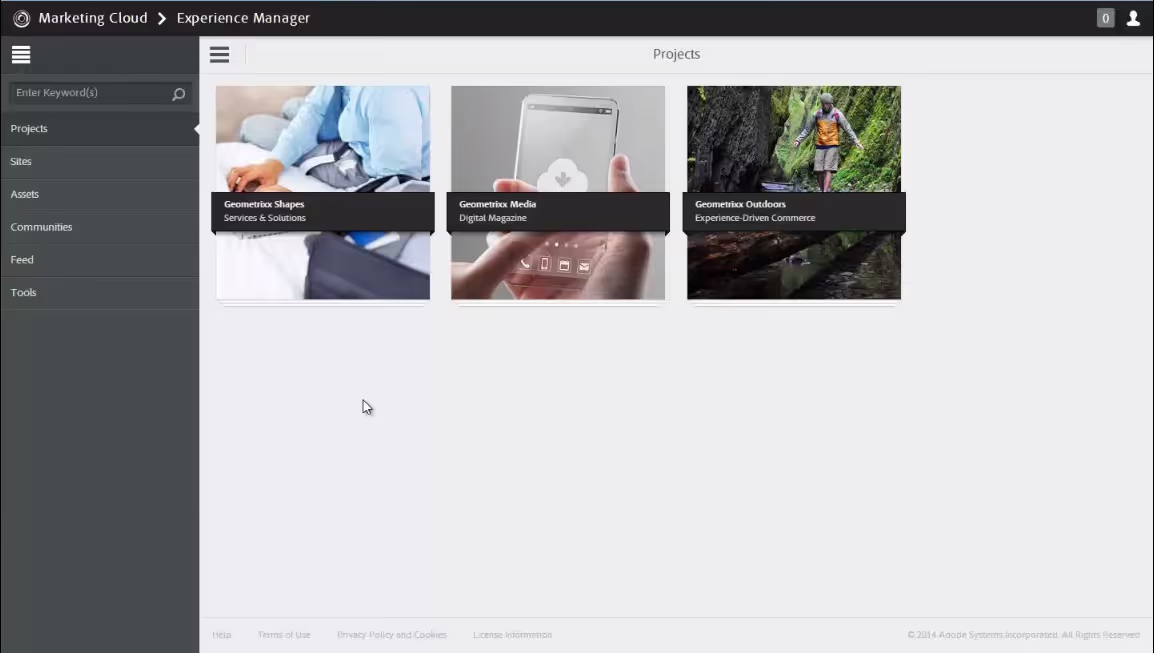
AEM Assets is an enterprise DAM that’s part of the Adobe ecosystem, with integration with Adobe's wider creative tools and experience and content management platform.
Some of its key functionality includes:
- Deep Adobe Creative Cloud integration
- Enterprise-scale architecture with AI capabilities built into the platform
- Integration with Adobe's broader experience platform including CMS and personalization tools
- Established enterprise support for implementation
Best for: Large enterprises already committed to the Adobe ecosystem.
Worth knowing: Many users report that implementation is complex and the platform has a high total cost of ownership. Other asset management tools also offer integrations with Adobe products, so it’s not your only option if you use Adobe creative tools.
Air
Air is a modern digital asset management platform positioned explicitly for teams migrating from cloud storage tools like Dropbox or Google Drive. It's designed to address the most immediate pain points of teams outgrowing basic file storage.
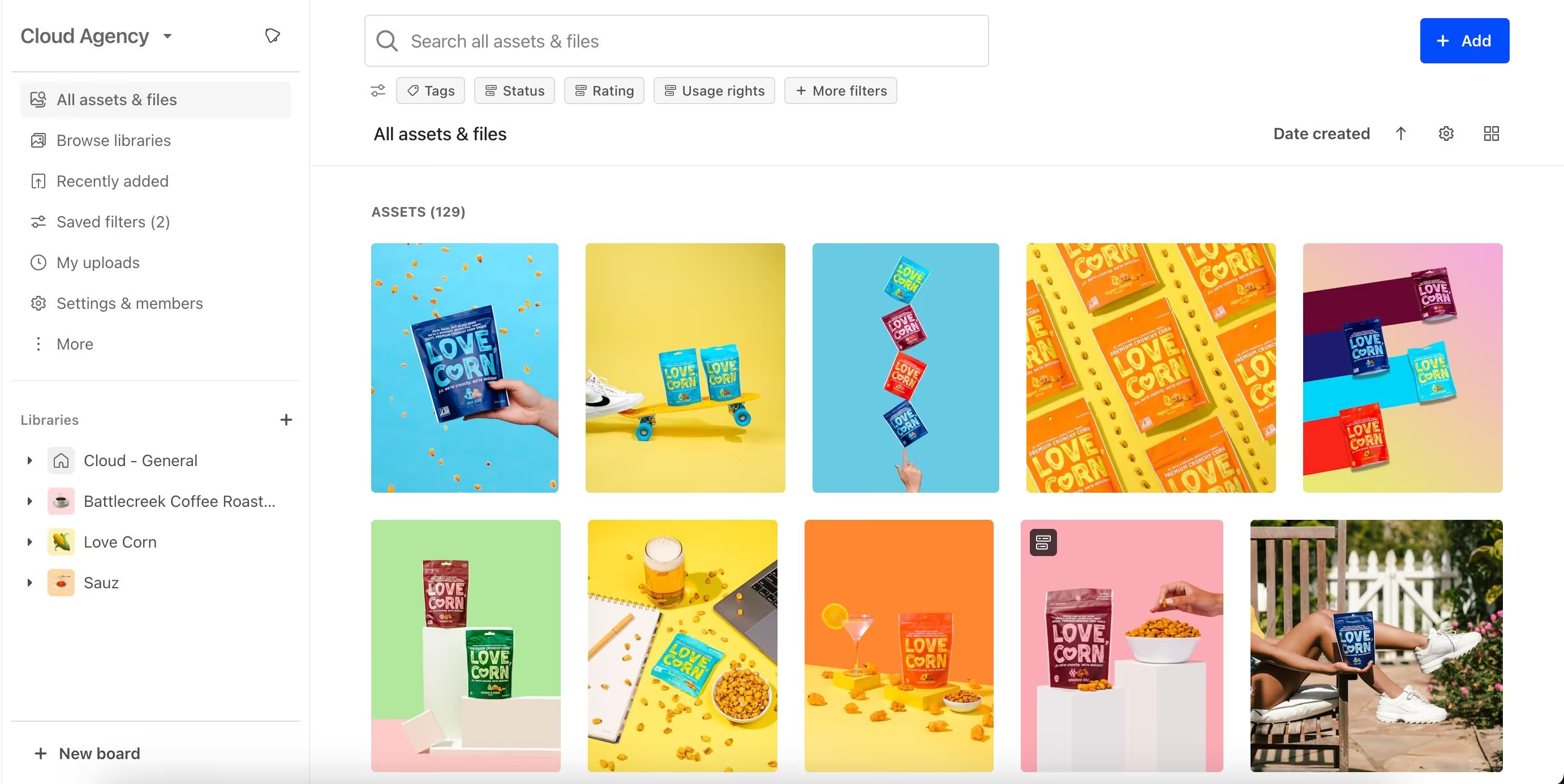
What makes it a strong entry-level option:
- Ease of use and clean, intuitive interface
- Centralized feedback and collaboration features built into the platform
- Transparent pricing relative to enterprise DAM alternatives
- Visual organization that feels closer to a modern creative tool than a traditional DAM
Best for: Smaller marketing teams or agencies taking their first step into dedicated asset management.
Worth knowing: Offers limited enterprise governance features and multi-brand architecture. Teams with complex permission requirements or multiple brands will likely outgrow it.
Common evaluation mistakes to avoid
When you’re comparing MAM vendors, here are some common mistakes we see companies make that lead them to look for alternative asset management solutions soon after implementation.
- Selecting based on feature checklists without testing the user experience. A platform can have every feature on your list and still fail if it’s too complex. Test it during demos by putting it in front of non-admin users and ask them to complete basic tasks.
- Ignoring integration depth. Most platforms list dozens of integrations but give no guidance on what you can do with those connections. Ask vendors to show key integrations live — in the actual tool with your files, rather than as a pre-recorded demo.
- Underestimating future governance needs. Even if your governance requirements feel minimal today, evaluate how the platform handles permissions, rights management, and audit trails at scale. Scalability costs nothing to assess during selection and potentially a great deal to fix afterward.
- Choosing a platform based on price alone. Factor in unseen costs like onboarding and training, ongoing admin, and the likelihood that different user groups will actually use the platform. A more expensive solution that achieves company-wide adoption typically delivers better value than a cheaper one that only the marketing team uses.
- Overlooking access for external users. A platform that handles internal teams well but creates friction for external users solves only half the problem. External partners are frequent asset users, but often an afterthought in platform selection. Ask vendors whether external users need paid seats, and how easy it is to revoke or edit permissions for whole user groups.
Frontify is a leading solution for managing your marketing assets
When shared drives, email threads, and long Slack conversations make it hard to manage your marketing assets, it’s time for a different solution. Frontify brings asset management together with brand guidelines, templates, and creative workflows into a single platform.
Its architecture is designed to drive adoption across the organization, beyond just the marketing team. Frontify provides a separate interface for everyday users than the administrative back-end, so a regional sales rep or external agency partner gets a radically simpler interface than the marketing manager configuring the system.
Learn more about how Frontify can help your team centralize assets, templates, and guidelines, and make it easy for everyone to find and use your marketing files. Book a demo to see it in action.
FAQs