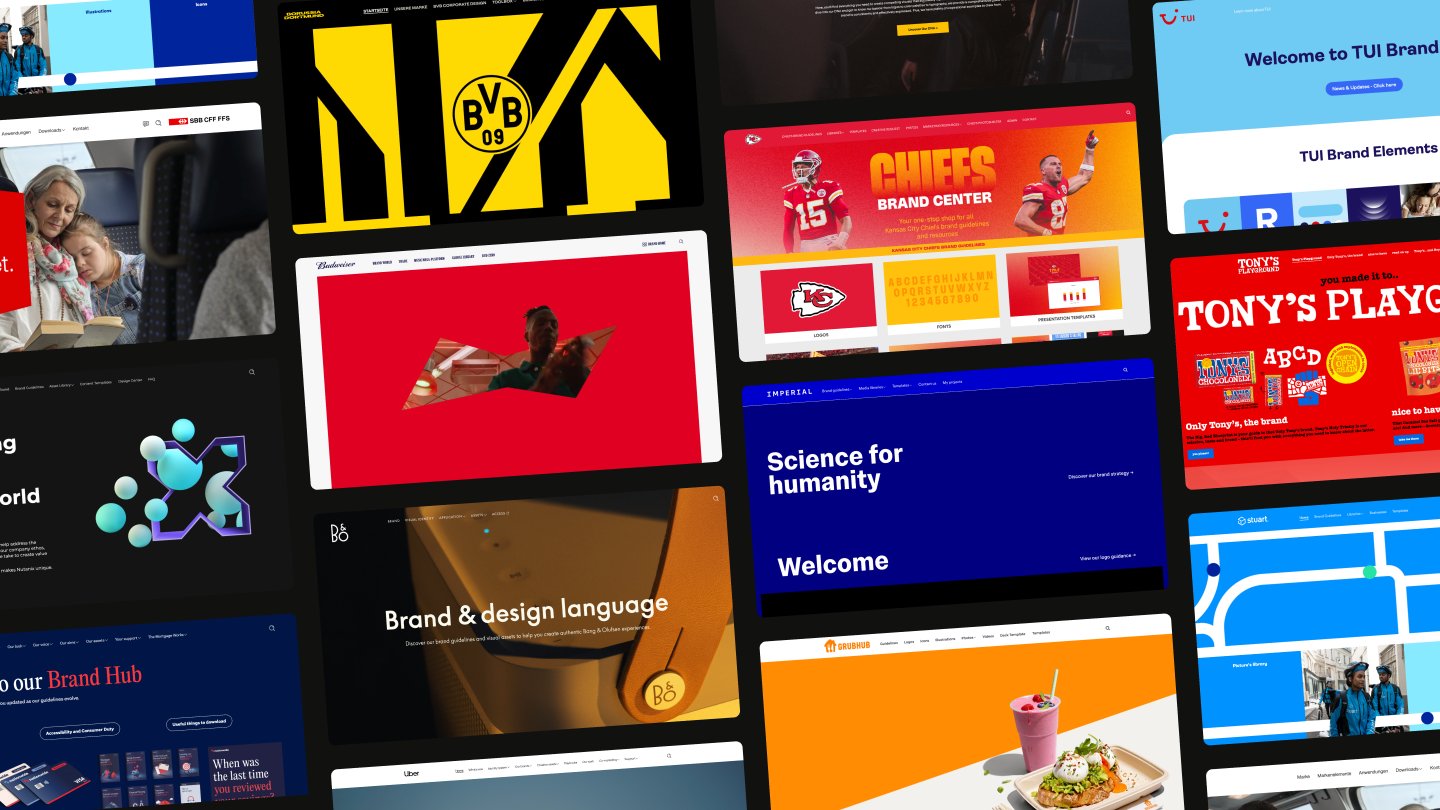

Guidelines your whole brand runs on
Powering every brand decision

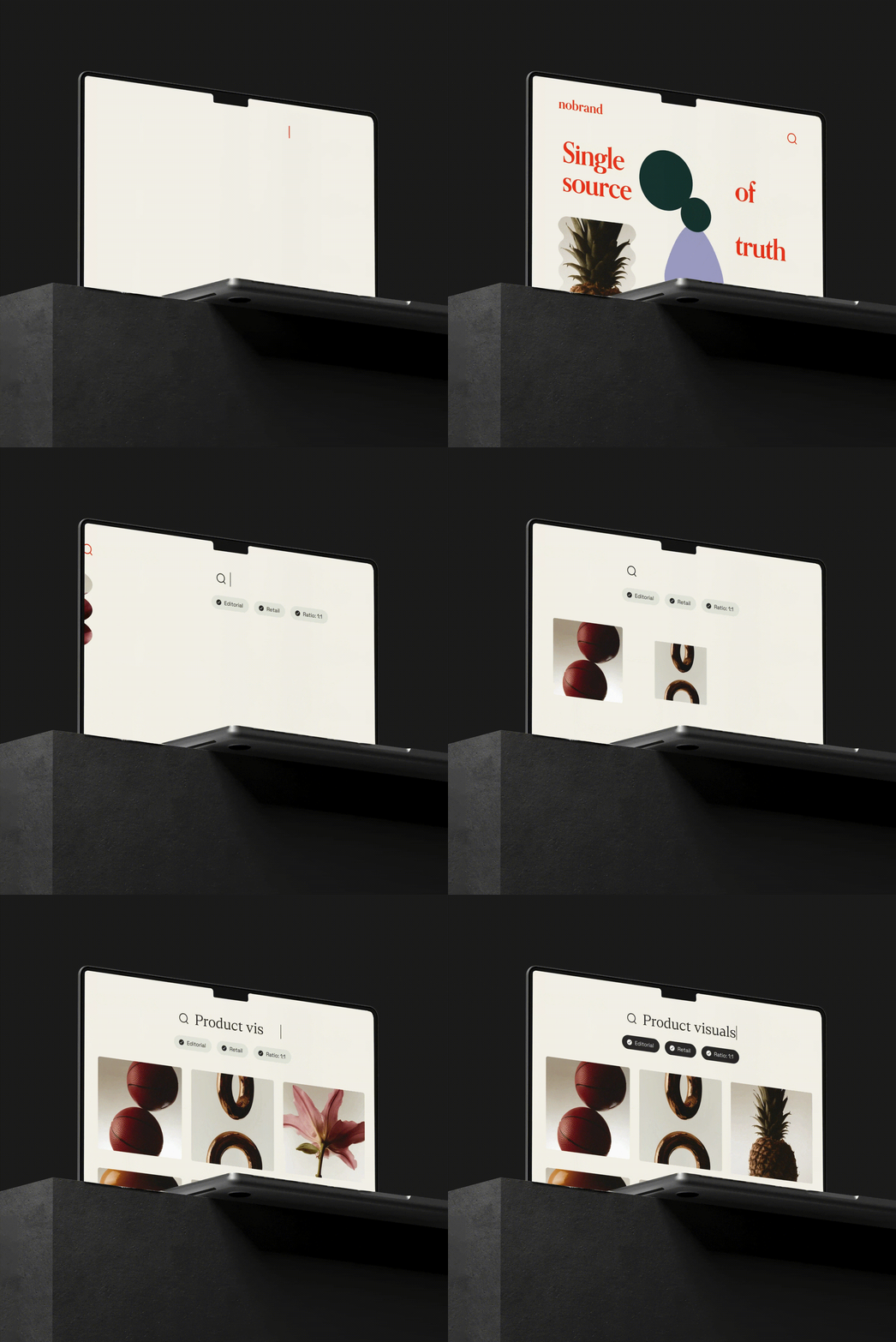
adding layout and visuals …

defining standards …

pulling folder structure ...

documenting design system …
pulling folder structure ...
pulling folder structure ...
Self-service brand access
Guidelines become the infrastructure behind assets and templates, so teams can move fast and stay on-brand without a bottleneck.
Always current, always correct
When something changes, it changes everywhere — instantly. No re-downloads, no version confusion, no team working from an old file.
AI-powered brand assistance
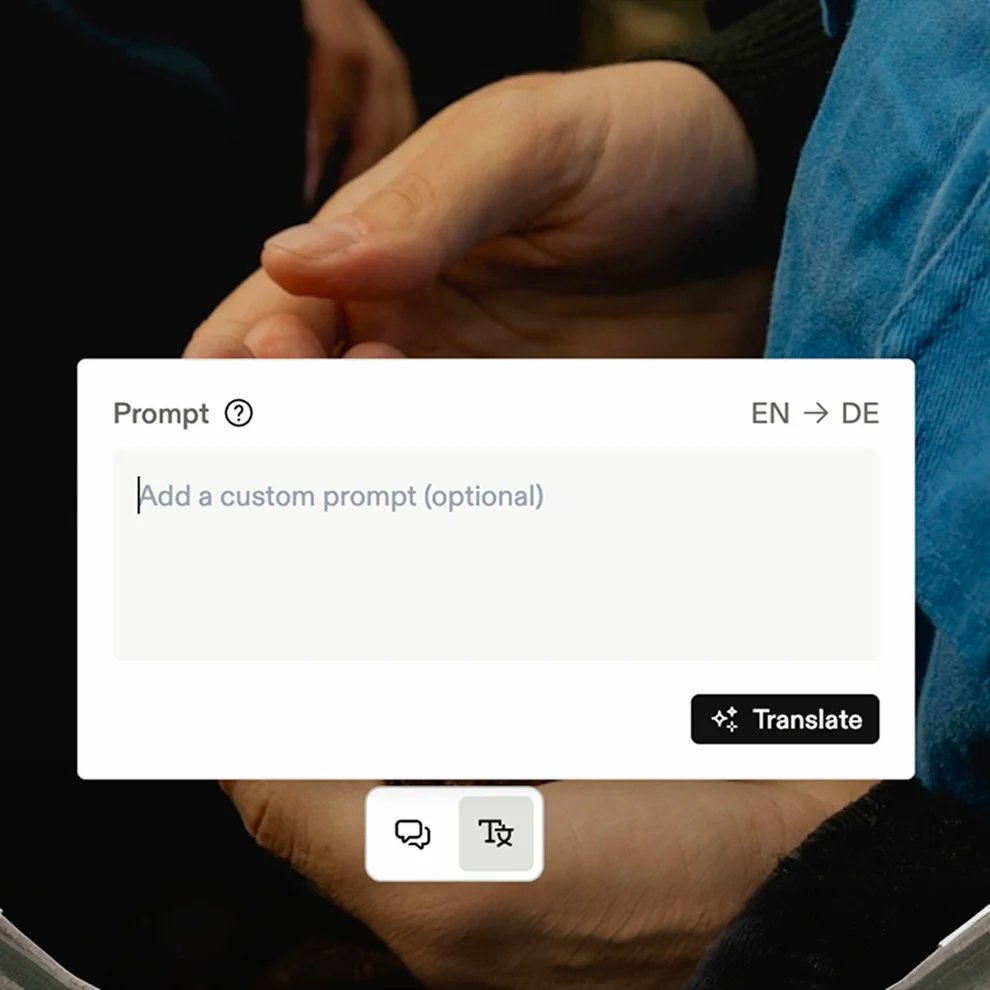
An AI assistant that knows your brand, answers usage questions, confirms what's on-brand for each market, and flags what isn't.
Guidelines where work happens
Brand rules show up where your team already works, so the right guidance is always there when a brand decision gets made.
Built for ease of use
Frequently asked questions
Why use online brand guidelines instead of PDFs and static files?
Accordion header
Online brand guidelines are easier to find, update, and share. Everyone works from the latest brand standards in one connected place, without outdated downloads or conflicting versions. Structured guidelines also make brand knowledge searchable and retrievable by AI.
What can I include in Frontify brand guidelines?
Accordion header
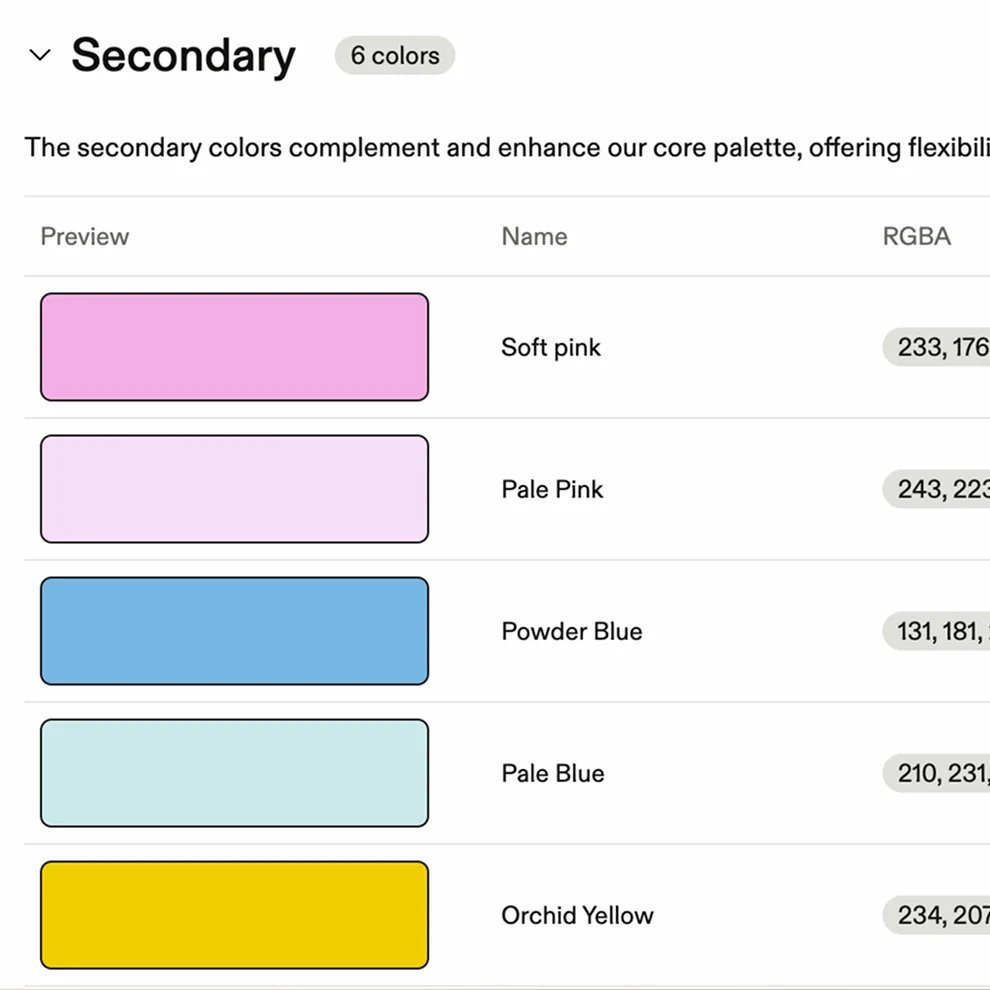
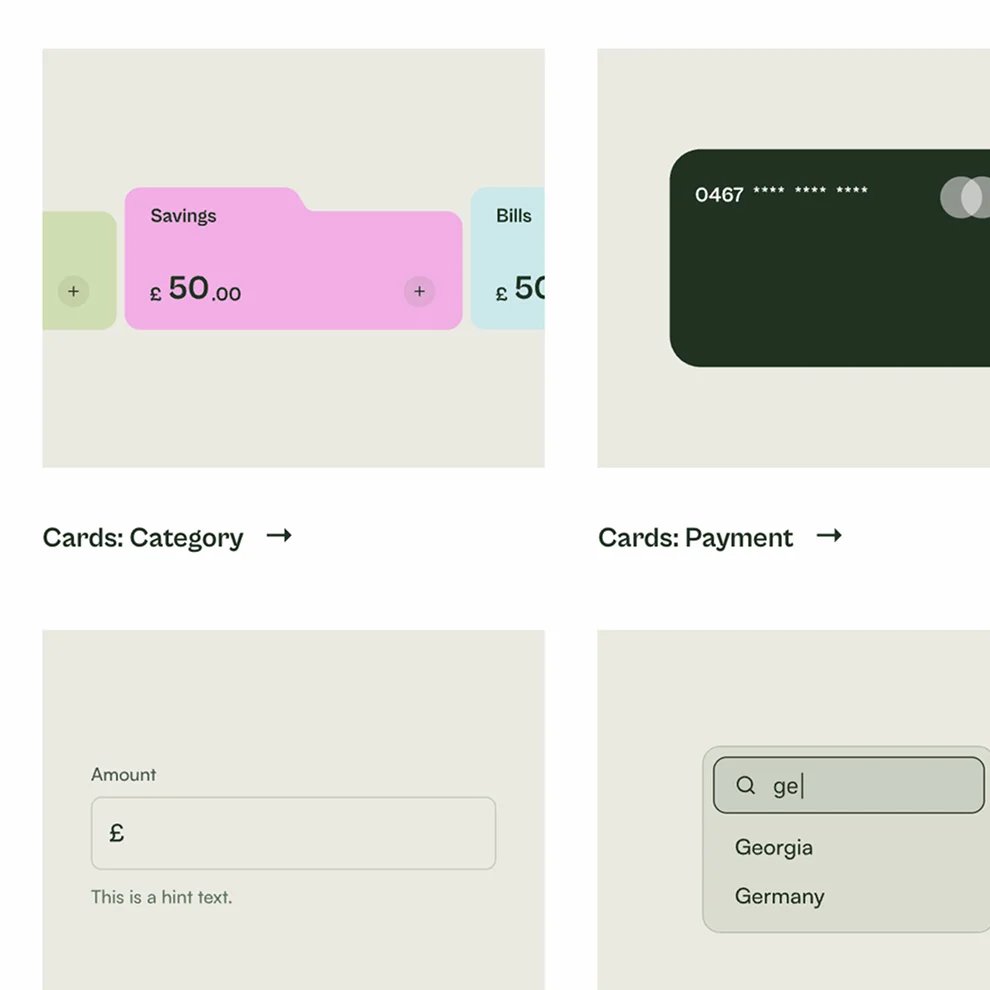
You can bring together everything people need to use your brand correctly, including logos, colors, typography, imagery, voice, templates, and usage rules. Content is organized into clear, customizable topics and connected to the rest of your brand ecosystem.
How does AI use brand guidelines in Frontify?
Accordion header
Frontify's AI retrieves guidance directly from your brand guidelines to answer questions and confirm what is on-brand. This makes brand knowledge easier to access at the moment it is needed, without searching through pages or relying on someone to provide an answer.
Can AI tools and agents access our brand guidelines?
Accordion header
Yes. Guidelines are structured data, not documents, so they can be read by AI tools rather than just people. Frontify is an official Claude connector and integrates with Microsoft Copilot, and the Frontify MCP server connects tools like ChatGPT directly to your guidelines, assets, and templates. Agentic workflows then work from your approved brand rules instead of guessing.
Can agencies and external partners access our brand guidelines?
Accordion header
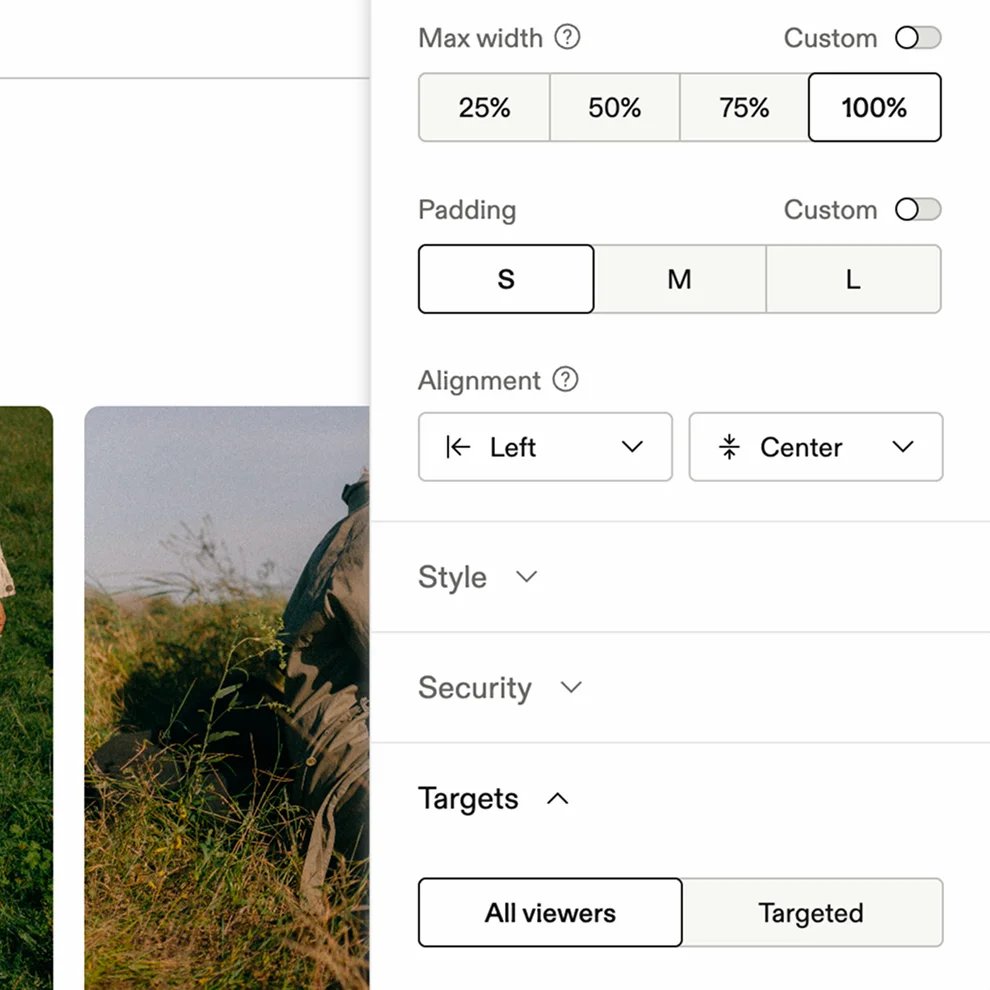
Yes. You can securely share guidelines with agencies, suppliers, and other external collaborators while controlling what they can see. This gives everyone access to the right brand guidance without exposing content they do not need.
How customizable are Frontify brand guidelines?
Accordion header
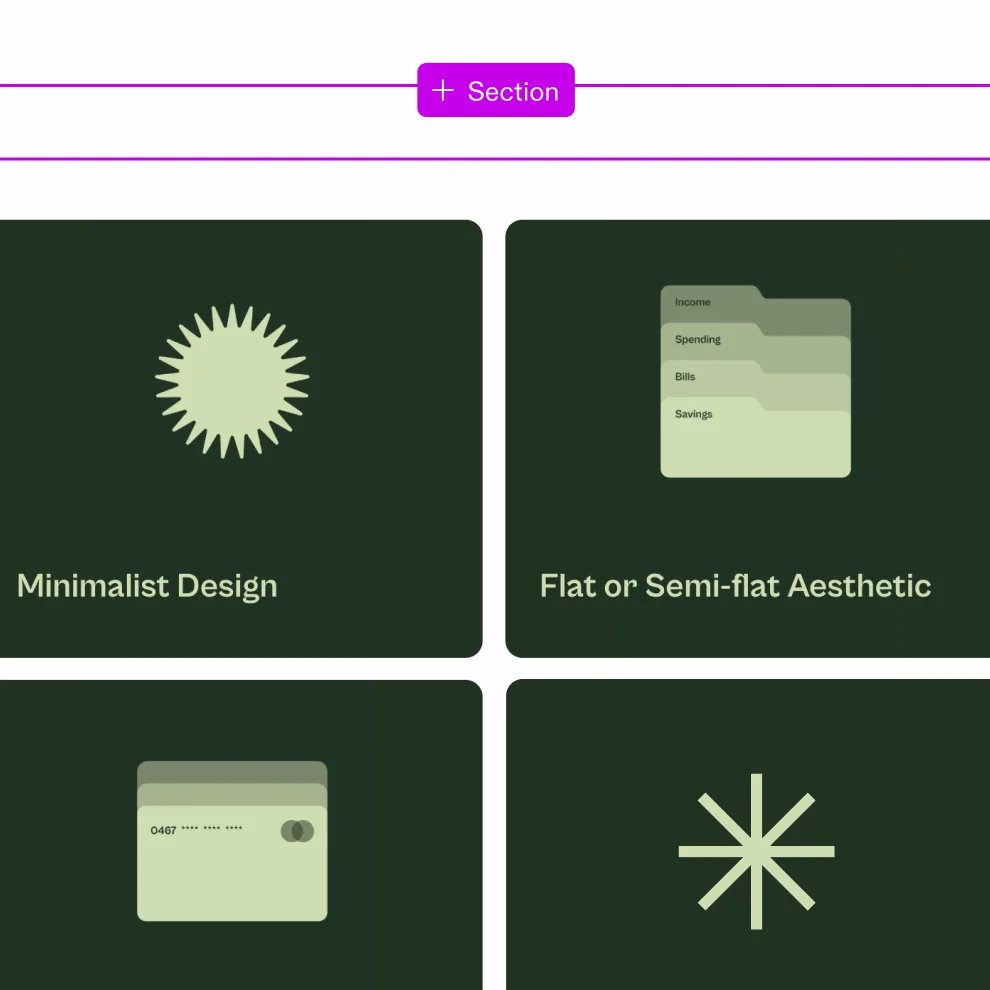
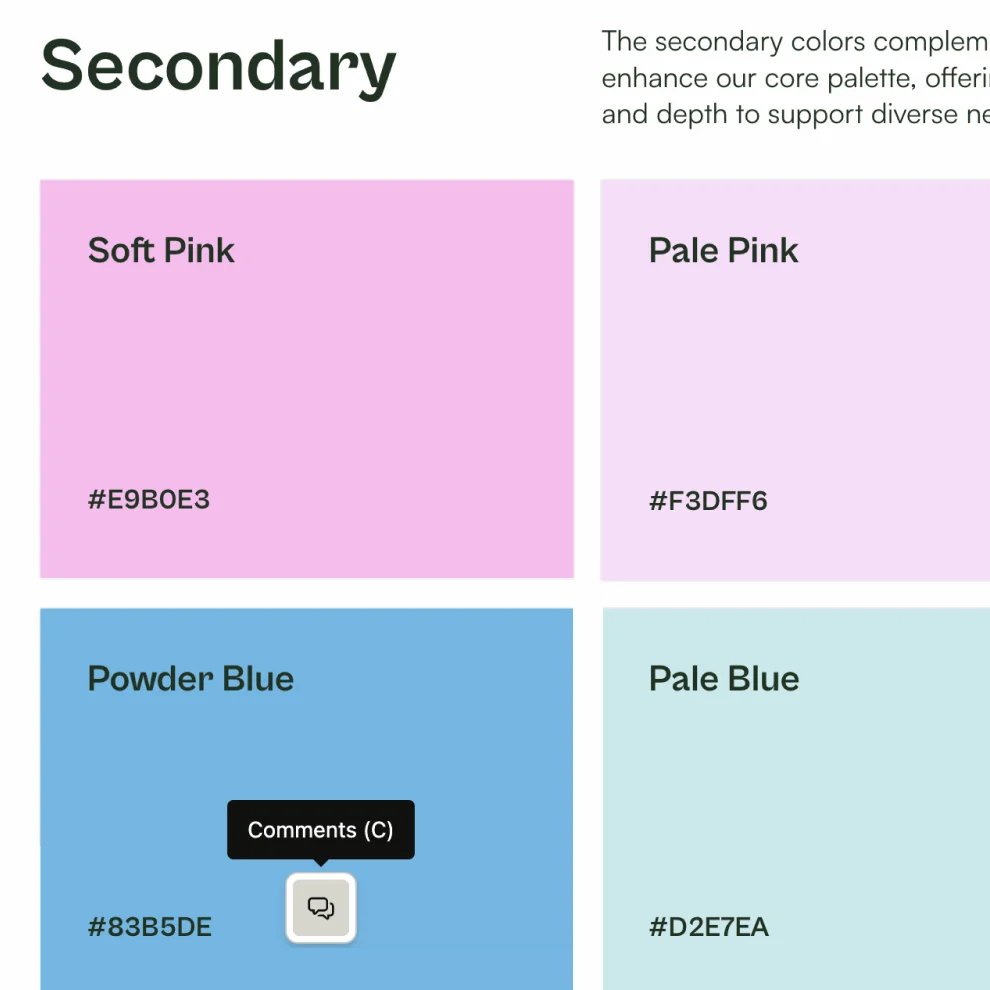
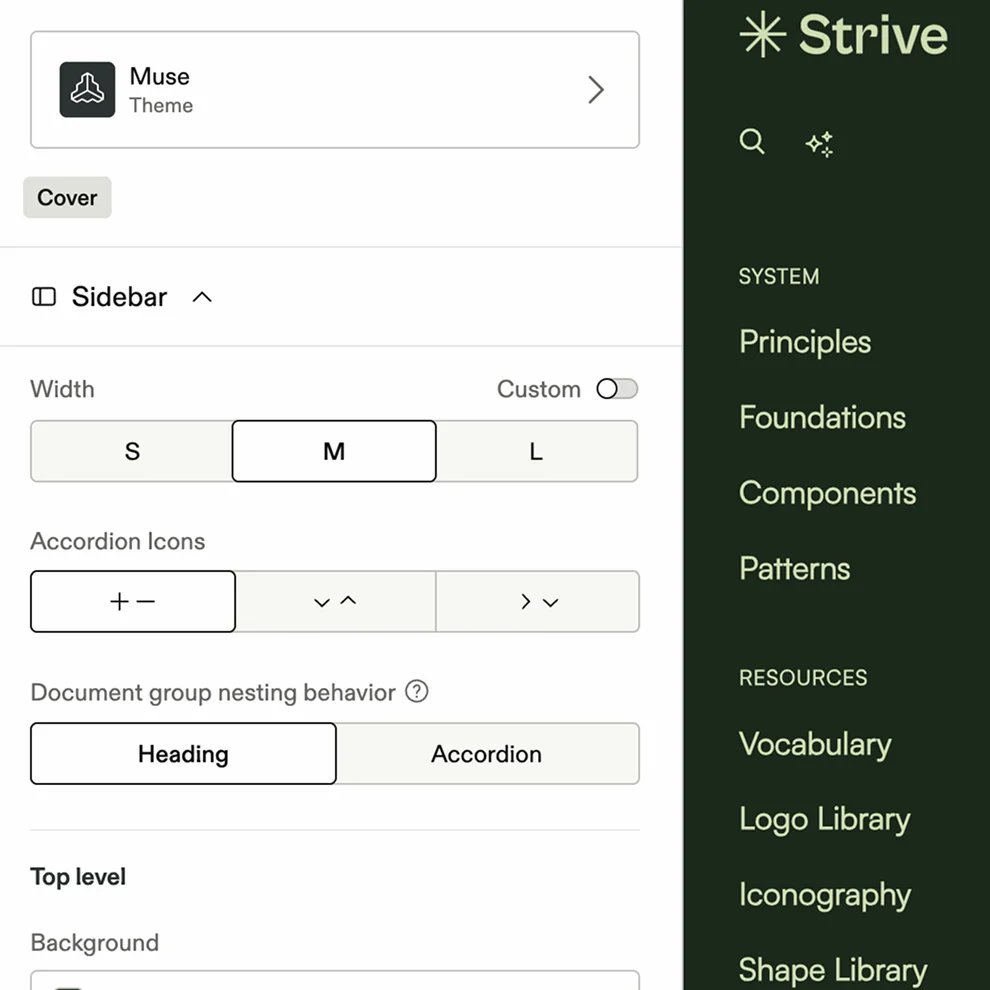
You can tailor the structure, navigation, layouts, and visual design to reflect your brand. Guidelines include around 40+ pre-built content blocks for things like colors, typography, and admins can install more from the Frontify Marketplace, including blocks that embed Figma components, forms, and video. Custom domains and SSO help create a consistent and secure experience.
Can we build on top of Frontify?
Accordion header
Yes. The Brand SDK lets development teams build custom content blocks, apps, and themes that run inside Frontify alongside the pre-built ones, and the GraphQL API and webhooks connect guidelines to your own systems. Anything you build can stay private to your account or be published to the Frontify Marketplace. Full documentation is at developer.frontify.com.
Can I see how our brand guidelines are being used?
Accordion header
Yes. Frontify provides insights into how people access and engage with your guidelines. You can identify frequently visited content, understand what people are looking for, and improve guidance based on real usage.