
Creative freedom with brand control
On brand, in time, and at scale

pulling from Figma file ...

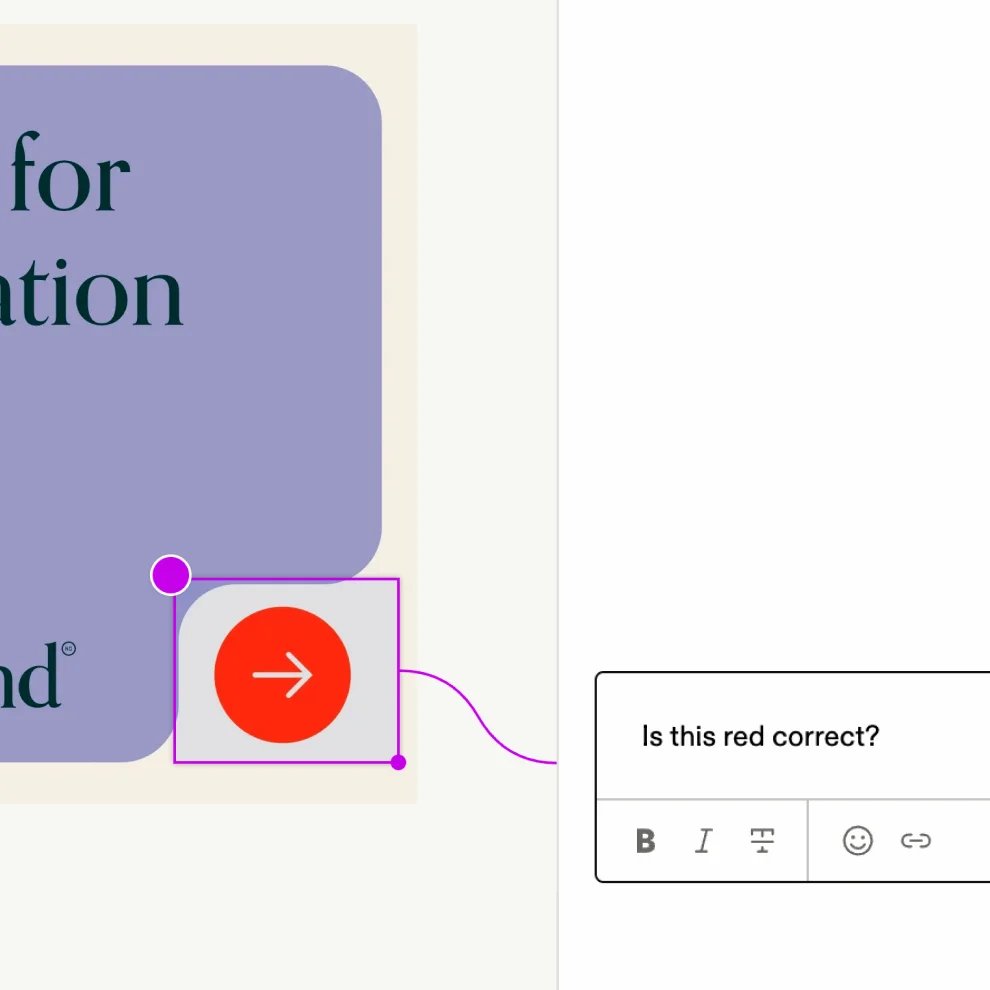
editing copy & colors …

pulling folder structure ...
editing copy & colors …

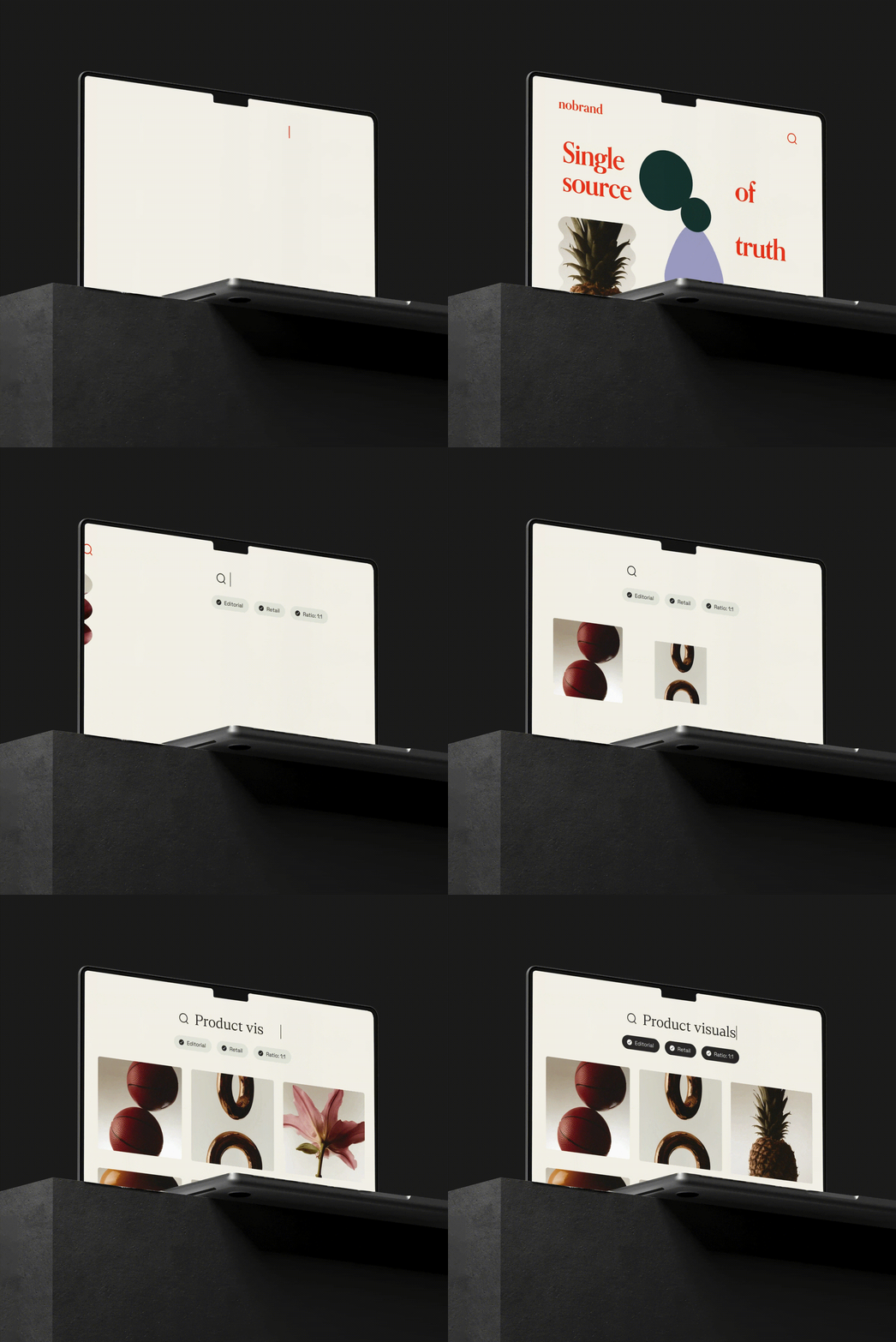
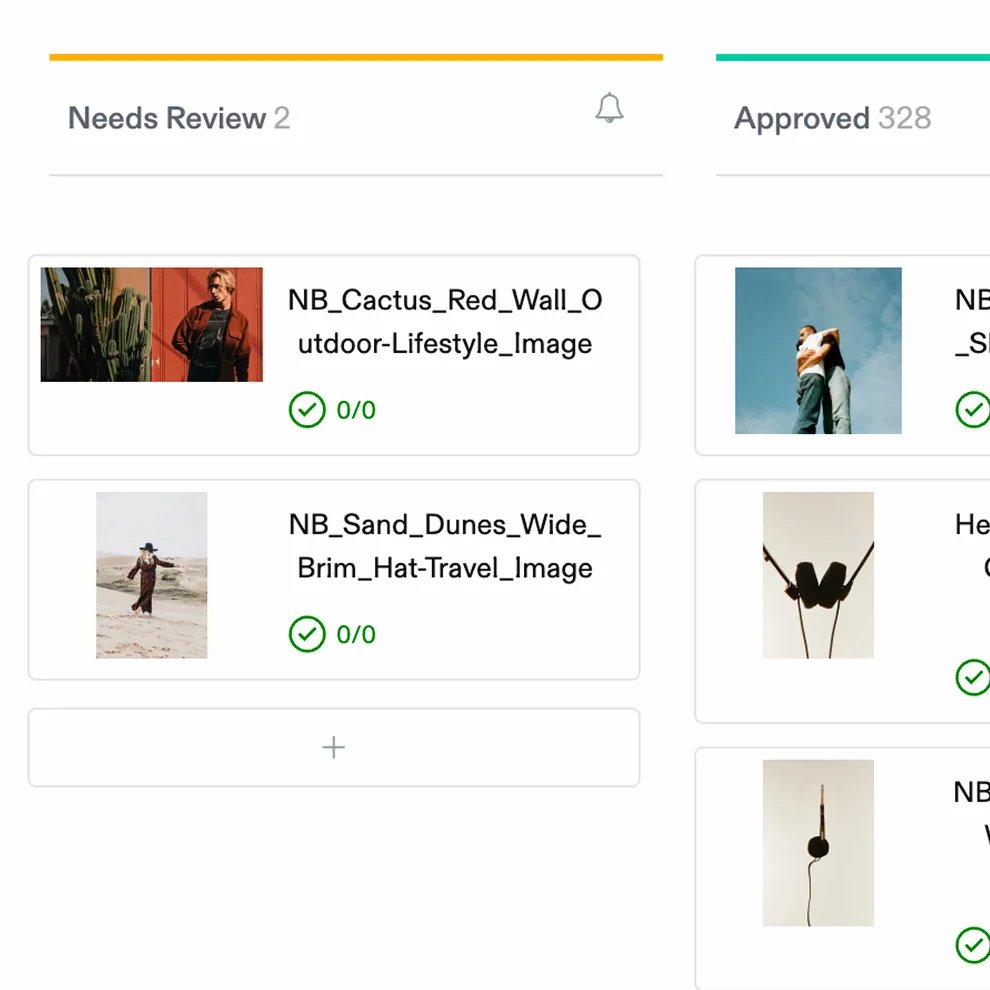
browsing the asset library …

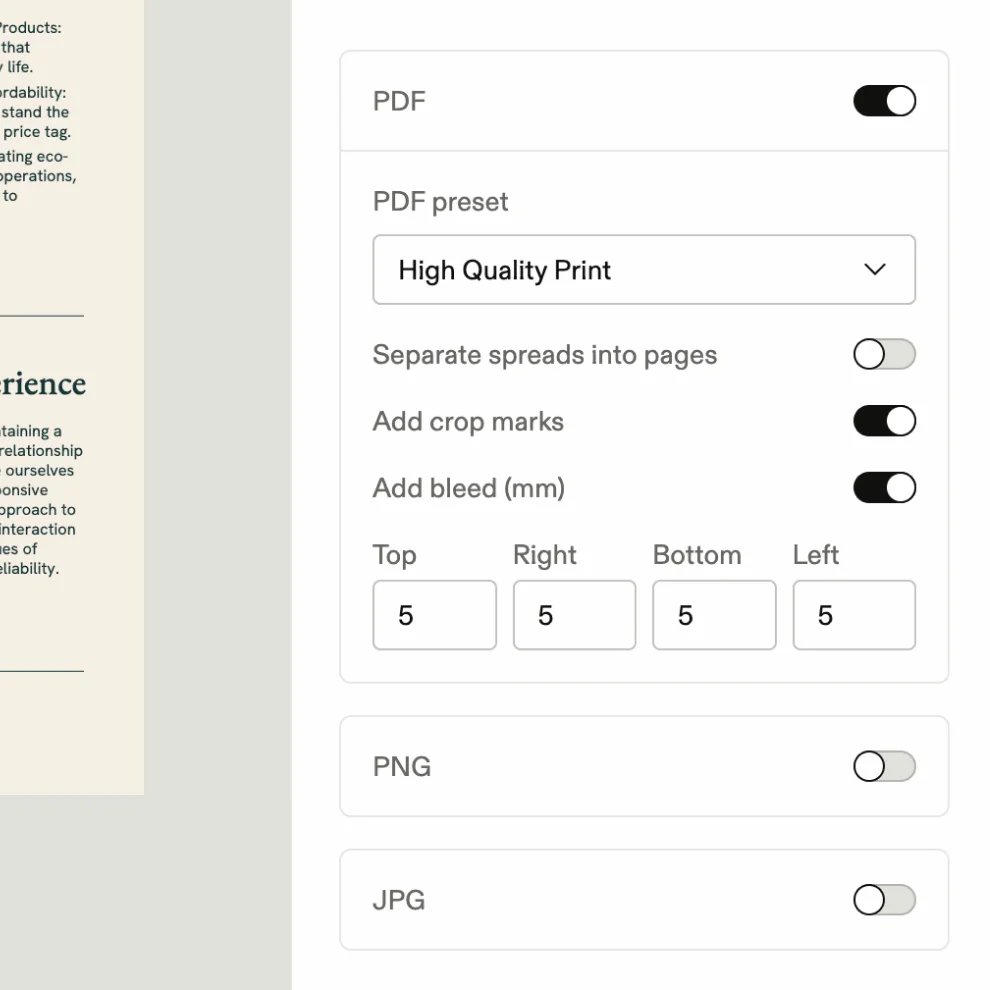
ready for export ...
Localize without losing the brand
Swap copy, imagery, and layouts for different markets without touching the elements that make the brand recognizable.
Print, digital, and motion
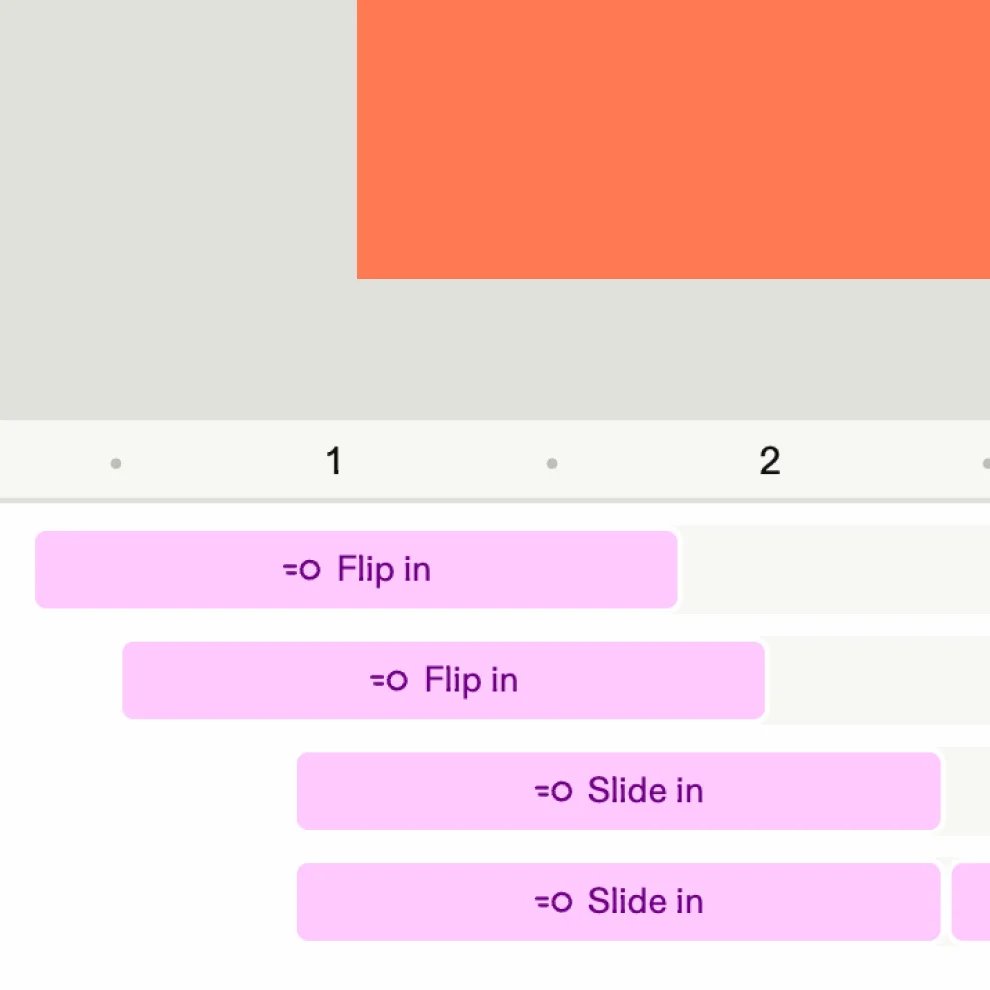
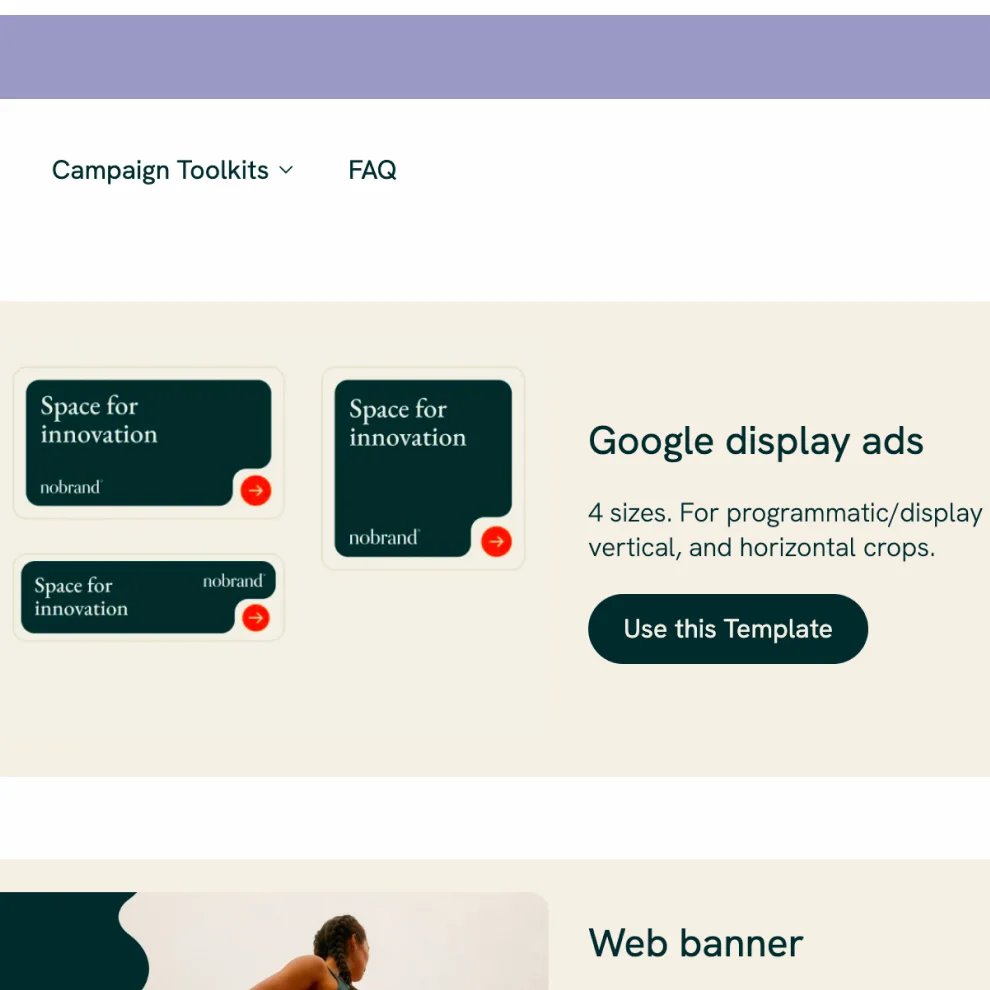
One template, every format: Generate print-ready files, social assets, and motion graphics — all on brand, all consistent.
Your whole workflow in one place
Build templates in your existing design tools, connect to Frontify DAM, and approved assets flow in automatically.
Scale without the manual work
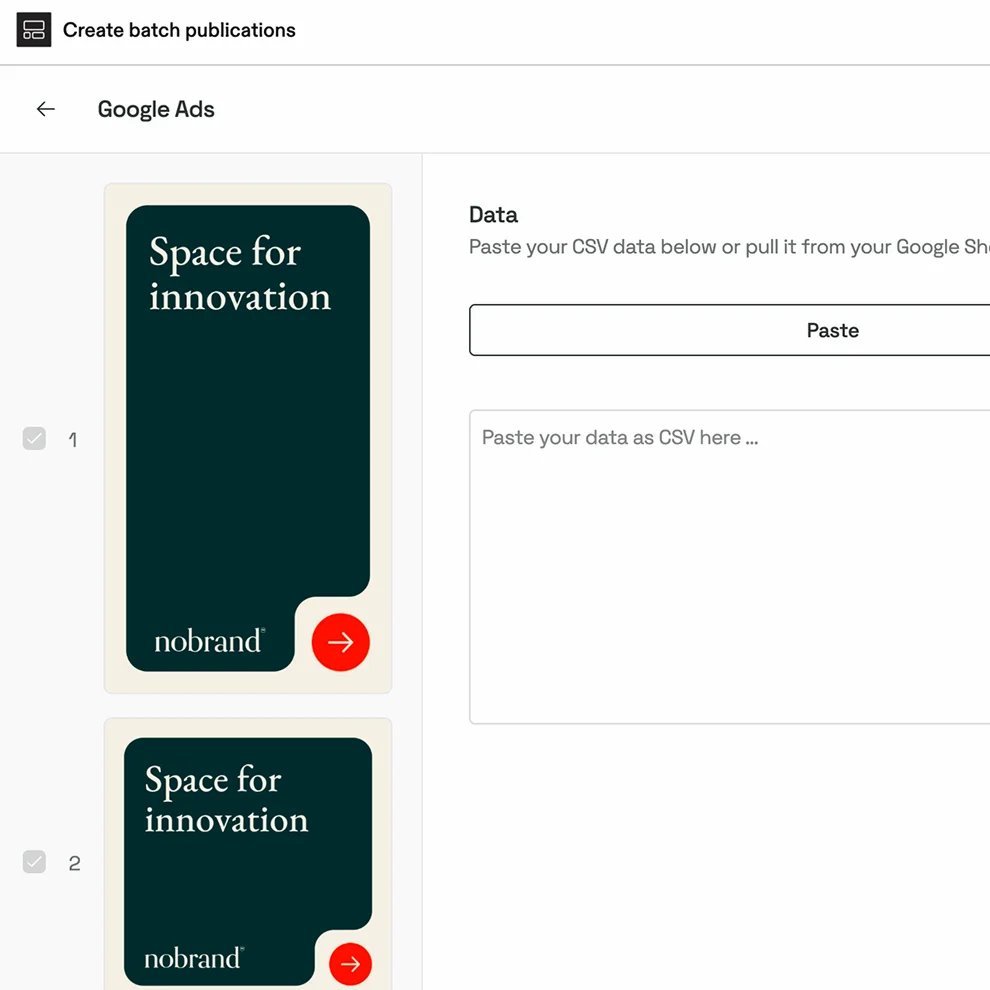
Turn one template into hundreds of on-brand assets automatically. Connect spreadsheets, map data, and let Frontify handle the production.
Built for ease of use
Frequently asked questions
What are templates in Frontify?
Accordion header
Templates in Frontify turn brand-approved designs — print, digital, and motion — into editable formats anyone can use. Teams create customized, on-brand content without starting from scratch or needing design skills.
Who uses templates in Frontify?
Accordion header
Marketers, sales teams, local offices, external partners — anyone who needs to create branded materials quickly and easily, without bottlenecking your creative teams.
How do templates help keep content on-brand?
Accordion header
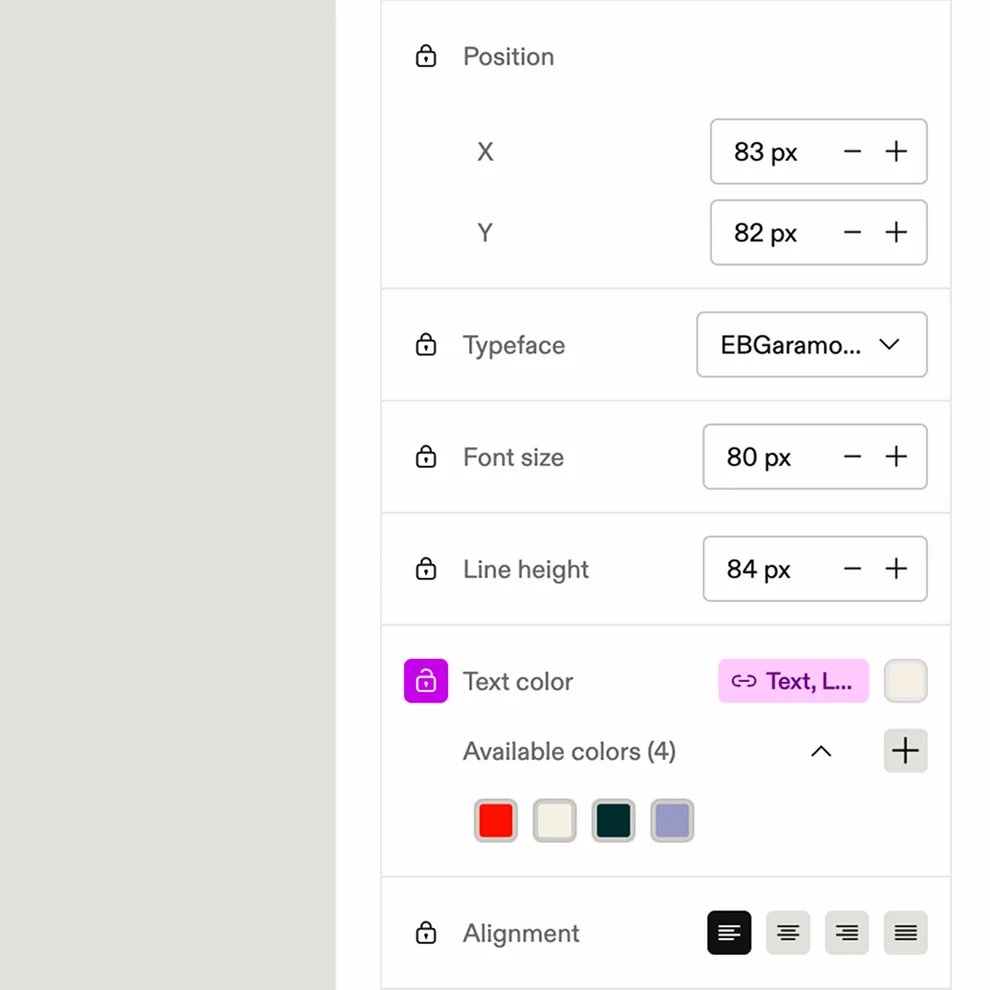
Templates lock in key brand elements like logos, colors, and typography. Teams can personalize content within set boundaries, so every asset stays aligned with your brand’s look, feel, and message.
How do templates speed up content creation?
Accordion header
By removing the back-and-forth between teams requesting content and the designers producing it. Marketing, sales, and local offices can localize, customize, and publish themselves in minutes, not weeks — freeing your creative teams to focus on high-value work.
Can I build templates using the tools my team already knows?
Accordion header
Yes — Frontify integrates with tools such as Figma, InDesign, and Storyteq so your design teams can create templates in the tools they already use and publish them for easy editing in Frontify.
How do templates connect with other parts of Frontify?
Accordion header
Templates work hand in hand with your guidelines and assets, so teams can pull the right logos, imagery, and content directly into their templates without leaving the platform.