
Many digital asset libraries have the same problem: they are full of files but the people who need them can't find them quickly, so they stop looking.
The assets are in there. The platform is live. And yet the Slack messages keep coming — “anyone have the latest version of the logo for social media?” — and duplicate files keep growing. Library adoption figures stay flat, and leadership tries offering better training, different folder structures, or driving adoption from the top-down.
Those are worth trying, but they’re focused on the wrong problem. Most digital asset libraries fail because they present a single interface to every type of user, and that interface was designed by and for the person who administers the system. Everyone else — the marketer, the sales rep, the external partner — is left navigating a tool that wasn't built with their needs in mind.
The fix isn't more detailed training. It's separating the administrative back end from a user-facing brand portal, so that the librarian and the marketer stop sharing a homepage.
What is a digital asset library?
A digital asset library is the central place where an organization stores and distributes its brand files: logos, campaign imagery, product shots, video cuts, and presentation templates. It’s designed to be the single source of truth for every piece of creative content the business produces — the one place anyone in the organization can go to find the approved, current version of whatever they need.
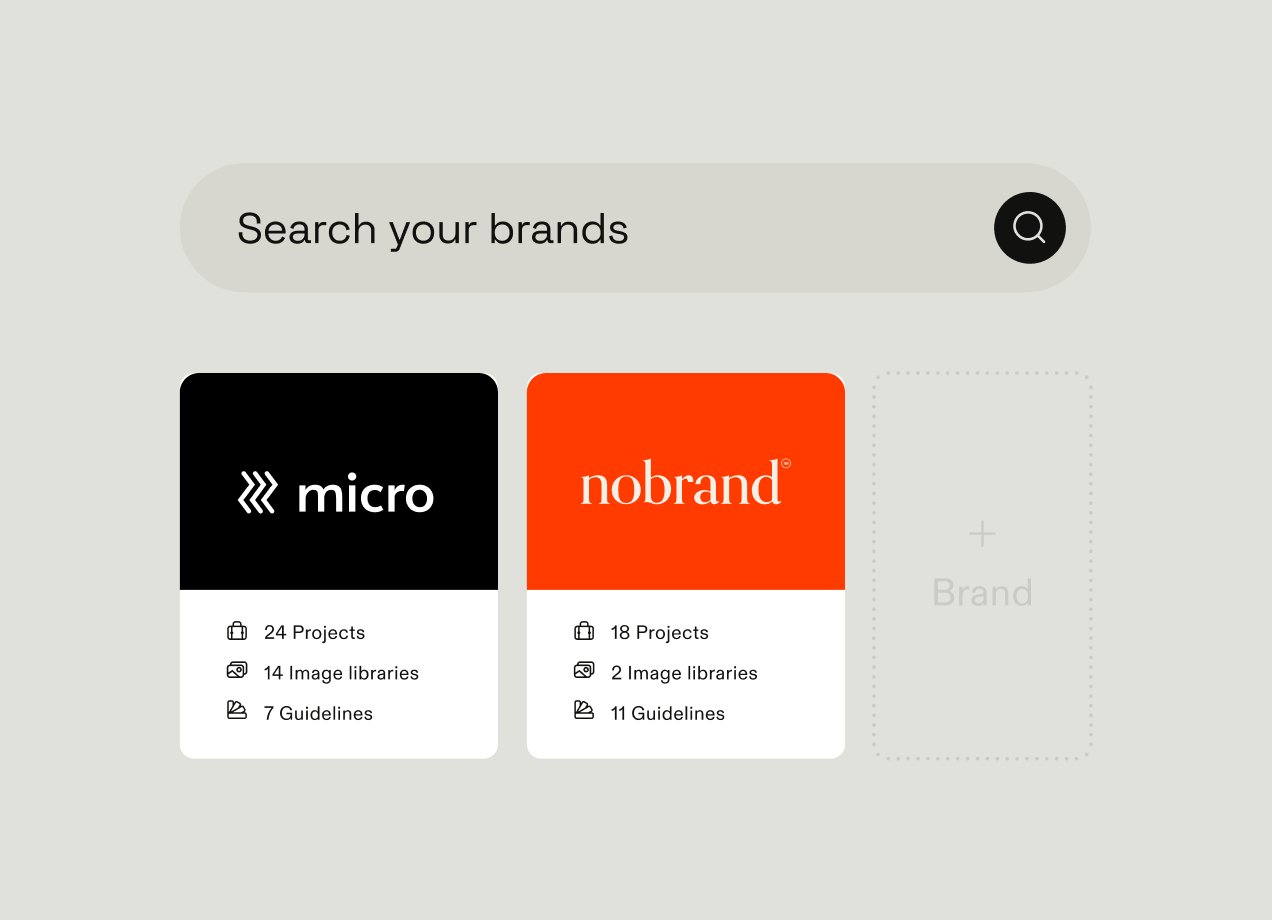
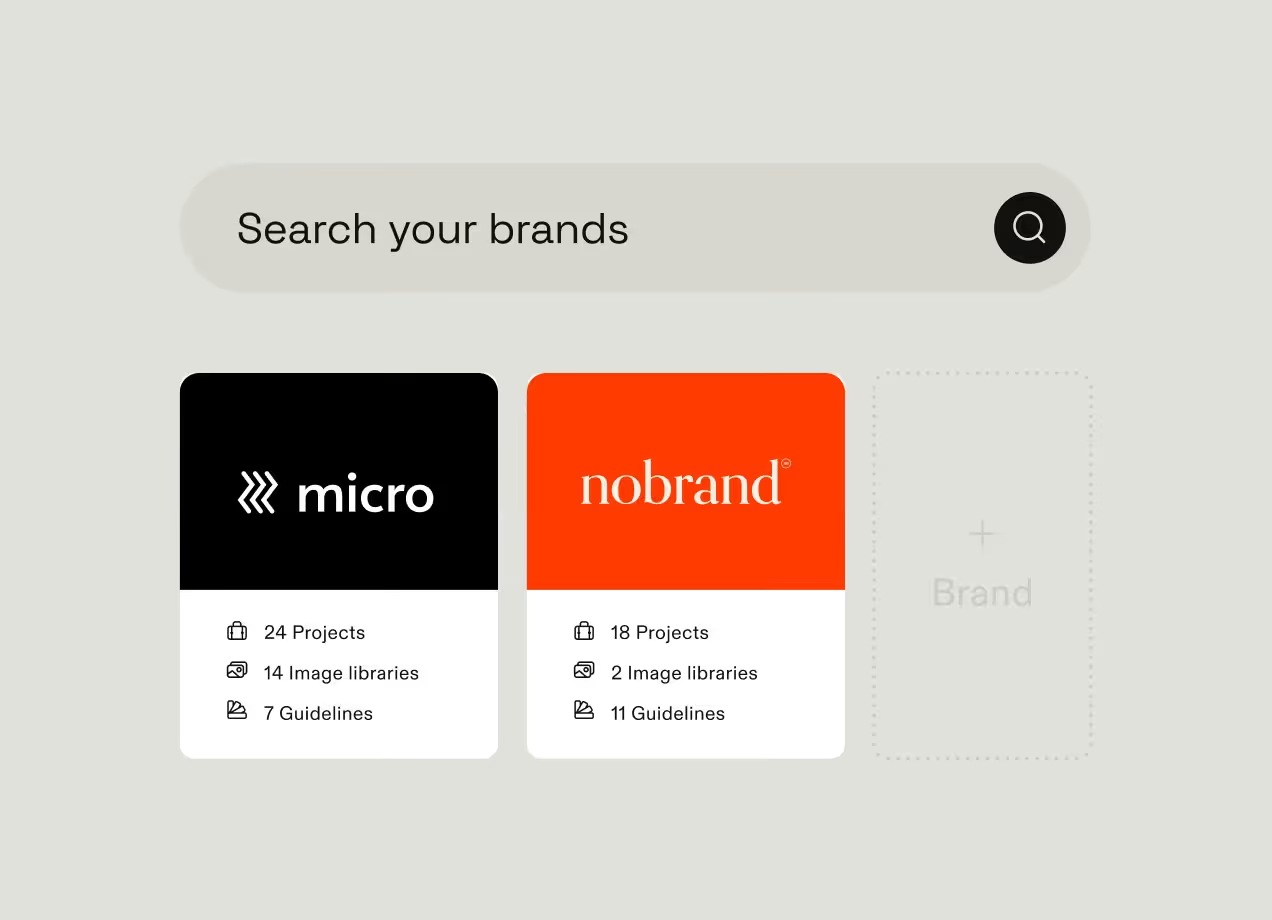
The basic version is a storage and retrieval system. Files go in, people search for them, files come out. The modern version has evolved into something closer to a brand management hub: a single platform connecting creative assets, brand guidelines, and editable templates, and making all three available to everyone who needs them — from internal marketing and sales teams to regional offices, agency partners, and franchise operators. Some platforms (like Frontify) go further, adding automation, AI-assisted tagging, and integrations with creative tools designers already use.
The biggest problem with digital asset libraries
Many digital asset libraries struggle with adoption. Either people never start using them beyond the marketing team, or usage levels steadily decline over time. There are several reasons for this:
The interface is built for the wrong person. A digital asset library is typically designed and maintained by an administrator — someone who thinks in metadata schemas, folder hierarchies, and file naming conventions. That architecture makes sense for the person who built it, but makes very little sense to a marketer who needs a campaign banner by end of day, a sales rep pulling together a pitch deck an hour before a meeting, or a partner agency looking for the latest approved logo. When the library's default view is a database, everyone who isn't a database user will struggle.
The cataloging burden makes the library stale. Assets only become findable when they are properly tagged and described. At scale, that job is enormous — Guy Sherman, a Pets at Home consultant, walked through the math on a recent Frontify product keynote: about a minute per description, multiplied by a library of 12,000 assets, works out to over 200 hours of manual cataloging work. When that burden falls on the marketing team on top of their existing responsibilities, it doesn't get done. Files arrive untagged, searches return incomplete results, and users learn quickly that the library can't be trusted to show them everything relevant.
When the library stops working, people route around it. Parallel systems emerge: a Slack channel for file requests where users wait for a designer to drop a link; a shared Google Drive folder nobody has pruned in years; three "final" versions of the same asset circulating in DMs, none of them definitively current. Every one of these workarounds started as a shortcut and became permanent because it was faster than searching in the digital library.
These challenges are invisible to brand leadership. Shadow libraries and untagged assets don't show up in DAM dashboards or adoption reports. What shows up instead is a logins-per-month figure that keeps declining, with no clear explanation for why.
Why you’re struggling to improve digital library usage
When digital asset library or DAM usage levels drop, companies often try one of two things:
- More platform training;
- Or change management.
Neither works because they’re not addressing the core problem with your digital asset library.
Training assumes the interface is correct. When a marketer can't find what they need, the natural interpretation is that they haven't learned how to use the system properly. But if the interface is presenting an administrator's database view to someone who thinks in campaigns and channels, the issue isn't familiarity — it's that the tool wasn't designed for them in the first place.
Change management mistakes a design problem for a behavior problem. People who route around the official library and default to Slack or shared drives aren't being stubborn — they've just found a process that works better for their needs. Coaching them back toward a tool that doesn't serve those needs tends to provide a short-term adoption spike that doesn’t last.
Better taxonomy helps, but only so far. Improving folder structures and refining metadata schemas does make assets easier to find. But it leaves the underlying issue untouched: the marketer and the administrator are still looking at exactly the same interface. A tidier database is still a database.
What these fixes share is that they all work around the architecture rather than questioning it. The next section looks at what happens when you question it directly.
The architectural fix: separating the admin back end from the brand portal
The libraries that get used consistently tend to share one structural decision: they separate the administrative surface from the user-facing one. The librarian and the marketer don't share a homepage, because their jobs have almost nothing in common.
Anton Moritz, Senior Product Manager for DAM at Frontify, framed the shift this way: “Over the past couple of years we've seen the DAM shift from being a static repository to more of an intelligence brand management hub. Today's DAM is not only about storing assets but actually understanding them.” That shift only works if the architecture supports it — and that means the DAM needs two distinct layers:
The back end is where the administrator works. This is where metadata schemas are defined, tagging rules are set, permissions are configured, and asset lifecycle rules — like automatic expiration for time-limited campaign material — are managed. Crucially, none of this is visible to the end user.
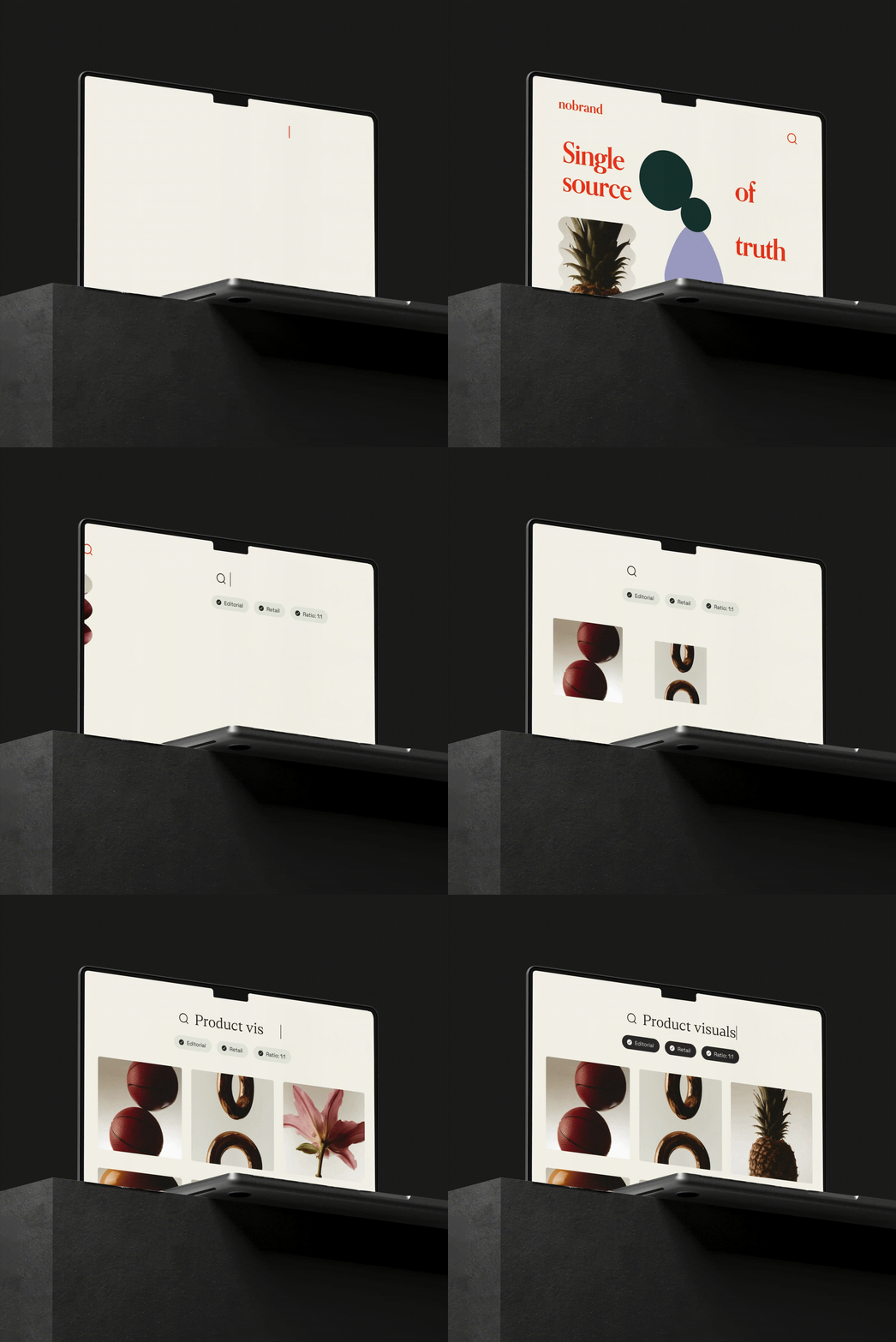
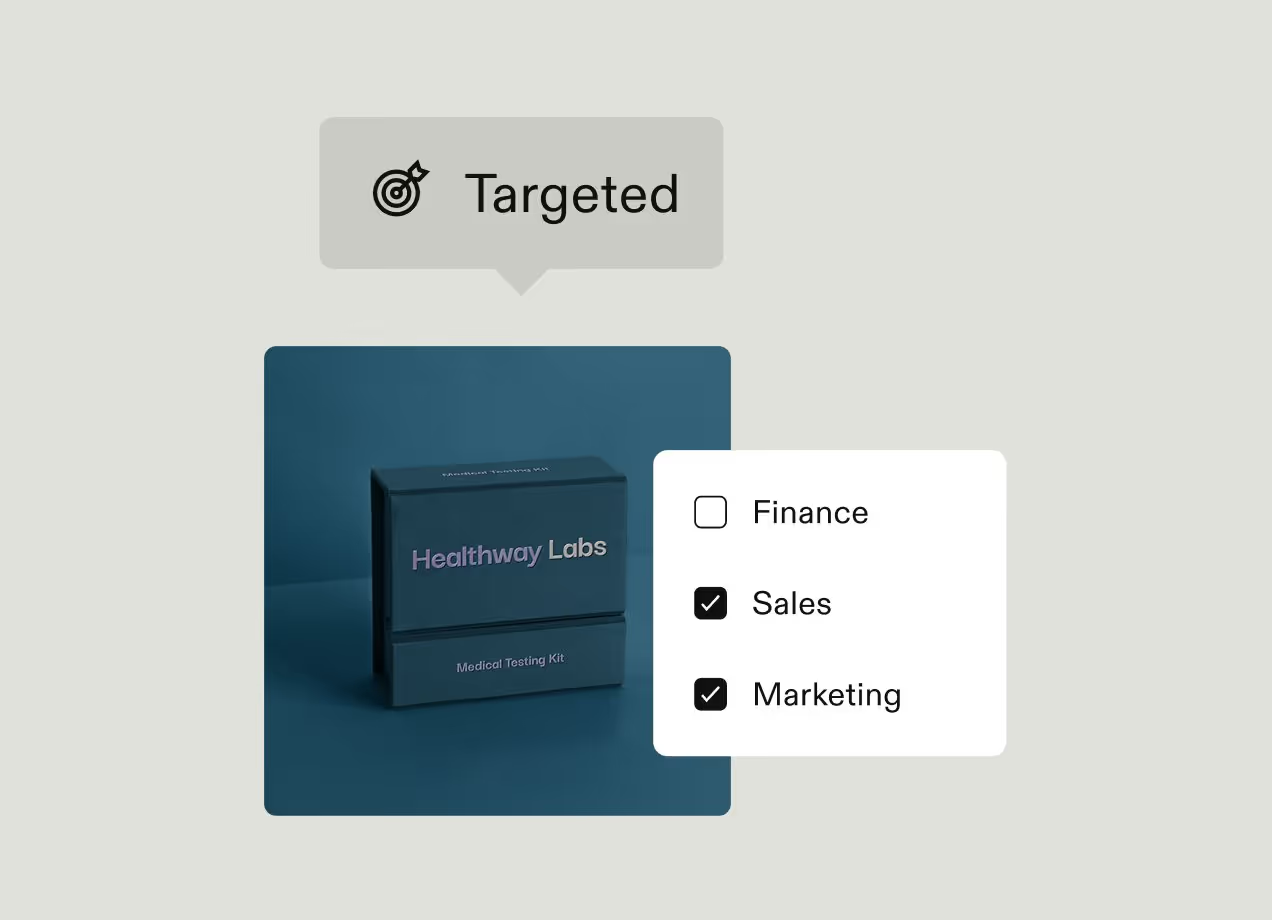
The front end is a brand portal — and it looks nothing like a database. Rather than presenting a folder hierarchy and a search bar, the portal opens on whatever is most relevant to the person using it. Browse paths are organised around campaigns and content types rather than filing structures. Smart filters narrow results the way a streaming service narrows a content library. Integrations with tools like Adobe Creative Cloud and Figma let designers pull approved assets directly into their existing workflows. The marketer never sees the metadata schema or the permission logic, because none of that is their job.
The table below shows what this separation looks like in practice:
This shift means that a library that was previously a static repository starts to behave more like an active brand management hub — one that doesn't just store assets but connects them to the guidelines and templates that give them context. For most teams, those three things currently live in three different tools. As Moritz put it, “Brand orchestration is removing silos — not only silos between people, but the silos between tools.” The portal layer is what brings them together in one single source of truth.
What a brand portal looks like for each user type
The portal layer is only as useful as what each audience actually sees when they log in. The three groups whose work is most disrupted by a poorly designed DAM — marketing teams, sales teams, and external partners — each need a meaningfully different default view.
Marketing teams: organised around campaigns, not folders
The marketing team's portal opens on the current quarter's campaign work. The Q4 hero asset is easy to find, the related social cuts and email headers are one click away, and last quarter's material has already been retired so nobody accidentally ships an outdated banner. All the tagging and organizing the administrator did in the back end is what makes this view possible, but the marketer never has to touch any of it. They just see the assets, organized the way they think about their work.
Sales teams: built for speed, not browsing
A regional account executive doesn’t need the full campaign archive. They need this quarter's pitch deck, the latest one-pager, the relevant case studies, and any co-branded assets for the partner they're meeting with this afternoon. A desktop app makes that kind of grab-and-go access available without opening a browser, which matters for a rep who is two minutes from a client meeting. Locked templates give non-designers self-serve access to the most-used formats, so they can produce on-brand materials without submitting a design request.
External partners: scoped access with guardrails built in
A franchise location, an agency, or a co-marketing partner doesn't get access to the same portal the brand team uses. They get a partner-specific portal showing only the assets they are licensed to use and the locked templates that keep brand execution consistent. If they aren't licensed to use certain material, it simply doesn't appear in their view. Approval workflows route their final outputs back to the brand team before anything goes live, so oversight is built into the process rather than bolted on afterwards.
Locked templates, role-based permissions, approval workflows, and integrations with Adobe Creative Cloud and Figma turn the audience-tailored portal into a collaborative space for everyday brand work.
Digital asset library examples: companies that turned adoption around
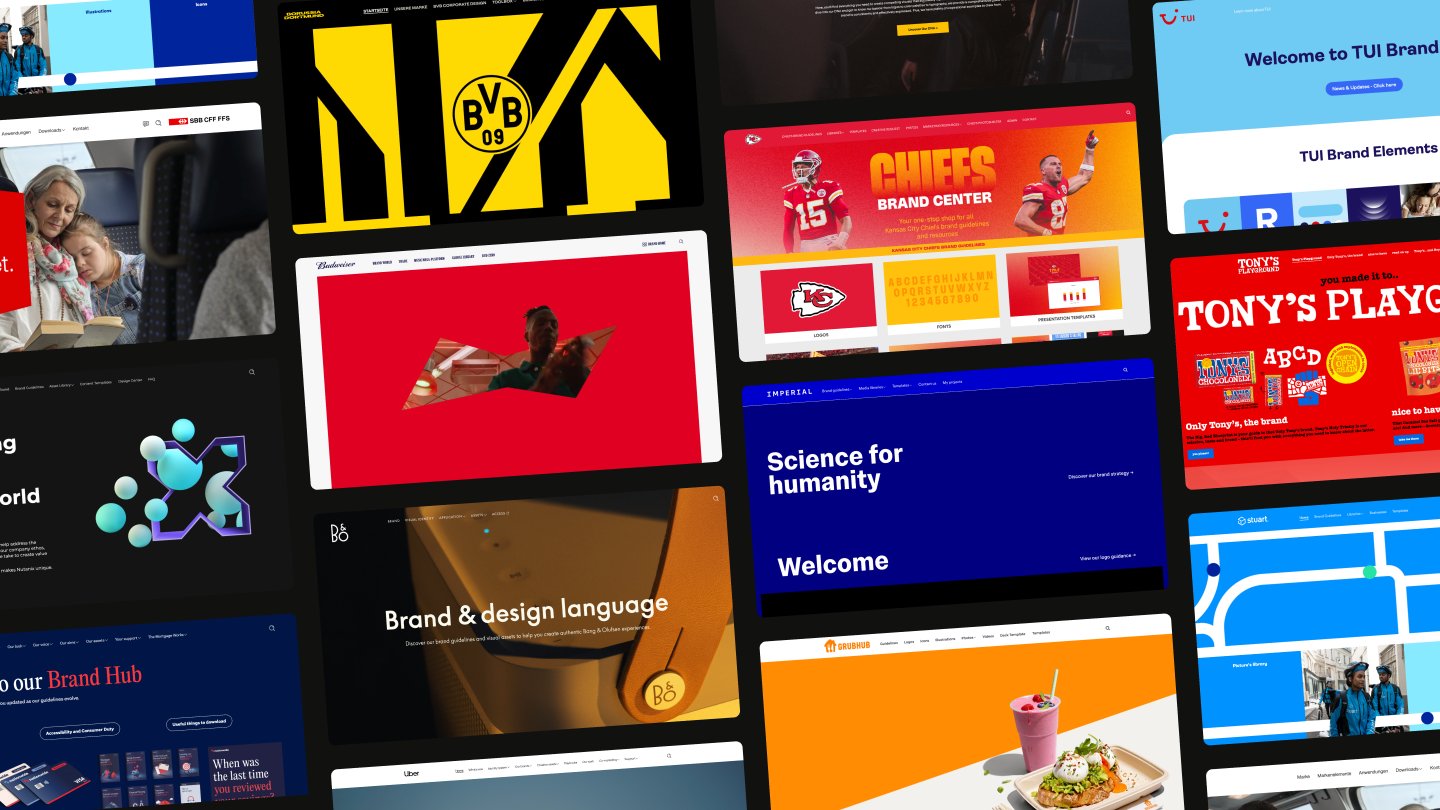
The case for separating the admin back end from the brand portal is easier to make in the abstract than to prove in practice. The companies below have done it at scale. The common thread across all of these companies is that each one built the library as a portal, where every audience sees a curated front end designed for their work, and the back-end administrative layer stays out of their way.
Uber: one brand across 20,000 users
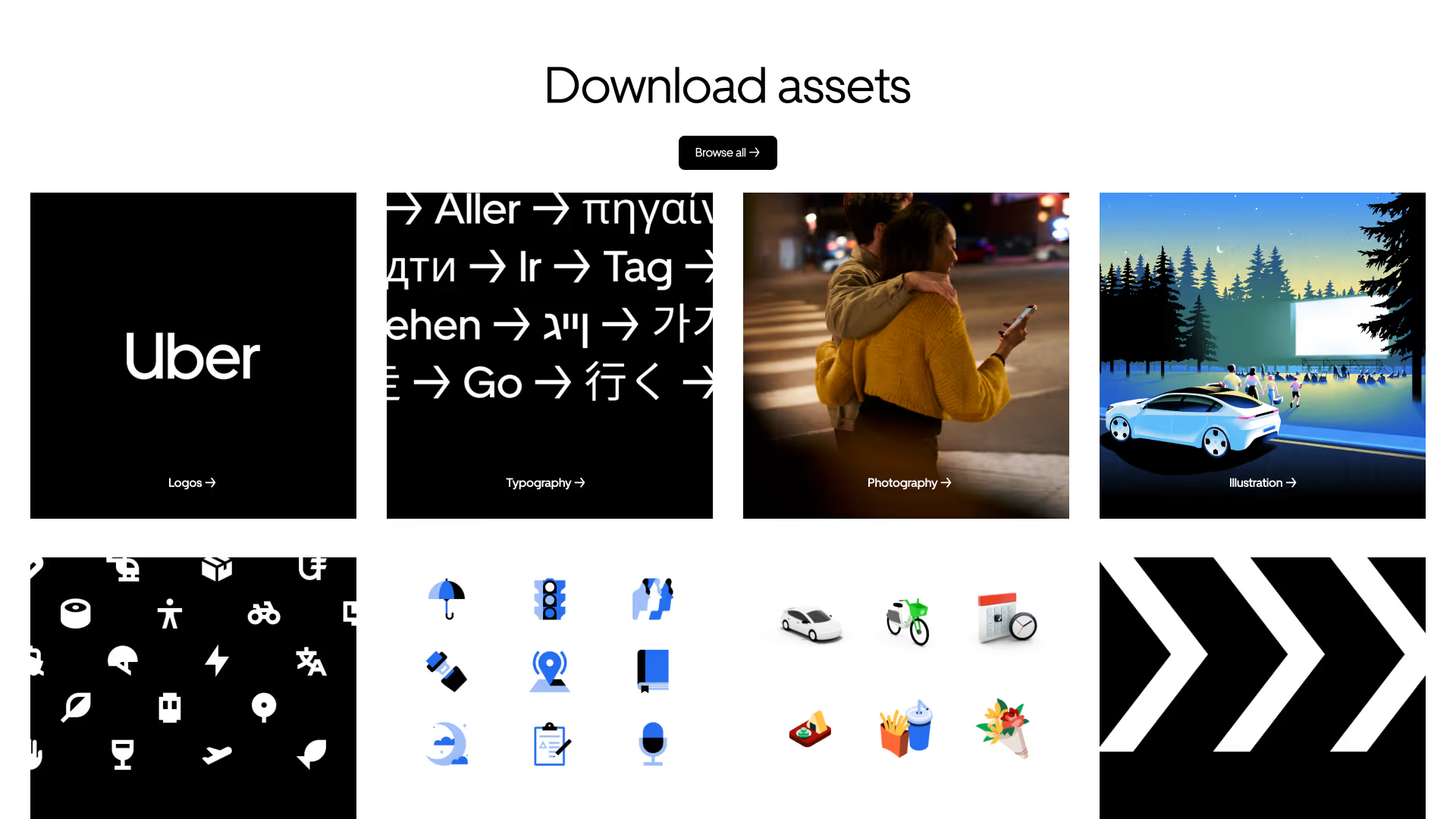
Uber adopted Frontify company-wide in 2021 following its acquisition of Postmates, which had already been using the platform since 2019. Today more than 20,000 users work across the company, with around 12% actively creating, managing, and sharing assets through a centralised hub. Global Creative Director Brian Coonce described the result plainly: "It really demonstrates a one Uber, one brand approach. We're all one company that is built on the same solid foundation, the same platform."
Brenntag: nearly 2,000 hours saved in three months
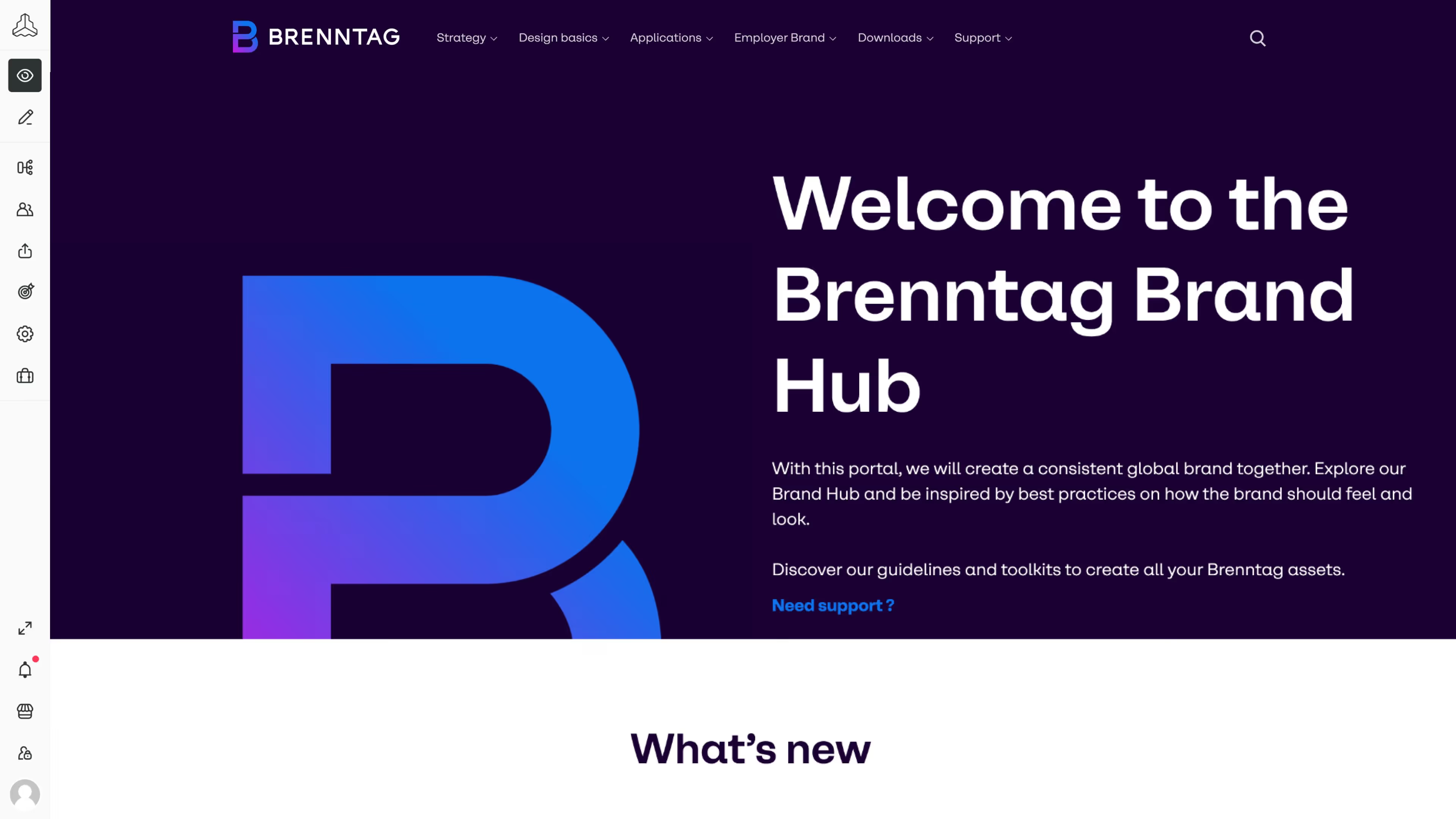
Brenntag used Frontify to roll out a complete brand relaunch in November 2022 across more than 12,000 registered users. Template automation alone saved 1,963 PowerPoint working hours in the first three months, and branded templates are now used more than 500 times each month — a volume that would have been impossible to support through a traditional design request workflow.
Kuehne+Nagel: 35,000 users, ten publications a day from non-designers
Kuehne+Nagel centralised a previously decentralised brand during its 2020 rebrand. The platform now serves more than 35,000 users globally and supports an average of ten publications per day from people with no design background. Global Head of Centers of Excellence Dmytro Taran credited desktop app access as the adoption inflection point: "Now, everyone can access Frontify right from their desktop, which makes it quick and easy to find the brand materials they need."
www.frontify.com/en/guide/digital-asset-library
Spring Health: weeks of work reduced to minutes
Spring Health onboarded four teams and saved 16 hours per template in the process — work that had previously taken weeks now takes minutes. For a brand team managing multiple stakeholders with limited design resource, that kind of time saving lets them focus on more valuable, high-impact work rather than everyday design tasks.
How to audit your own digital asset library
The DAM metrics most organizations track — logins per month, total assets uploaded — don't tell you much about whether a digital asset library is actually working. A more useful measure is simpler: can the right person find the right asset in the moment they need it? These practical checks help you audit your company’s asset library.
Run the 30-second test. Pick one current campaign asset and ask people on three different teams to find it in under 30 seconds. Time them. If they can't do it — or if their instinct is to ask a colleague rather than open the library — that suggests more training and taxonomy work won't fix your low usage rates.
Look for the shadow library. Check whether any of the following exist in your organization:
- A Slack channel where asset requests get posted and answered with Dropbox links
- A shared Google Drive or SharePoint folder that has become the de facto home for current campaign files
- Email chains where assets are being approved and distributed as attachments
- Multiple versions of the same file circulating without a clear single source of truth
Any one of these is a signal that the official library isn't serving someone's needs. More than one suggests a structural problem rather than an isolated gap.
Ask what the fix actually needs to be. If the tests above surface real problems, try and work out whether the issue is procedural or architectural. More training, better tagging, and improved folder structures are worth pursuing — but only once the underlying platform is right. If your DAM presents a single interface to administrators and end users alike, those improvements will only deliver small improvements.
The libraries that work — the ones that get used without reminders, reduce Slack requests and shared drive sprawl, and let non-designers produce on-brand work independently — are almost always built around the same principle: the administrative layer and the user-facing layer are separate, and each one is designed for the job it actually needs to do.
Get started with a portal-first asset library
The principles behind a well-designed digital asset library aren't complicated — separate the administrative layer from the user-facing one, automate the cataloging work that wears teams down, and give each user group a portal that reflects how they actually work. What's harder is finding a platform that puts all of that into practice without requiring a significant rebuild every time your brand or your team structure changes.
Frontify is built around exactly this model — combining DAM, brand guidelines, and templates in a single platform, with a brand portal layer that can be tailored to different audiences without exposing the administrative back end to people who don't need it. See how Frontify's brand platform provides companies with an asset library built on portals, not databases.