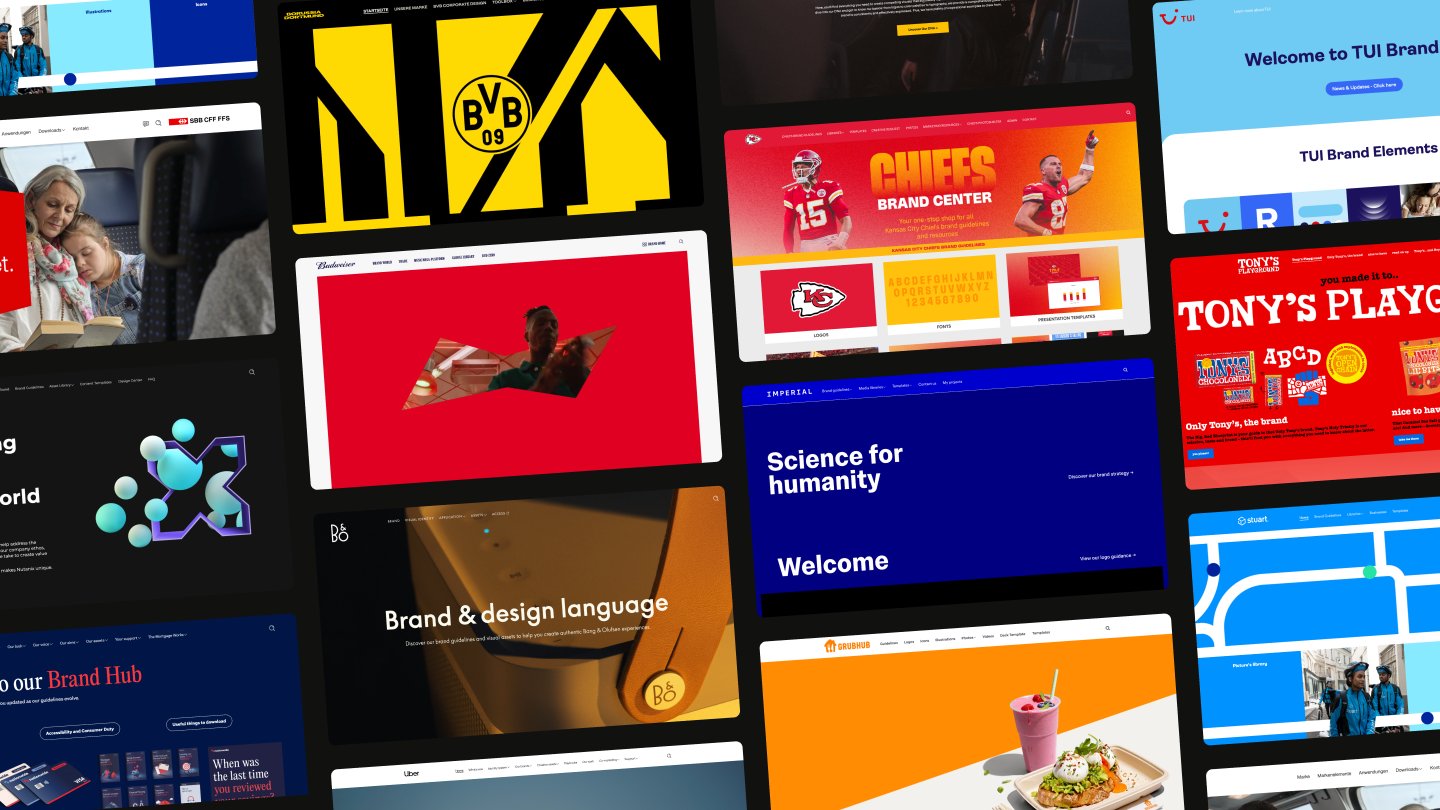

AI that elevates brand craft
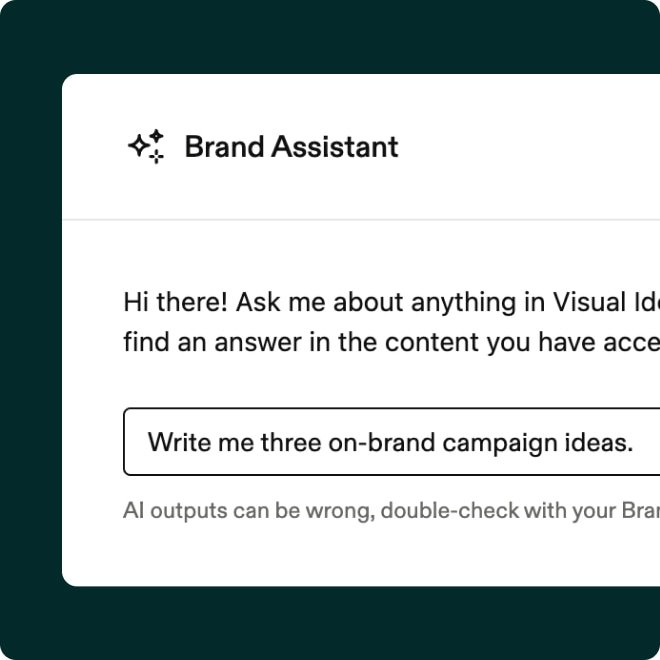
Brand Assistant
What do you want to find?
Try out our Brand Assistant, ask about anything in our demo brand portal.
Built in, not bolted on
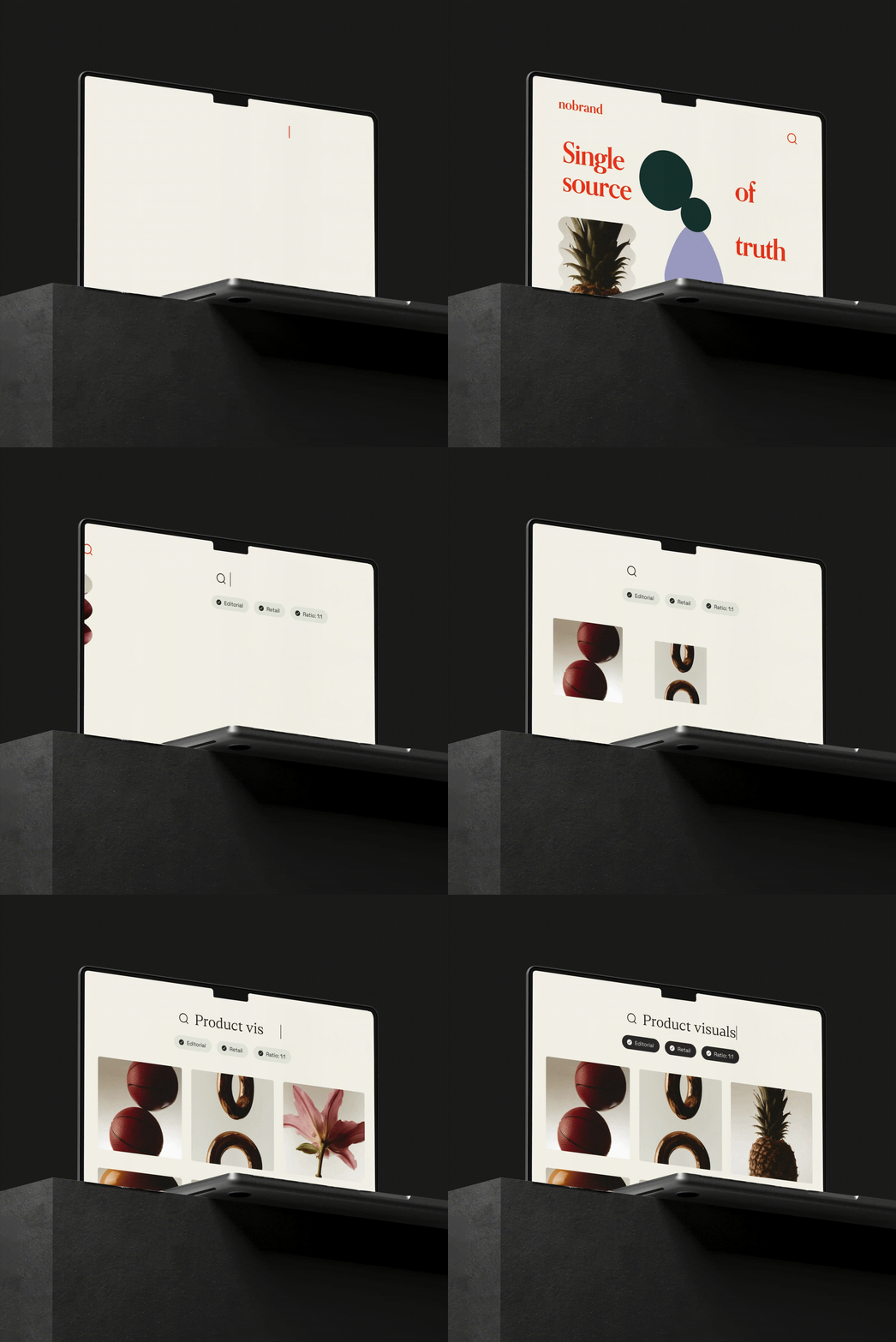
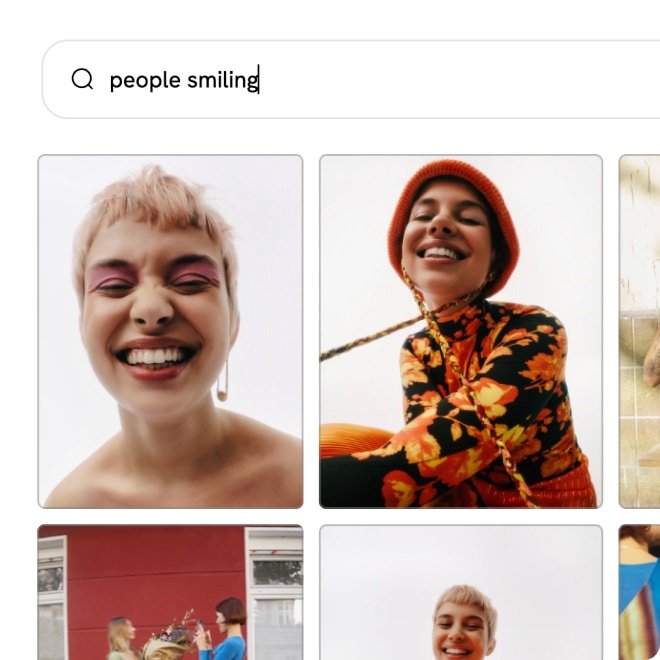
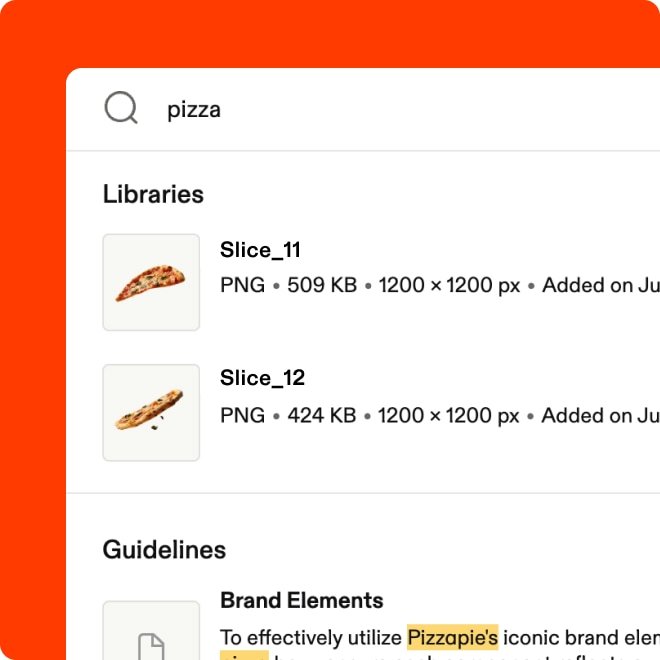
Search like you think
Plain language, by image, or by text within files: You can search your entire library the way you'd describe it to a colleague.
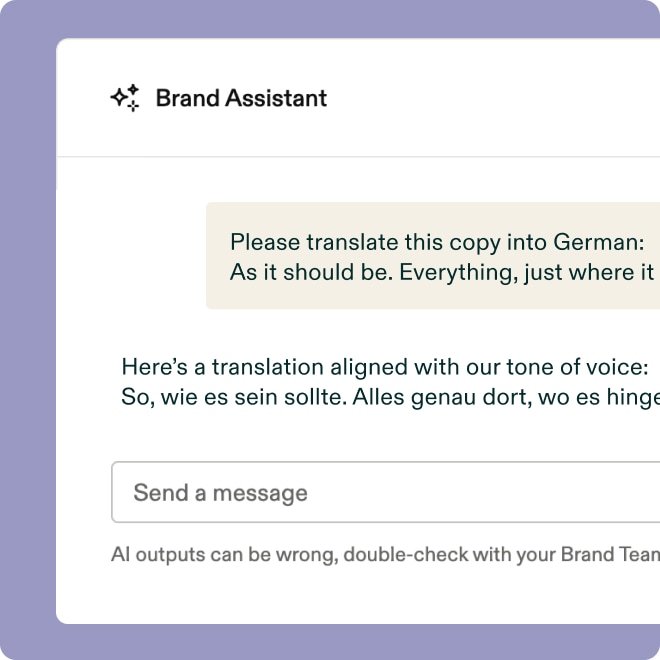
An AI that knows your brand
The Brand Assistant gives you instant answers, on-brand copy suggestions, and asset recommendations — without slowing anyone down.
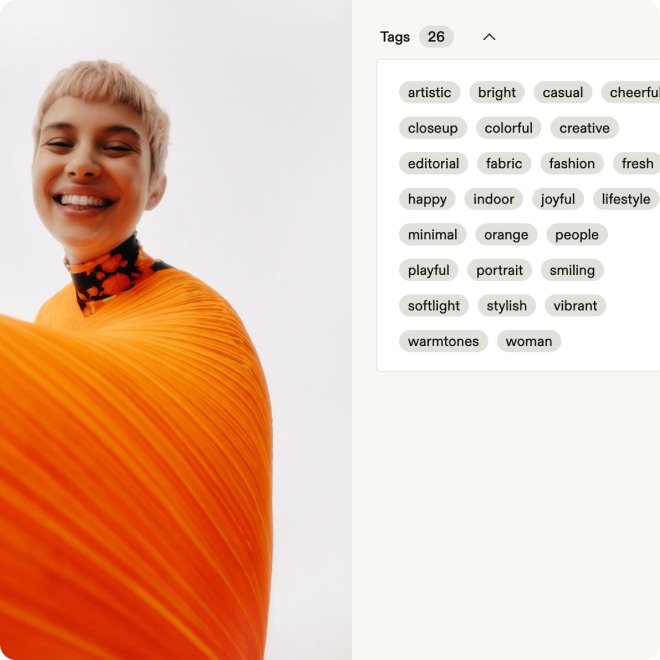
Libraries that organize themselves
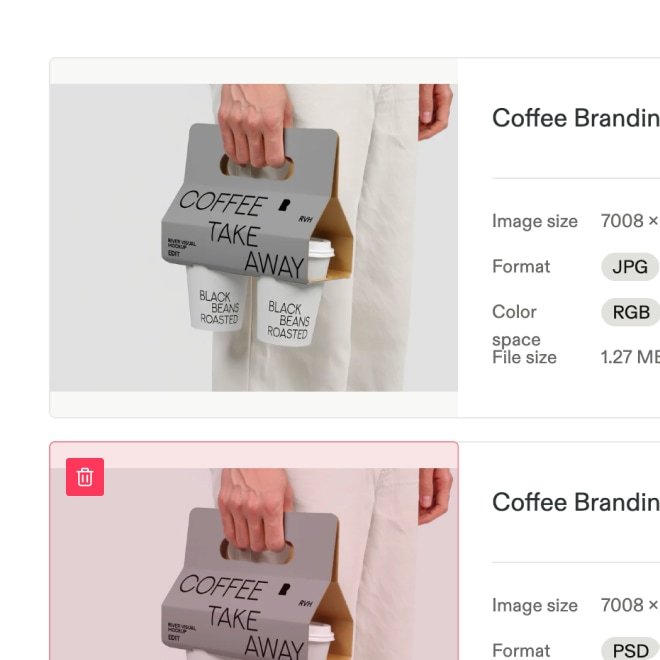
Auto-tagging, predictive metadata, and duplicate detection keep libraries organized, so teams spend time creating, not cataloging.
Built for your AI stack
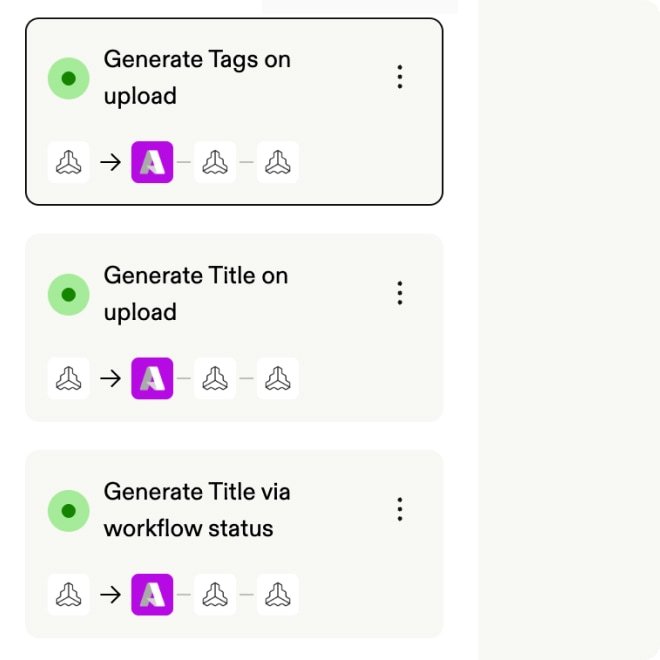
Frontify fits into your existing AI workflows through an MCP server, built-in automations, apps, and integrations with the tools your team uses.
AI that amplifies your brand
Frequently asked questions
How does Frontify fit into our existing AI stack?
Accordion header
Frontify acts as your brand intelligence source — the central place where your guidelines, assets, templates, and context live. From there, that intelligence flows into the tools your teams already use. Native integrations connect Frontify across the creative and marketing stack, including a Microsoft Copilot integration that brings brand knowledge into everyday workflows. And the Frontify MCP (Model Context Protocol) lets AI tools query your brand data directly, pulling approved assets, guidelines, and context on demand.
What is the Frontify brand assistant, and what can it actually do?
Accordion header
The brand assistant is an AI trained on your brand guidelines. Anyone in your organization can ask it questions in plain language — from how to apply your logo in a specific context to whether a campaign concept fits your tone of voice — and get instant answers. Responses link back to the relevant section of your guidelines, so people can verify the information.
Is the AI trained specifically on my brand or on generic data?
Accordion header
The brand assistant draws its answers from your own brand guidelines hosted in Frontify. The answers are based on your guidelines, not what an AI thinks your brand might do.
Does Frontify automatically tag and organize new assets?
Accordion header
Yes, and it requires no setup. When assets are uploaded, the platform applies tags automatically based on the file content, suggests predictive metadata to reduce manual data entry, and runs duplicate detection in the background to flag existing files.
Can I build my own automated workflows for asset management?
Accordion header
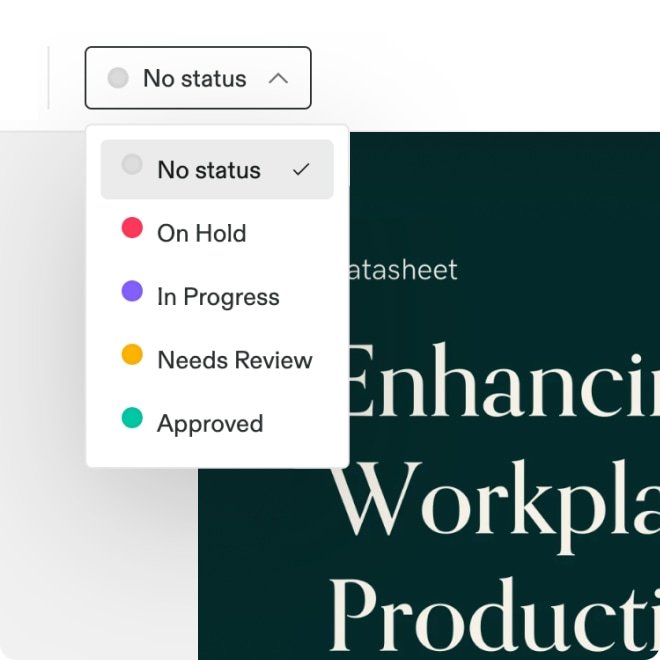
Yes. Automations let you configure custom rules that activate when something happens in a library or project. You can chain AI actions together in sequence — analyzing an uploaded image, generating a description, applying tags, and updating the workflow status — all without manual input. It’s the same principle as the built-in auto-tagging, but fully configurable for your specific scenarios.
Can Frontify translate brand guidelines into other languages?
Accordion header
Yes. AI translation lets you translate guideline pages into any configured language. You select the target language, run the translation, and review the output before publishing — your existing formatting and page structure are preserved throughout. You can also add a custom prompt to guide the translation, for instance, to keep specific product names or brand terms untranslated. As with any AI-generated translation, a human review before sharing externally is recommended to check for nuance and cultural accuracy.