
What you need to know
- Enterprises scale AI content creation, but ungoverned workflows bypass brand controls and put consistency at risk. Routing AI through your DAM solves this — if you can connect the tools.
- Custom integrations for every AI tool are complex and inconsistent. Model Context Protocol (MCP) replaces them with a single, standardized integration layer.
- Frontify now includes an MCP integration layer and 10 tool packs to support on-brand content creation at scale, with governance and control at its core.
How has AI changed the role of Digital Asset Management (DAM) systems?
Digital Asset Management systems were originally designed for human-led workflows. Marketers, designers, and agencies would search for approved assets, export them, and then — applying a winning combination of their personal knowledge and formal guidelines — create brilliantly on-brand materials.
This still happens today… but AI is an increasingly important part of the process.
- A marketer asks ChatGPT to draft a product launch campaign
- A designer uses AI inside Figma to create layout options
- A regional team uses DeepL to translate a brochure
On the surface, this looks like a productivity boost. Fewer bottlenecks, faster production cycles, more output.
But underneath, it introduces a very real problem…
The rise of ‘shadow content production’
When teams and individuals use AI outside of governed systems, it effectively creates a shadow content production system. One that bypasses the usual checks and controls.
- Teams using ad hoc AI tools outside of brand processes
- Brand guidance provided manually (if at all)
- Output scaling faster than it can be reviewed
Your DAM is still the official production line, diligently following due process to create on-brand content. But AI has created a parallel pipeline, churning out quick content that doesn’t always play by the rules.
To fully realize the benefits of AI — without putting their reputation on the line — brands need a way to scale governed, compliant AI content creation. And that requires all AI tools and creative workflows to be routed via their Digital Asset Management platform.
But that isn’t always easy.
Why is connecting AI tools to DAM platforms a challenge?
There are two main barriers when it comes to connecting AI tools to a DAM system: governance anxiety and technical complexity.
Governance anxiety
Leaders are understandably cautious about the idea of giving AI unfettered access to their systems and data. No one wants to risk a scenario where an AI tool generates content that goes straight to market with an error that damages brand reputation. While understandable, governance anxiety contributes to the use of ungoverned AI tools and isn’t the answer.
Technical complexity
Until recently, connecting AI to a DAM platform typically required a custom integration for every tool. An integration for ChatGPT, an integration for Claude, an integration for Figma. The list goes on. And so does the burden of creating, maintaining, and managing the security of those many integrations.
So many businesses avoid integration altogether, and that’s how the shadow production system persists. Fortunately, the development of the Model Context Protocol addresses both of these issues.
What is Model Context Protocol in the context of DAM?
Model Context Protocol — known as MCP — is a standardised way to connect AI tools to external data sources like a DAM. Think of it like a universal plug. No matter which AI tool you use, MCP gives it a consistent, permission-controlled way to request things from your DAM.
This means — within your institutional guardrails — any AI assistant can access and act on:
- Digital assets (images, videos, documents)
- Metadata and taxonomies
- Brand guidelines and templates
- Approval workflows
- Rights and licensing information
- Content performance analytics
So instead of guessing your brand rules and creating generic content, AI tools can actually ask your DAM what the rules are and produce content that’s always on-brand.
But that isn’t all that AI agents can do when they have properly governed access to your DAM via MCP. Here are just a few examples.
- Populating design templates to create on-brand campaign collateral with a click
- Assessing image content to fill in gaps in metadata, making assets easier to find
- Checking usage stats and flagging expired or underused assets for review
This shift — from feeding brand information into AI by hand to letting AI request it on demand — is what Frontify founder and CEO Roger Dudler sees as the real significance of MCP:
"Before MCP, you had to feed AI your brand by hand — guidelines, assets, colors, logos, fonts — and hope for the best. With Frontify, when I'm creating something in Claude or ChatGPT, the assistant just knows to ask Frontify. Rewrite a piece of text and it pulls your tone of voice guidelines automatically — so the output sounds like your brand, not a generic version of it."
How does MCP transform DAM capability?
MCP effectively transforms a DAM or a brand platform into a real-time brand intelligence layer for AI systems.
With MCP, your governed brand assets, guidelines, templates, and workflows become immediately usable by any MCP-compatible AI assistant. So marketers and designers can work in their preferred tools while AI pulls approved content and brand rules directly from Frontify. This delivers efficiencies without risking brand compliance.
For businesses, DAM MCP means:
- AI systems and outputs are grounded in live brand intelligence
- Governance is enforced during AI creation, not manually after production
- Brand consistency becomes systemic again
For IT teams, MCP means:
- DAM moves from a brand portal to an enterprise brand intelligence platform
- Implementation and experimentation are faster and less expensive
- Integration complexity is significantly reduced
But the level of access matters.
If agents can only search and download files, they are not much more than a search bar. The real value starts when agents can also fill templates. Or check approval status. Or update metadata across an entire library.
However, too much access can introduce risk.
It’s about balancing automation and autonomy, which is why the functionality in a vendor’s DAM MCP is key.
What should technical buyers look for in an MCP-enabled DAM?
MCP capability is emerging as a key evaluation criterion in the DAM buying process. For technical and architecture teams, the question isn’t whether a new DAM system needs MCP (it does) but whether the MCP provides the controlled, scalable, governable AI access they need.
Here are three key areas to assess in a DAM platform with MCP.
- Permission control for AI tools
A natural concern for IT and governance teams is how much autonomy AI systems should have when interacting with brand assets. Unlike human users, AI tools can operate at scale and generate content rapidly, which makes permissioning a critical control point. The goal is to ensure AI behaves as a controlled user within the system, like its human coworkers.
Look for:
- Whether AI tools can be governed using the same permission model as human users
- Ability to enforce read-only vs write-enabled access for AI systems (see below)
- Granular control over asset types, collections, or brand spaces
- Restrictions on sensitive, internal, or unapproved content exposure
- Separation of discovery and generation use cases
One of the most common governance risks in AI-enabled workflows is treating all AI interactions the same, when in reality they serve very different purposes. Organizations need to distinguish between AI systems that are just searching or retrieving approved brand assets and those that are actively generating or modifying content using those assets.
Look for:
- Clear separation between asset discovery (read) and content generation (write) functions
- Ability to restrict generation capabilities to specific AI tools or workflows
- Controls that prevent AI from modifying assets without explicit permission
- Defined toolkits that make it easy to apply specific use cases consistently
- Audit trail of AI interactions
As AI becomes embedded in content production workflows, organizations increasingly need visibility into how brand assets are being used by machines. Without this, it becomes difficult to answer basic governance questions such as what content was generated, using which assets, and under what rules.
Look for:
- Logging of AI access to assets and guidelines
- Traceability of which AI tool accessed which content
- Visibility into outputs generated from DAM-provided inputs
- Alignment with compliance, legal, and audit requirements
- Ability to review or export interaction logs where necessary
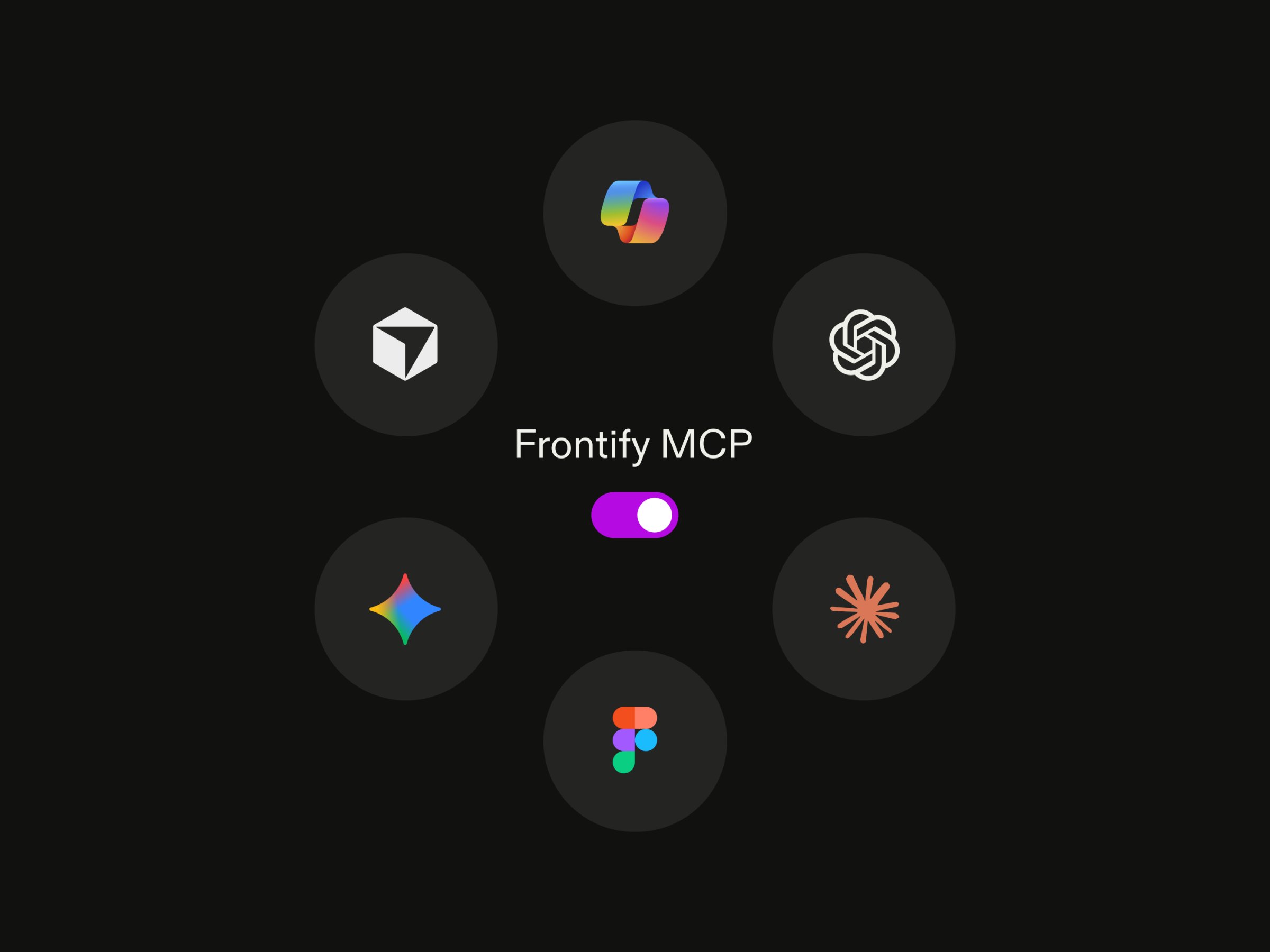
Introducing Frontify MCP: 10 tools to transform how creative teams use AI
To meet the rising demand for easy AI connectivity with our platform, Frontify has developed an official MCP server.
It includes ten tool packs to support different levels of AI interaction with your brand systems — depending on your needs and appetite for AI-powered transformation.
Here’s what each pack does.
Read-only access is a good starting point for brands in the early stages of their AI adoption. The agent can browse and pull files, but cannot change anything.
Template automation is where the value picks up. An agent can create localized variants from a locked template, so every output follows brand rules before it ever leaves the DAM.
From there, each layer of access adds more value. An agent with workflow access can flag which assets are stuck in approval and surface that in Slack or a project tool, so no one has to dig through the DAM to find out.
And bulk operations handle the cleanup work that rarely gets done. Outdated files, missing metadata, and expired rights pile up faster than any team can clear them manually. An agent can work through it in a single pass.
Are there risks associated with using DAM MCP?
Anyone working in IT knows that all systems carry inherent risk, and the introduction of AI into a Digital Asset Management (DAM) environment is no exception.
- Giving AI write-access means an agent can create, modify, or delete data
- AI agents can misinterpret instructions in ways that cause irreversible changes
- Tool poisoning of MCP servers can cause AI agents to execute harmful actions
To mitigate against these risks, which exist with MCP access to any platform, you should adopt the following controls.
- Start with read-only access by default. Only grant write access when a specific agent needs it for a specific job, following the MCP authorization spec's guidance to request only the permissions necessary.
- Require human approval for high-risk actions like bulk deletion, metadata overwrite, or rights removal, where a mistake could affect hundreds of assets at once.
- Log every action per agent so you have a record of which AI tool accessed, changed, or exported which asset and when.
- Defend against prompt injection at the server layer, as MCP servers can be exposed to malicious inputs (5.5% of analyzed MCP servers show this vulnerability in production).
Key takeaways
- Frontify MCP enables brand governance at the point of content creation — scaling on-brand production
- The question isn’t whether your DAM needs MCP — it’s whether the MCP provides the access levels and granular control your organization needs
- MCP reduces the cost, complexity and time associated with creating custom integrations between your DAM and AI agents, enabling faster implementation and time to value
- Our tool packs support phased adoption and enhanced control over AI use cases
Discover more about Frontify MCP here.
FAQs