
Retail and ecommerce businesses rely on large volumes of data and digital assets to sell their products. As brands grow, so does the complexity of managing this information across teams, channels, and markets.
Two complementary platforms to overcome this challenge are PIM (Product Information Management) and DAM (Digital Asset Management) systems.
But they’re often confused when people explore their software options. Understanding how they differ and work together is key to building scalable retail content operations.
What you need to know
- When retail and ecommerce brands reach a certain scale or level of complexity, product information is no longer manageable in spreadsheets and shared drives alone
- DAM and PIM are dedicated platforms for structuring and governing product information and assets
- They’re complementary but different: PIM manages product information while DAM manages product visual assets
- While some PIM systems can house visual assets, DAM significantly expands functionality and facilitates advanced workflows
What is a PIM in retail and ecommerce?
PIM in retail is short for Product Information Management. A PIM system is used to centralize, manage, and distribute the data a retailer needs to define and describe the products they sell.
- Stock Keeping Unit numbers (SKUs) and product identifiers
- Live information such as stock levels, availability, and locations
- Product descriptions, specifications, and features
- Attributes such as size, color, material, and dimensions
- Category structures and product taxonomy
- Pricing and regional variations
A PIM system is a single source of truth for this information – capable of connecting to other systems and feeding this data to them, without it needing to be duplicated or updated in multiple places. In this way, a PIM ensures that this information is consistent and up to date wherever it appears, significantly reducing manual work, risk of human error, and resource overheads.
What is a DAM in retail and ecommerce?
DAM stands for Digital Asset Management system. In retail and ecommerce, a DAM is used to centralize, organize, and distribute all digital assets related to products and brand communication.
Where a PIM describes what a product is, an ecommerce DAM helps bring it to life through visual assets.
- Product photography (studio, lifestyle, editorial)
- Videos, animations, and 360-degree spins
- Packaging artwork and product inserts
- Campaign creative (banners, ads)
- Instruction manuals and supporting documentation
A DAM acts as a governed library for all of this content, ensuring teams can quickly find, reuse, and distribute the correct version of any asset. This becomes increasingly important in retail environments where the same product may need to appear across dozens of channels, each with different format requirements, resolutions, and localization needs.
While customers never interact with the DAM itself, they feel the benefit through consistent, high-quality visuals across every touchpoint — from paid ads and product pages to social media campaigns.
What’s life like without PIM and DAM?
When retailers don’t have structured systems for product data and assets, they typically rely on accessible solutions that already exist within the business. This may work at a small scale, but it quickly breaks down as complexity increases.
Without a PIM, information is often spread across spreadsheets, ERP systems, and local files. That leads to duplication, inconsistency, and slow updates — especially when product portfolios scale into thousands of SKUs.
Without a DAM, product assets typically live in shared drives and fragmented folders, often without structure or naming conventions, making them hard to locate. Over time, this leads to lost assets, version confusion, and duplication.
With digital assets especially, it isn’t simply about storage, it’s about governance – the processes that ensure assets are managed properly to facilitate use and reduce risk.
Internal impact of not having DAM
Retail brands incur high operational overheads and organizational risk when they don’t use an appropriate platform for digital asset management.
- Assets are strewn across drives, Slack conversations, and email chains
- Marketing teams spend more time searching for assets than creating campaigns
- No one knows which are the correct assets to use – unless they’re a super sleuth
- Updates take a long time as they’re replicated across multiple systems
- Product launches are slow and error-prone
- Images are manually resized and reformatted for every channel
- People want to collaborate more but can't, because there's no single source of truth
- Scaling into new channels, regions, or marketplaces is difficult — and daunting
External impact
The consequences are often visible to customers, eroding buyer confidence and undermining conversion.
- Outdated or incorrect images appear on live product pages
- Product information becomes inconsistent across channels
- Customers lose faith in your brand
As product ranges grow, the effort required to keep everything aligned increases exponentially, and the savings associated with using ‘free’ or existing tools becomes a false economy.
A DAM replaces fragmentation with centralization, and chaos with control. It ensures that only approved assets make it to your customer-facing platforms – and that they get there in the most efficient way possible.
Why PIM and DAM are often confused
PIM and DAM are often confused because both systems:
- Centralize product information into a single source of truth
- Support distribution across ecommerce, marketplaces, and marketing channels
- Improve governance through permissions, workflows, and version control
In some cases, PIM systems even include basic media libraries, which makes the distinction even less clear.
However, despite these similarities, PIM and DAM aren’t interchangeable. They operate on fundamentally different types of content – which means significantly different functionality – and they serve different organizational needs.
And, yes, we know that calling both systems a ‘single source of truth’ isn’t helping the situation – sorry!
But DAM and PIM work together to create just that.
- A PIM is the single source of truth for structured product data
- A DAM is the single source of truth for product assets
- PIM x DAM is the single source of truth for all things product-related
How DAM and PIM work together
PIM and DAM are most powerful when used together as part of a connected retail ecosystem. PIM manages structured product data, while DAM manages the associated digital assets that engage customers and create conversions.
In an integrated setup, the two systems are linked so that product data and assets can be combined and distributed across all customer touchpoints. This might include ecommerce websites, mobile apps, marketplaces, email campaigns, or even in-store digital experiences.
When a product description, specification, or attribute is updated in the PIM, that update is automatically reflected across all connected channels. At the same time, the DAM supplies the correct, approved imagery and creative assets associated with that product.
This removes the need for manual updates across multiple systems and significantly reduces the risk of inconsistency between what a product is and how it’s presented.
PIM x DAM in practice: fashion retailer launching a seasonal collection
A mid-scale fashion retailer is preparing to launch its autumn/winter collection across ecommerce sites, mobile apps, and marketplaces. This means thousands of SKUs being activated simultaneously across multiple channels — each with its own formatting, image requirements, and localization needs.
With integrated PIM x DAM
In the PIM, the merchandising team builds and structures product data.
- Product names, SKUs, and variants (sizes, colors)
- Materials, sizing information, and care instructions
- Pricing across different regions and channels
- Category and taxonomy mapping (e.g. women > outerwear > coats)
- Product relationships (e.g. variants, bundles, collections)
This data is validated and approved for distribution across all channels.
In the DAM, the creative team simultaneously adds the visual element of the collection.
- Studio photography for each product (front, back, lifestyle)
- Campaign imagery for homepage, email, and paid media
- Video content for product pages and social campaigns
- Channel-specific resized and cropped versions of assets
- Localised creative for different regions or markets
All assets are tagged, organized, and linked back to relevant SKUs in the PIM.
When the product goes live:
- The PIM pushes structured product data to all channels
- The DAM supplies the correct images and creative assets
- Updates to product information automatically flow across all platforms
- Replaced or updated assets sync across every connected touchpoint
Without PIM x DAM
This is a significant improvement on last year’s launch, where the retailer was relying on spreadsheets and shared drives.
- Product data was managed across multiple spreadsheets owned by different teams
- Updates to SKUs, descriptions, and pricing were manually copied into each ecommerce channel
- Creative assets were stored in shared folders with inconsistent naming conventions
- Teams struggled to identify which images were approved and ready to use
- Marketing teams had to manually resize, export, and upload images for each channel
- Product pages and marketplaces are often updated at different times, creating inconsistencies
Despite the teams’ best efforts, channels were inconsistent, the launch was slower, fragmented, and required significant manual coordination. And customers were frustrated by a fragmented cross-channel experience.
The business impact of PIM x DAM integration
When PIM and DAM are properly integrated, retailers typically see:
- Faster time-to-market for new products and campaigns
- Improved consistency across all channels and markets
- Reduced manual workload and operational duplication
- Easier scaling into new regions, languages, and platforms
- More reliable and controlled product storytelling
- Consistent brand execution that builds buyer confidence
Learn how to integrate ecommerce DAM with PIM (or get a brief explanation in the FAQs below).
So… do you need a PIM, a DAM, or both?
There’s no right answer. It depends on the scale of your business, complexity of your product catalog, and the role of visual content in your marketing strategy. Here’s a quick sense check – but always weigh your options against your unique operational needs.
Many products, few assets – PIM
You may only need a PIM if you manage a large product range but rely on minimal visual marketing assets, such as basic ecommerce listings or internal product identification. In this situation, product data is the priority.
Few products, many assets – DAM
You may only need a DAM if you have a smaller product range but run content-heavy campaigns across multiple channels. Here, product data may be manageable in spreadsheets, but assets need more governance.
Many products, many assets – PIM x DAM
You likely need PIM x DAM if you manage a large product catalog and rely on visual content to sell products across multiple channels and markets. In this scenario, integrating PIM and DAM becomes essential to maintain consistency, efficiency, and scalability.
How Frontify DAM supports retail and ecommerce brands
Frontify helps retail and ecommerce brands connect product content workflows across their technology ecosystem. Our robust DAM tools support asset-rich workflows through time-saving automation and robust governance.
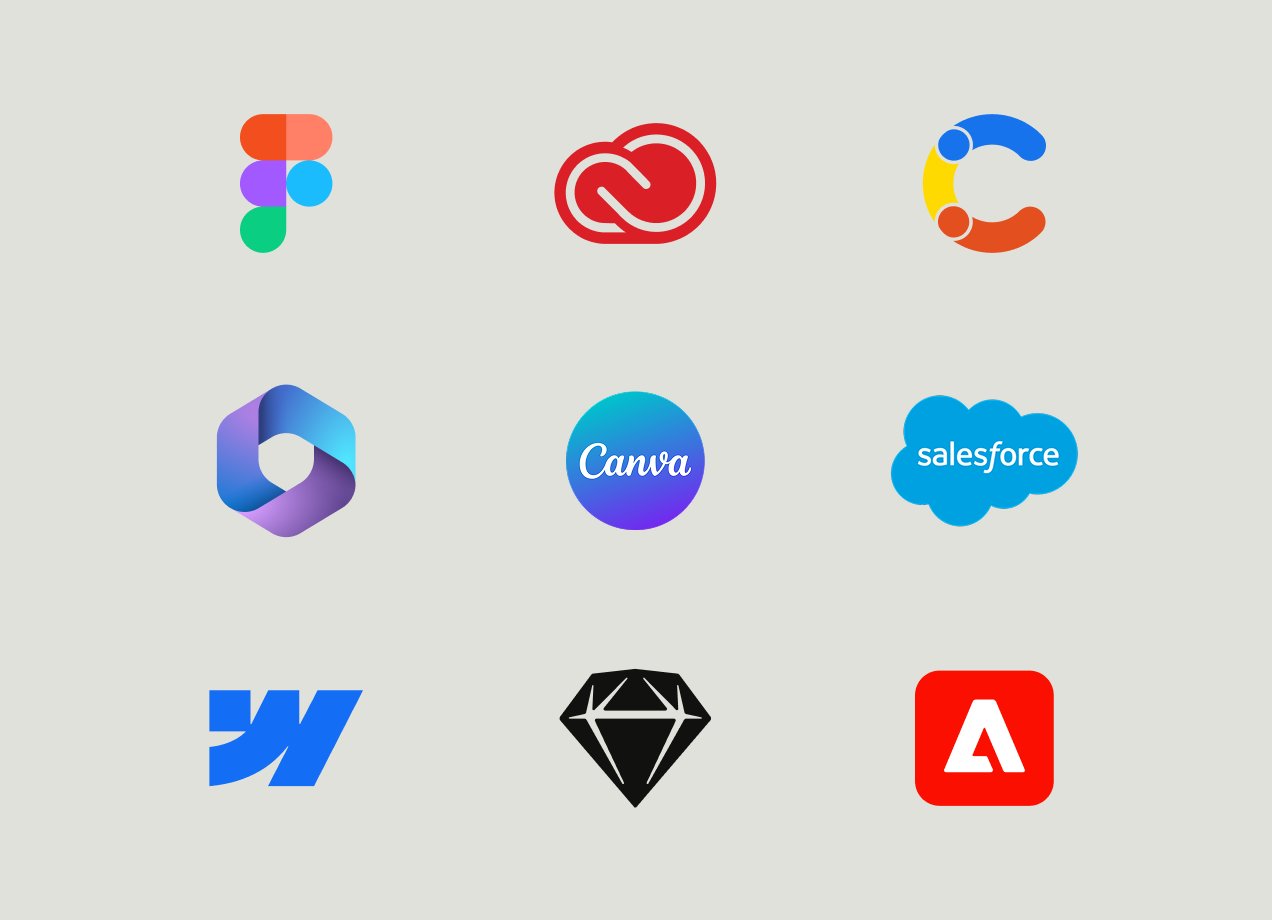
To connect to your ecommerce ecosystem, Frontify offers a range of native integrations.
- Ecommerce tools, including Shopify and a roadmap for more
- PIM solutions, Salsify and Akeneo
- Creative platforms including Adobe, Drupal, Figma and more
There’s also an API for more custom connections and composable architectures. This gives retailers the flexibility to connect Frontify with a wide range of ecommerce, PIM, CMS, and marketing technology.
However you choose to connect Frontify DAM to PIM, it keeps digital assets connected to relevant product data. This means product assets can move more seamlessly between systems – without relying on manual uploads, duplicated files, or disconnected workflows.
Learn how Frontify can power your retail and ecommerce workflows