
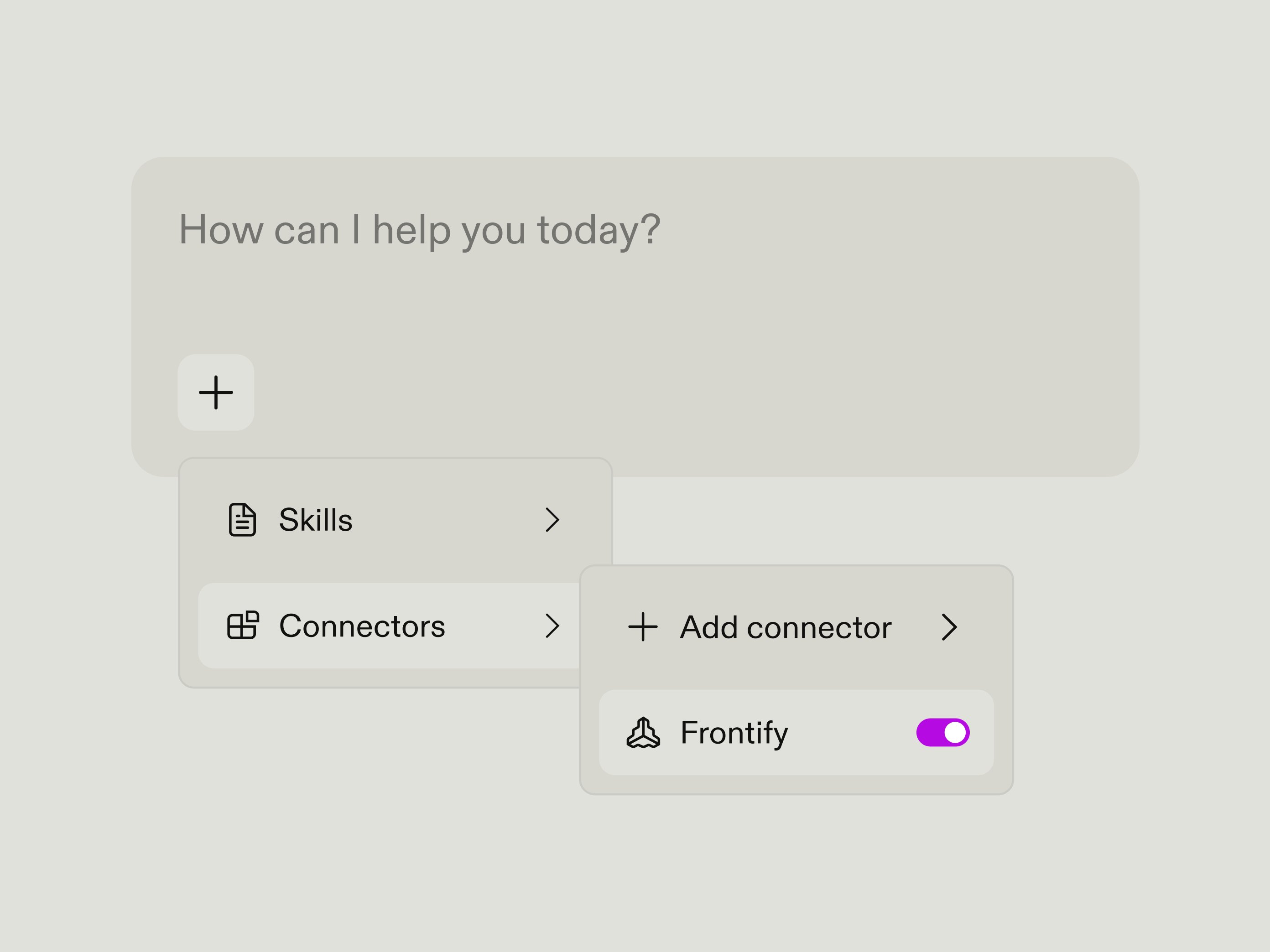
The Frontify connector is available across Claude Free, Pro, Max, Team, and Enterprise plans and can be found in Settings → Connectors. In just a few clicks, you can connect your Frontify workspace to Claude and start building AI-powered workflows grounded in your brand knowledge and approved assets
Bring your brand knowledge into Claude
The gap between AI and brand knowledge is a real problem. Teams either search across multiple tools for outdated information or use AI to generate content without the right brand context. Neither works.
The Frontify connector closes that gap. Claude can retrieve your brand guidelines, design systems, and approved assets—the same source of truth your organization already uses. Access is managed through your existing Frontify permissions, so Claude only retrieves content users are authorized to access.
Whether you’re reviewing creative work, generating marketing content, or answering brand questions, Claude can reference your actual brand knowledge rather than relying on guesswork.
Faster setup, richer brand context
The official connector removes setup friction, allowing teams to discover Frontify in Claude and connect their workspace without manually configuring the MCP server.
Once connected, Claude can retrieve richer context from Frontify, including approved assets, brand guidelines, fonts, colour palettes, and relevant copyright or licensing information. This helps teams work faster while keeping AI-generated outputs grounded in accurate, approved brand knowledge.
What teams can do with the Frontify connector
Teams are already using the Frontify connector to:
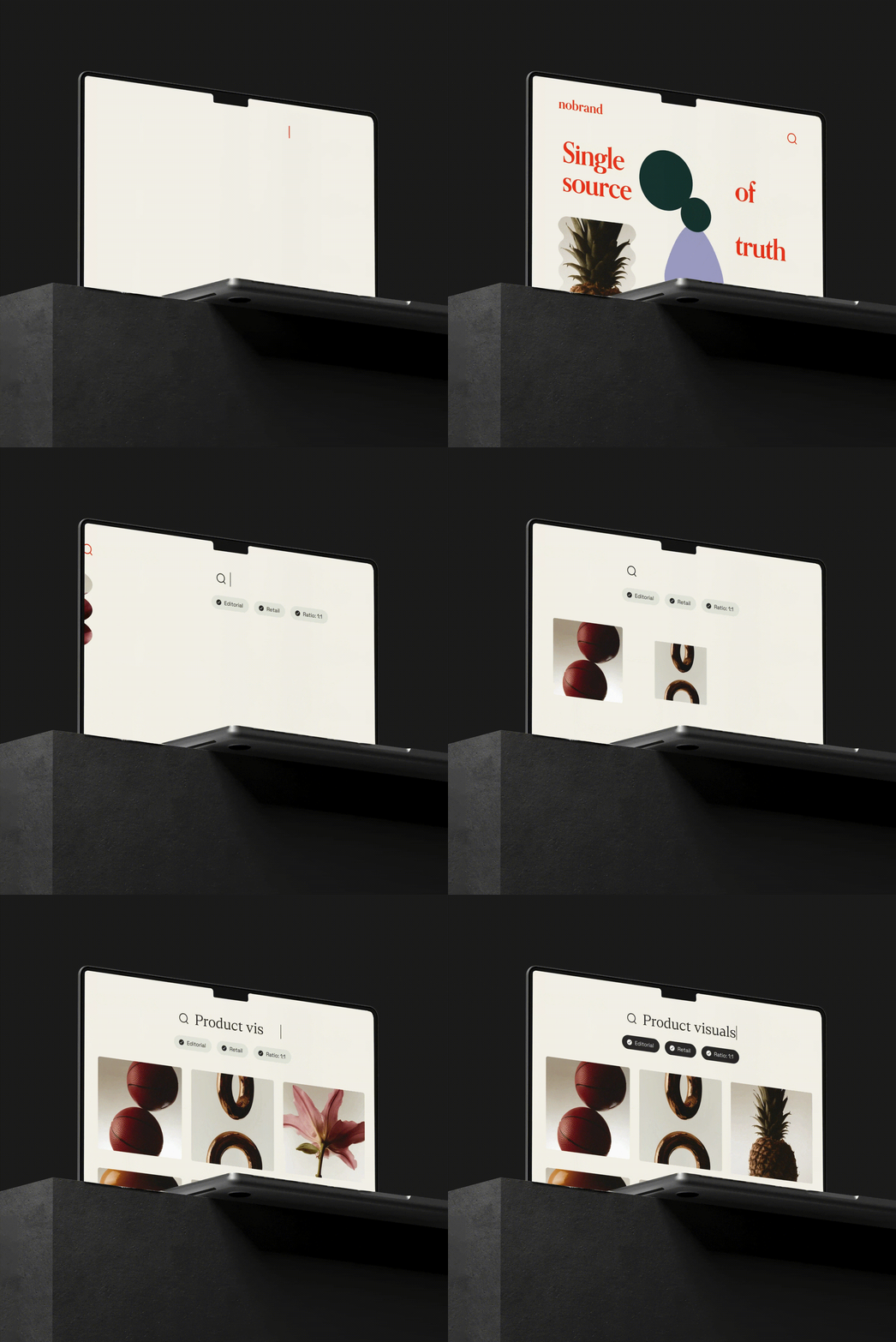
- Find approved brand assets and licensing information in Claude.
- Ask questions about brand guidelines, fonts, colours, and design systems.
- Ask Claude to check content against approved brand guidelines.
- Bring trusted brand knowledge into existing AI tools and workflows.
This makes the examples more task-oriented and helps readers immediately understand what they can do with the connector.
Bring trusted brand knowledge into your AI workflows
With Frontify connected to Claude, teams can spend less time searching for brand information and more time creating with confidence. Whether they’re finding the right asset, reviewing creative work, or answering a brand question, they can rely on the guidelines, design systems, and approved content their organization already trusts.
Connect your Frontify workspace through Claude Settings → Connectors and start building AI-powered workflows grounded in your brand.