
Google Drive was never built for managing brand assets. It's a great place to store documents and everyday files, but a poor place to keep track of which logo file is current, who's allowed to use a piece of licensed photography, or whether a campaign template still matches your latest guidelines.
When companies start looking for Google Drive alternatives, they’ve typically run into two distinct challenges. If your problem is general file storage and privacy, a handful of encrypted, general-purpose tools can solve it outright. If your problem is brand consistency, findability, and governance at scale, a bigger drive won’t help. You actually need a different category of tool entirely.
This guide breaks down six Google Drive alternatives, from privacy-first storage to enterprise DAM, so you can match the tool to the actual problem you're solving.
What to look for in a Google Drive alternative
Before you choose to switch away from Google Drive, you first need to understand where your current setup breaks down. Use the criteria below to consider your own situation, to help you work out what you most need from a Google Drive alternative for your business.
What you're actually storing
Look at what's actually in your Google Drive. If it's mostly contracts, spreadsheets, and internal documents, you have a general storage problem. If it's logos, campaign photography, video, and templates, you have a governance problem: those files need version control, usage rights, and approval status attached, which a storage system doesn’t offer.
Storage tools like Google Drive hold files and sync them across devices. They don't answer "which of these twelve logo files is current" or "can this contractor use this photo in a paid ad." That's not something you can fix with more storage or better encryption. It's a different job, done by a different category of tool: a digital asset management platform.
Most companies have both kinds of files in their Drive. But it's worth separating the two mentally before you start evaluating tools, because a single vendor rarely manages both well.
Privacy and file scanning
Google scans stored files to power ad targeting and train its AI models. Many companies are looking to switch away from Google Drive because they want their files to stop being used as training data.
If that's your concern, look for alternatives that offer zero-knowledge, end-to-end encryption. That means the provider holds encrypted data it can't itself read, not even under a warrant. Standard cloud storage, including Google Drive and most of its mainstream competitors, doesn't offer this level of encryption.
Findability at scale
Standard cloud storage lets you find files using keyword search, filenames, and folder paths. That works fine for documents, where the filename usually describes what’s in the document. But for images, videos, and design files — that normally end up with filenames like "final_v3_USE_THIS.jpg" — it becomes much more difficult to search for those files.
When it comes to findability, most teams hit a wall somewhere around a few thousand files. Three things separate a tool that scales from one that doesn't:
- Metadata: structured fields like campaign, product line, region, or usage rights attached to each file, so you can filter instead of relying on keywords to narrow down your files.
- AI-powered tagging: automatic identification of objects, colors, and text in an image, so files are searchable the moment they're uploaded, not whenever someone gets around to tagging them.
- Visual and semantic search: the ability to search "blue product shot with white background" and get relevant results, not just files with those exact words in the filename.
How well a tool's AI understands your brand
"AI-powered" is on every vendor site right now, and it means wildly different things depending on who's saying it. There are three core levels of AI functionality:
- Can it find and tag your assets? Auto-tagging, smart search, basic image recognition. Most DAM platforms clear this bar today. It's useful, but it's table stakes, not a differentiator.
- Does it know your brand rules? Ask it "what's our correct logo?" or "what tone do we use for social copy?" and it should answer from your actual guidelines, not a generic best-practice list, and point you to the approved asset.
- Does it connect your brand to tools outside the storage tool? As more of your team’s work runs through AI assistants, you can connect your brand to gen-AI tools. External AI assistants, like the ones your team is already using to draft copy or generate images, pull from your governed brand context instead of guessing. This is usually built on a protocol like MCP that lets outside AI tools query your brand assets and guidelines directly.
When you’re comparing tools, decide which level of functionality you need from your storage tools, then ask where each one lands against this scale.
Brand governance and version control
Look at whether the tool enforces which version is current, approved, and on-brand. This is functionality most general storage tools (like Google Drive) don’t offer.
Look for:
- Version control: When a file is updated or re-uploaded, users should always see the latest approved file by default, while past histories, rollbacks, and side-by-side visual comparisons remain accessible.
- Guidelines tied to assets: Brand rules live next to the files themselves, not in a separate PDF nobody opens.
- Permissions: Control over who can view, edit, download, or share, down to the individual file or asset library.
- Rights and expiration: Licenses and usage rights tracked per asset, with alerts before something expires or becomes non-compliant.
- Approval workflows: A defined path for new assets to get reviewed and published.
On-brand distribution and self-service
Again, this is a feature that general storage tools don’t offer, but can be a huge benefit for overloaded design teams.
Creative teams constantly field a steady stream of small design requests: a social graphic in the right colors, a one-pager with the right logo, a slide deck that matches the current template. None of it is hard work, but it adds up, and it pulls designers off the projects that actually need their skills.
Editable templates let non-designers help themselves. A locked template keeps the logo, fonts, and colors fixed while leaving room to swap in copy, images, or data, so someone in sales or HR can produce something on-brand without opening a request ticket.
Integrations across the creative and martech stack
Storage tools should connect to the tools your teams do their work in, like Adobe Creative Suite, Figma, your CMS, and the rest of your martech stack, so that they can easily find and use files within those tools rather than constantly downloading and re-uploading into the tool they’re using.
Look for tools that offer native integrations with your most-used tools. When you're comparing integration lists, don't just check whether a tool is on there. Ask how deep the connection actually goes, and whether it's built and maintained by the vendor or bolted on by a third party.
The best Google Drive alternatives at a glance
The right alternative depends on why you're leaving Google Drive in the first place. This table gives you a brief overview of six popular alternatives, and you can read the full breakdown below.
Note: All pricing, features, and customer data is verified against vendor pages and third-party reviews as of August 2026.
This guide is maintained by Frontify, which is an enterprise DAM rather than general-purpose cloud storage. It’s a different type of tool from the others on this list, and a popular option for multi-brand, global organizations that need to manage all their brand files at scale. If what you really need is private, general-purpose storage for documents and everyday files, one of the other tools on this list is probably a better call. But we’ve worked with lots of organizations that have switched from using Google Drive to Frontify, so we’re adding our platform to this list as it might be the perfect option for you.
Google Drive alternatives compared in depth
The right option for your company will depend on the problems you’re having with Google Drive, your organization’s priorities, and the rest of your tech stack.
Frontify: Best for governing brand and creative assets
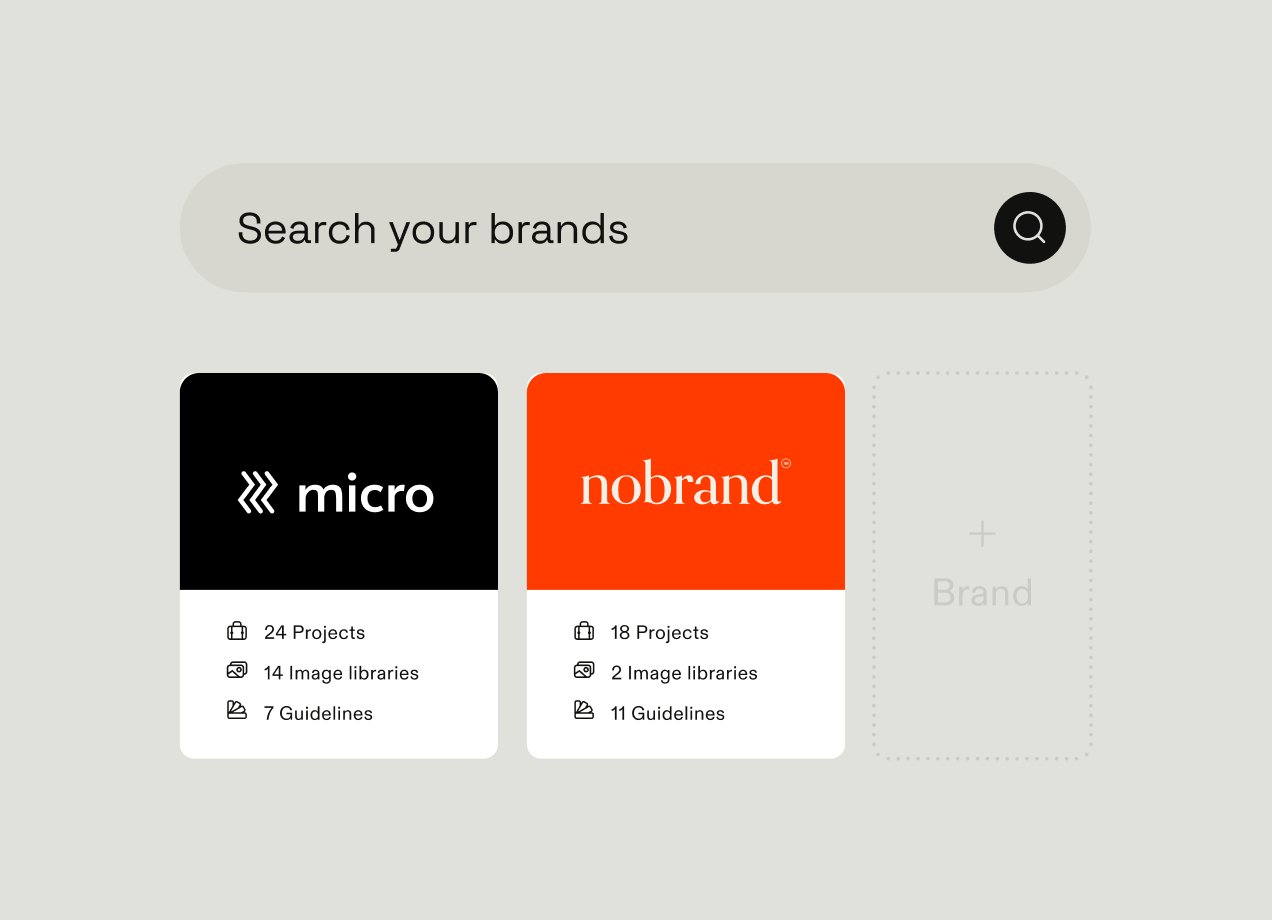
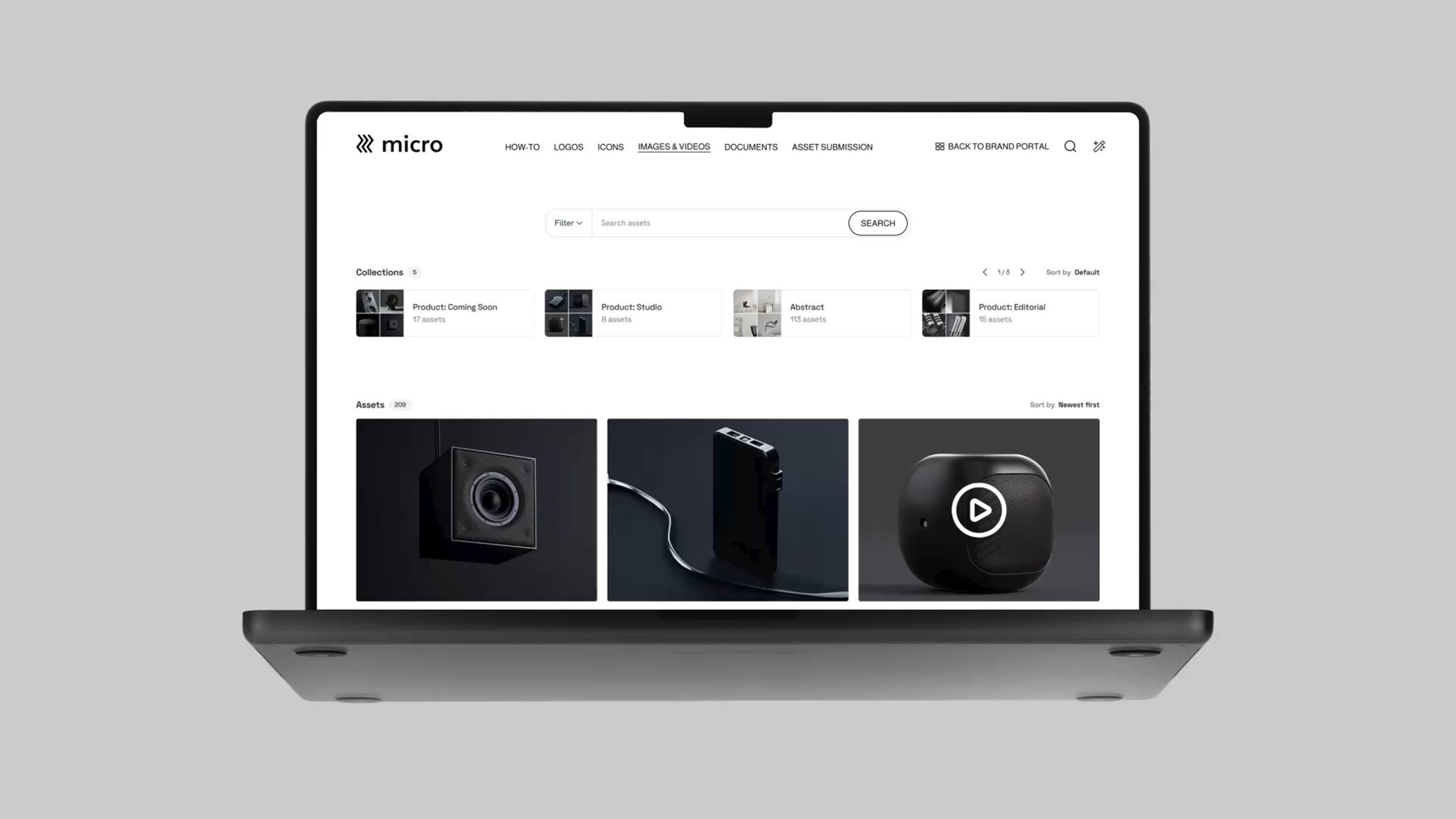
Frontify is an enterprise DAM that brings together brand guidelines, templates, and governance tooling.
Who it's for:
Brand, marketing, and creative teams managing consistency and distribution at scale. It’s especially valuable for multi-brand or multi-region organizations, companies mid-rebrand, and teams serving non-designers or external partners.
Key features:
- MCP server: connects external AI tools (Claude, ChatGPT, Cursor) directly to a company's governed brand assets and guidelines
- AI Brand Assistant: answers brand questions in natural language, sourced from actual guidelines, across 100+ languages
- AI tagging and smart search: improves asset findability beyond keyword-based search
- Rights and expiry alerts: flags licenses and assets before they lapse
- Granular permissions: controls who can view, edit, download, or share, down to the asset level
- Version control: tracks changes, revision history, and reverts
- Approval workflows: routes new assets through review before publication
- Multi-brand/multi-region setups: manages multiple brands or markets in one system
- Self-service templates: locked templates for non-designers, plus a Creative API for bulk generation
- Media delivery: real-time optimization and transformation through Frontify's media engine and CDN (dedicated video platforms still lead on video-specific workflows)
- Native integrations: with core creative and martech tools such as Adobe Creative Suite, Figma, Sketch, InDesign, Salesforce.
Customer examples:
- Spring Health cut template creation from 3–6 weeks to about 10 minutes, saving 16+ hours per template
- Kansas City Chiefs organizes over 200 logo files in Frontify, saving their brand team over 10 hours a week
- Alfa Laval replaced static PDF guidelines with an interactive hub, reaching 3,500 users and 80,000 downloads in 8 months
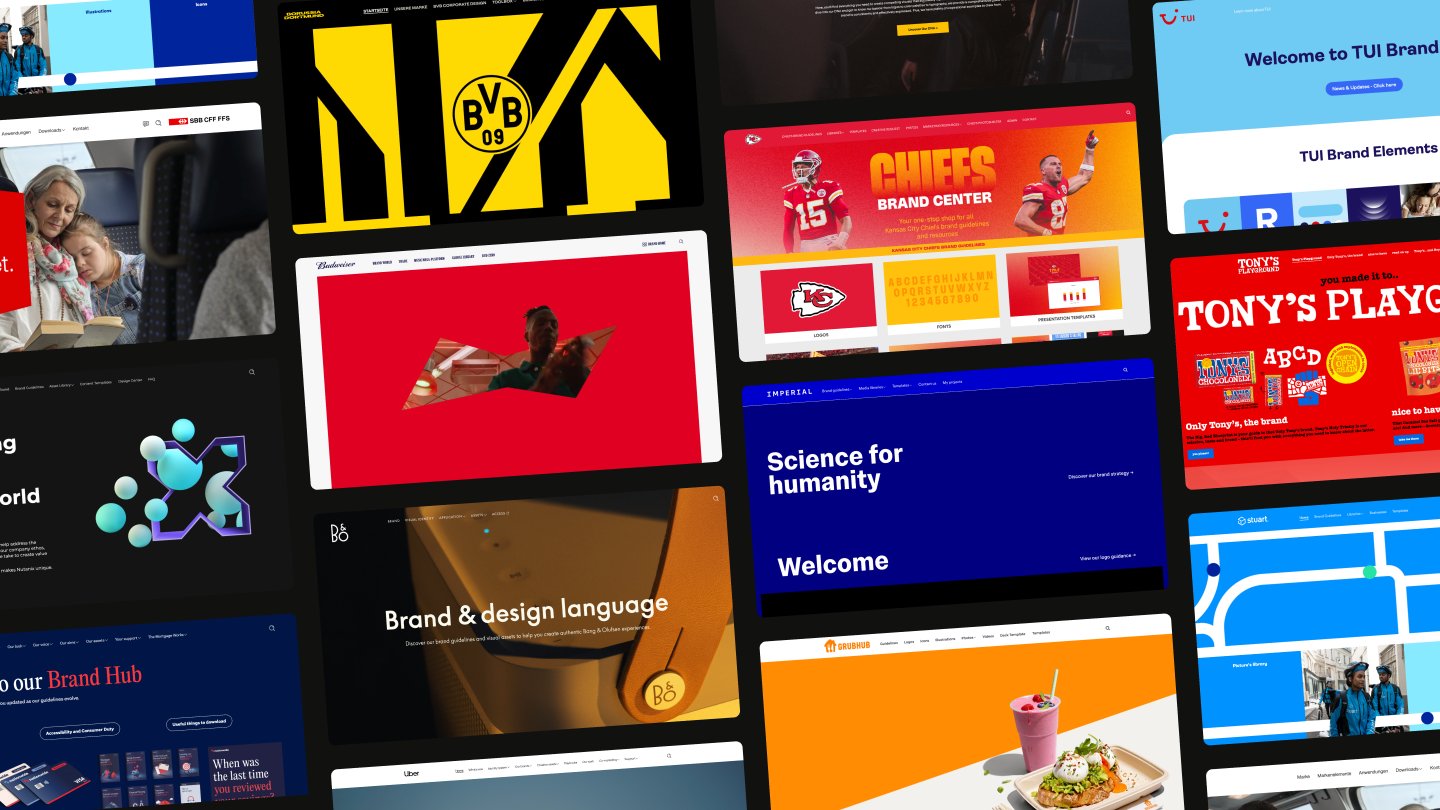
See how other companies like Skyscanner, and Bosch use Frontify to store, organize, and manage their digital files and brand assets.
What it does well:
- Connects brand governance to external AI tools instead of treating AI as a bolt-on to your established tech stack
- Native multi-brand, multi-region governance
- Replaces static guideline PDFs with live, centralized brand guidelines
Consideration:
If your actual need is storing and syncing everyday files like text documents and spreadsheets, an enterprise DAM is a more sophisticated system than you need — one of the straightforward storage tools below is likely a better fit.
Proton Drive: Best for private, zero-knowledge storage
Proton Drive is an end-to-end encrypted cloud storage tool built by the makers of Proton Mail, positioned as a privacy-first alternative to Google Drive rather than a governance or brand tool.
Who it's for:
Privacy-conscious teams and SMBs storing sensitive documents, client files, or IP who want data even the vendor can't access, and who don't need deep DAM-style governance.
What it does well:
- End-to-end, zero-access encryption: files are encrypted on the user's device before upload, and Proton itself cannot decrypt them
- Granular sharing controls, including passwords and expiration dates on shared links
- Secure file storage that complies with data protection regulations, including GDPR and HIPAA.
Consideration:
Findability is the tradeoff of encryption — search is limited to scanning filenames rather than what’s inside documents, so search functionality is weaker than many other options on this list. For teams needing broad integrations or content-level search across large libraries, that can be a real drawback compared to other tools
Sync.com: Best secure alternative with Office integration
Sync.com is a Canadian, zero-knowledge encrypted cloud storage service, positioned as a lower-cost alternative to Proton Drive with a similar privacy-first model.
Who it's for:
Small teams and single-user businesses that need HIPAA-compliant, encrypted storage without paying privacy-tier prices, and don't need broad third-party integrations.
What it does well:
- End-to-end encryption with a straightforward, affordable structure for small or single-user accounts
- Reliable file sync across devices that also preserves version history
- HIPAA-compliant storage, useful for healthcare or regulated small businesses that don't need enterprise-scale tooling
Consideration:
Sync.com offers fewer ecosystem integrations than other options on this list. For a team that needs its storage tool to connect with its wider tech stack, that can be a dealbreaker.
pCloud: Best for media storage and lifetime value
pCloud is a Swiss-based cloud storage service best known for its one-time-payment lifetime plans, an alternative to the subscription model every other tool on this list runs on.
Who it's for:
Individuals, families, and small businesses that store a lot of media files and want to pay once instead of indefinitely, rather than teams that need deep governance or collaboration tooling.
What it does well:
- Lifetime plans typically work out cheaper than several years of subscription pricing from comparable providers
- Users can choose whether their files are stored in Europe or the U.S, giving them control over their data
- No limits on individual file size, which is useful for storing particularly large video or design files.
Consideration:
Lifetime plans are only for personal plans rather than businesses. Encryption is a separate add-on rather than included by default, so if privacy is a primary concern then it may not be the best option. It also doesn’t match the governance capabilities offered by digital asset management tools.
Microsoft OneDrive: Best for Microsoft 365 teams
OneDrive is Microsoft's cloud storage tool. It offers deep integrations with other Microsoft tools such as Word, Excel, Outlook, and Teams.
Who it's for:
Teams already using Microsoft 365 who want storage that's native to the tools they use daily, rather than a separate platform to manage.
What it does well:
- Native integration across the Microsoft 365 suite, as files move between Outlook, Teams, and SharePoint without export or upload steps
- Real-time co-authoring in Word, Excel, and PowerPoint, with autosave and version history
Consideration:
OneDrive’s main strengths are how well it integrates with the rest of the Microsoft suite. For companies not using Microsoft tools, it may not be worth switching (unless you want to move over to Microsoft completely).
Box: Best for enterprise security and compliance
Box is enterprise content management software built around compliance and governance. It has a range of industry-specific security certifications making it a good fit for companies in regulated industries.
Who it's for:
Enterprise and mid-market teams in regulated industries — healthcare, financial services, legal — that need audit trails, granular permissions, and external collaboration as well as file storage.
What it does well:
- Extensive compliance certifications, including GDPR, HIPAA, FedRAMP, and PCI DSS, covering regulatory requirements many competitors don't
- Granular encryption key controls that let companies manage their own file encryption
- Governance and audit controls extended to AI agents, via Box’s MCP server.
Consideration:
Box is purpose-built for compliance-heavy teams rather than basic internal file sharing. For a team that just needs a place to put documents, that depth adds cost and complexity that may be overkill for what they actually need.
Which Google Drive alternative is right for you?
The six tools above solve different problems, not the same problem at different price points. A few criteria to run through before you commit to one:
- Who needs access to your files? Internal teams only, or external partners, agencies, and contractors too? Sharing controls, permission granularity, and compliance requirements scale up fast once outside parties are in the mix.
- How do your files get found? If your team already struggles to locate the right asset in a folder structure, check whether a tool solves that with metadata and AI search, or just gives you a bigger folder.
- What does "secure" need to mean for your organization? Zero-knowledge encryption and enterprise compliance certifications solve different problems. One keeps even the vendor out of your files; the other proves to auditors and regulators that access is controlled and logged. Know which one your situation actually calls for.
- What tools does your file storage need to connect to? List the tools your team can't work without — Adobe, Figma, your CMS, Microsoft 365 — and check integration depth, not just whether a tool appears on an integrations page.
- What will usage look like in a year from now? The cheapest tool isn’t the best option if you’ll outgrow it in 12 months’ time. Consider storage limits, user limits, and integrations, and how it will grow as your business accumulates more files over time.
If your company needs file governance and brand management, not just storage, Frontify is a great option. Book a demo to see how it handles findability, approval workflows, and AI-powered brand intelligence in one platform.