
Adobe AEM is built for organisations that can staff a development team around their content platform. If your brand team is waiting on developer tickets to update a logo or publish new guidelines, you already know the problem: AEM's enterprise power comes with enterprise overhead, and for most brand operations use cases, that tradeoff no longer makes sense.
The challenge in replacing AEM is finding a platform that matches its governance and scale without importing its complexity. Most alternatives solve one piece of the puzzle (file storage, guidelines, templates) and leave you stitching together another fragmented stack.
This guide evaluates seven AEM alternatives against the criteria that predict success: native AI for brand operations, implementation speed, end-user adoption, governance depth, and unified brand management beyond pure DAM.
TL;DR
- Choose Frontify if you need enterprise governance with fast implementation and native AI that answers brand questions from your own guidelines and DAM.
- Choose Aprimo if content operations automation and compliance workflows in regulated industries are your primary requirements.
- Choose Scaleflex if you need media optimisation for high-volume e-commerce catalogues rather than brand governance.
Frontify is the strongest Adobe AEM alternative for brand teams that need governance and scale without developer dependency. It's the only platform here that natively combines DAM, interactive guidelines, locked templates, and a brand portal in one system.
What makes the best Adobe AEM alternatives?
Teams leave AEM because routine changes require developer tickets, implementations stretch past a year, and adoption stalls among non-designers who find the interface impenetrable.
The best alternatives solve all three problems simultaneously.
We weighted four criteria highest: implementation speed and admin independence (can you go live in weeks and manage changes yourself?), brand governance at scale (multi-brand, multi-region, granular permissions), native AI for brand operations (purpose-built, not bolted on), and end-user adoption (will marketers, sales teams, and partners actually use it?). A fifth criterion, unified brand management beyond pure DAM, separated platforms that consolidate brand operations from those that just replace file storage.
We reviewed each platform's official documentation, feature specifications, and published capabilities. For competitor tools, we analysed G2 reviews to surface real user feedback on implementation timelines, daily usability, and common friction points. For Frontify, we conducted hands-on product evaluation alongside customer outcome data from enterprise implementations. None of these tools publish transparent pricing, so we focused on capability and value rather than cost comparisons.
Frontify
Best for unified brand operations with native AI, replacing AEM without replacing its governance
- Best for: Enterprise brand teams unifying DAM, guidelines, templates, and AI in one platform
- Pricing: Custom pricing based on monthly active users (MAU). Contact sales for a tailored quote.
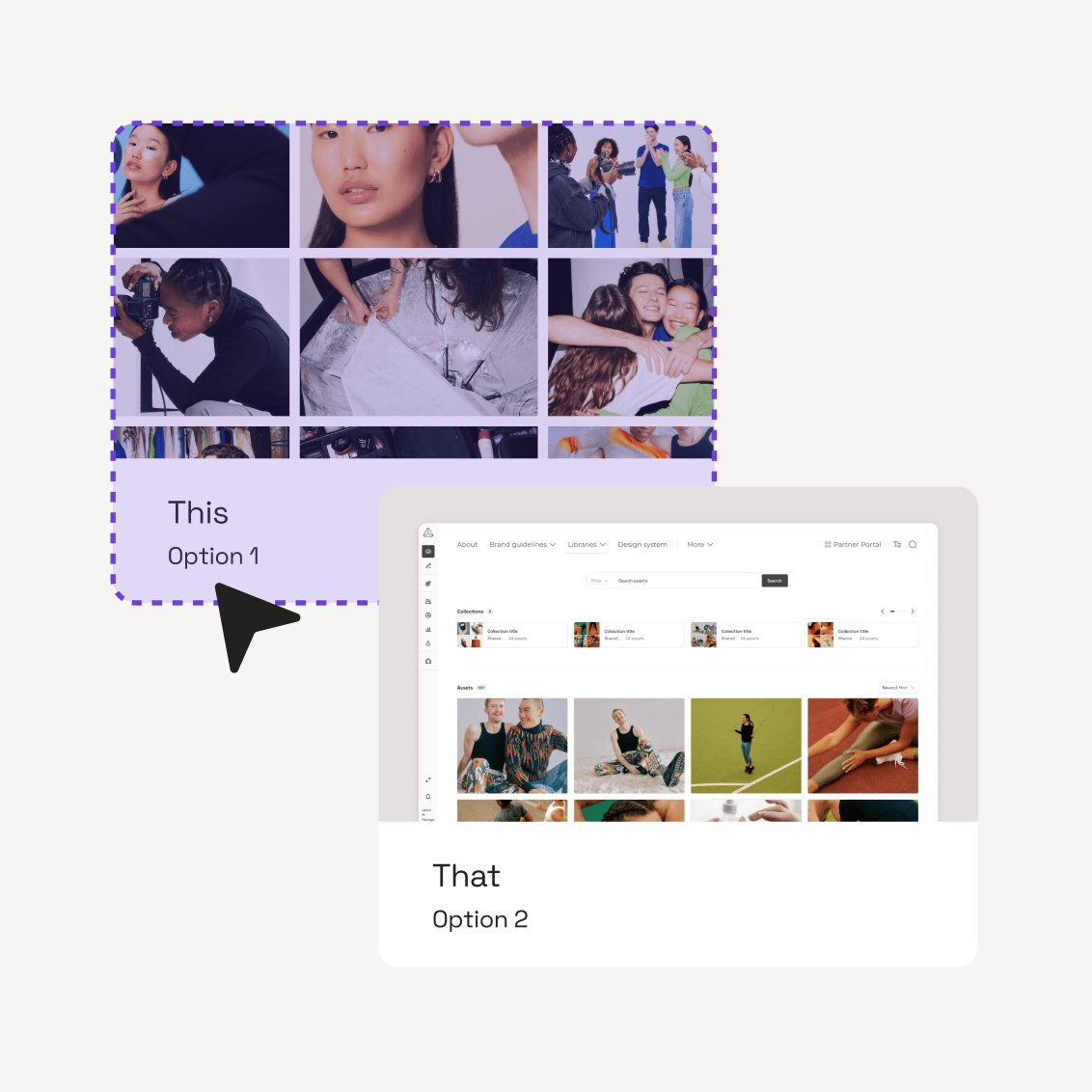
Frontify is a cloud-based brand-building platform built for brand operations teams who need to manage, govern, and scale their brand without filing developer tickets. Where Adobe AEM bundles DAM inside a broader digital experience platform that requires developers to configure and maintain, Frontify separates its admin back-end from a purpose-built brand portal. Marketers, sales teams, and regional partners interact with an interface designed for them, not for DAM administrators.
Frontify's AI capabilities go well beyond auto-tagging. Brand Assistant answers brand questions in natural language, drawing directly from your organisation's own guidelines and DAM to surface sourced answers with links back to the exact section where the answer lives.
A regional marketer in São Paulo asks "What's our approved colour palette for the Nordic region?" and gets the answer pulled from your guidelines, in Portuguese, without filing a request to the brand team. Multilingual translation covers 100+ languages. AI-powered metadata tagging means assets receive tags automatically on upload, and Frontify Automations let you select your preferred AI model to generate metadata at scale across large libraries.
The Creative API enables bulk, automated content generation across languages and markets, connecting to external data sources for high-volume outputs like business cards, localised flyers, and regional campaign materials. Brand Assistant is already accessible through the Frontify integration with Microsoft Copilot, so teams can access brand intelligence directly within the tools they already work in.
An MCP server is also on the way, which will let teams connect brand intelligence to even more workflows and tools.
Who should use Frontify?
Frontify fits enterprise brand and marketing teams managing multiple brands, regions, or partner networks who need governance depth comparable to AEM without the implementation overhead or developer dependency. The platform handles complex permission structures, controlling access by team, region, brand, or external partner down to the individual asset, folder, or collection level.
The clearest proof of this scale comes from telecommunications. Telefonica manages 16 brands, 17,000+ users, and 717,000+ assets from a single Frontify instance. As Cristina Terron Moreno, Account Manager at Telefonica, described it: "To be able to manage all brand materials and workflows at the same time in one unique space for all countries and brands is the main benefit and a milestone for Telefonica."
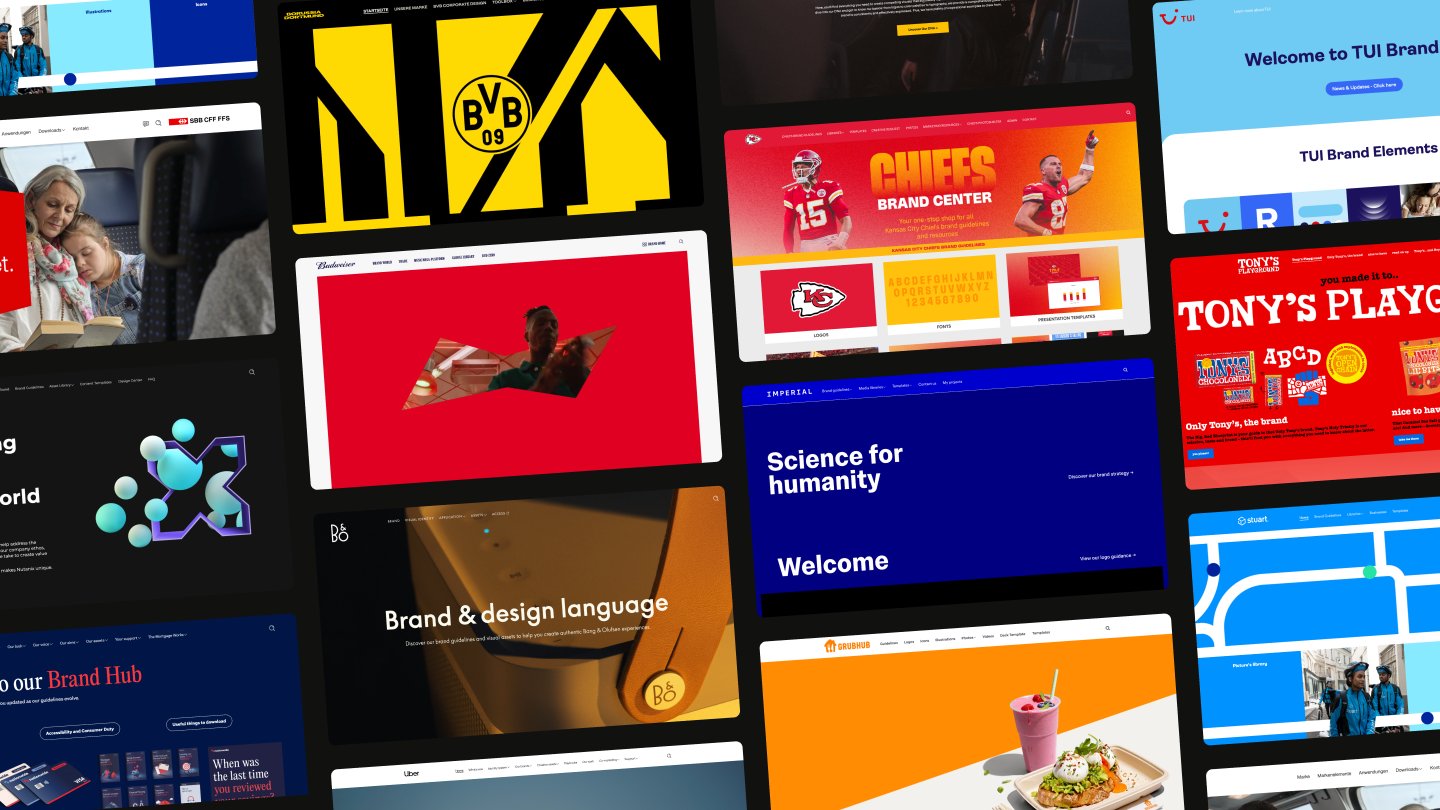
If your organisation operates across multiple markets with sub-brands or acquired companies, and your current AEM setup requires a dedicated team just to keep permissions and content structures current, Frontify handles that governance natively. Mercedes-Benz, Uber, KIA, Vodafone, and Bosch already run their brand operations on the platform.
Pros and cons
What Brand Assistant and the DAM actually do
- Brand Assistant (AI): Answers brand questions in natural language, drawing directly from your organisation's own guidelines and DAM to surface sourced answers with links back to the exact section where the answer lives. Automatic translation supports 100+ languages. Brand Assistant is already accessible through the Frontify integration with Microsoft Copilot, so teams can access brand intelligence inside the tools they already use. An MCP server is on the way, connecting Brand Assistant to even more workflows and tools.
- AI-powered tagging and smart search: Assets uploaded to the DAM receive AI-generated tags and can be filtered through smart search, reducing the manual metadata work that slows asset discovery in large libraries. You can also use Frontify Automations to select your AI model of choice to generate metadata at scale.
- Interactive brand guidelines with 40+ content blocks: Replace static PDFs with living, online brand guidelines that update in real time. Customise with content blocks for colours, typography, tone of voice, logos, code snippets, and more. Multi-brand support is built in.
- Locked digital and print templates: Templates built in Sketch, InDesign, Figma, or Storyteq give non-designers editable fields within locked creative boundaries. Spring Health reduced template creation time from 3 to 6 weeks to roughly 10 minutes per template, saving 16+ hours per template. As Connie Bravo, Senior Manager of Marketing Technology and Analytics, put it: "Frontify has essentially paid for itself with the time-savings and self-service aspects."
- Creative API for scaled content automation: Generate content in bulk across languages, markets, and formats. This is the infrastructure layer for organisations producing high volumes of localised or versioned assets.
- CDN-based asset delivery: Embed assets across digital touchpoints through Frontify's CDN. Update the source asset once, and every embedded instance reflects the change automatically. Built-in asset transformations let teams convert, resize, or crop files at download without altering the original.
How Frontify works
Frontify's architecture separates the admin experience from the end-user experience. Brand managers and administrators configure the system, set permissions, upload assets, build guidelines, and create templates in the back-end. Everyone else accesses the brand portal: a clean, navigable front-end designed for people who need to find, use, and create brand content without training in DAM administration.
This separation directly addresses the adoption failure that undermines many AEM deployments. Mercedes-Benz registered 46,000 users and recorded 6 million+ asset downloads since launching their Frontify portal. Daniel Hoolachan, Project Manager Corporate Design, noted: "The platform is very intuitive and easy to use, which makes it easy for people to get started using it." Twenty-five percent of their users access Frontify exclusively through the desktop application.
Integrations connect Frontify to the tools teams already use: Adobe Creative Cloud, Figma, Sketch, InDesign, Salesforce, and various CMS platforms. A partner-supported Marketplace extends the platform further, and Apps (currently in beta) enable third-party automations and generative AI image transformation.
How much does Frontify cost?
Frontify uses a monthly active users (MAU) pricing model. You pay for users who actively engage with the platform each month, and Frontify applies six-month averaging to smooth out usage fluctuations and keep billing predictable. An MAU is anyone who logs into your Frontify space at least once per month, including external partners and agencies. Users who only view content without logging in are not counted.
Pricing is customised based on your organisation's size, use case, and team structure. Frontify does not publish tiered pricing, and the platform does not gate core features behind expensive tier upgrades.
For enterprise organisations comparing total cost of ownership against AEM, the relevant calculation includes implementation time (weeks, not months), ongoing admin overhead (brand teams, not developers), and the consolidation of tools that Frontify replaces (separate guideline platforms, template tools, and asset libraries). The platform does not compete on being the cheapest option. It competes on delivering more capability in a single system with lower operational overhead.
FAQs
Canto
Best for mid-market teams centralising digital assets with simple search and sharing
- Best For: Mid-market teams centralising digital assets with simple search and sharing
- Pricing: Contact sales for custom quote
Canto is a digital asset management platform built to help organisations organise, find, and share digital assets. The platform emphasises fast adoption with minimal training, making it approachable for teams moving from shared drives or folder-based systems.
The platform centres on strong keywording, tagging, and search capabilities. Users report that facial recognition and natural-language search save significant time when managing large photo libraries. External sharing through curated asset links is straightforward, letting teams distribute approved assets to partners and stakeholders without granting full platform access.
Who should use Canto?
Canto fits mid-market organisations that need a capable DAM for asset storage, search, and distribution but don't require the broader brand management capabilities that enterprise platforms deliver. Teams managing thousands of photos in education, healthcare, nonprofits, and travel will find the facial recognition and keywording features immediately useful.
The platform does not include interactive brand guidelines, locked templates, or self-service content creation workflows. Teams moving from AEM specifically to consolidate their brand stack will find Canto solves one piece of the puzzle but leaves guidelines and templates scattered elsewhere.
Pros and cons
Key features for asset search and sharing
- Facial recognition: Scans photo libraries to identify and tag specific people, making it faster to locate images of individuals across thousands of assets.
- AI Visual Search: Natural-language search across image and video libraries, allowing users to describe what they're looking for rather than relying solely on metadata.
- Canto XI (AI-powered content hub): Unified AI-powered workspace that provides workflow and content lifecycle management.
- Approval Hub: Proofing, versioning, and approval workflows in one space to align stakeholders before assets go live.
- AI Library Assistant: Automated sorting and AI metadata suggestions to structure libraries without manual tagging overhead.
How Canto works
Canto's strength is findability. Users describe searching through thousands of photos by keyword, facial recognition, or natural-language queries, with results appearing quickly enough to eliminate the productivity drain of manual folder browsing.
External sharing is handled through curated links. Admins can create collections of approved assets and generate shareable URLs for partners, agencies, or regional teams. Recipients download files without needing platform access or login credentials.
Core capabilities:
- Secure cloud storage with intuitive search and security protocols
- Keywording, tagging, and facial recognition for photo libraries
- Natural-language AI search across images and videos
- External sharing via curated asset links
- Approval workflows for stakeholder alignment
Canto's AI features focus on search and organisation. AI Visual Search lets users describe what they need in plain language. AI Library Assistant suggests metadata and sorts assets automatically. These features reduce manual tagging work, but they don't extend into brand governance or content creation.
How much does Canto cost?
Canto does not publish pricing publicly. The platform offers four plans: Core Essentials, Enhanced Collaboration, Omni Brand Solution, and Advanced. Pricing is custom and requires contacting sales for a quote.
FAQs
Bynder
Best for large enterprises prioritising AI-powered search and broad integration coverage
Bynder combines asset management with advanced AI search capabilities and over 155 pre-built integrations. Bynder's modular architecture lets organisations build custom packages around a core DAM product, adding workflow automation, template systems, omnichannel delivery, and analytics as needed.
The AI Agents framework handles enrichment, governance, compliance, and personalisation tasks. Teams moving from Adobe AEM will find familiar enterprise governance capabilities, though implementation timelines of 3+ months and a modular pricing structure require careful planning.
Who should use Bynder?
Bynder fits large enterprises managing brand consistency across multiple markets and channels where AI-powered findability and integration breadth matter more than implementation speed. The advanced search capabilities include face recognition, image similarity, speech-to-text, and natural language queries. The 155+ integrations connect to Adobe Creative Cloud, Figma, Salesforce, CMS platforms, and content delivery networks. Organisations with complex approval workflows benefit from the upload-for-approval feature that lets external creators and partners submit assets for review without becoming full platform users.
Teams replacing Adobe AEM should expect a similar implementation timeline: 3+ months to get live, with ongoing configuration managed through the platform's admin tools. Bynder works best when you have dedicated admin resources and a clear integration roadmap. The modular pricing structure means you pay for what you use, but it also means evaluating which modules you need upfront.
Pros and cons
AI-powered search and integration capabilities
- AI Agents platform: AI-assisted agents handle enrichment, governance, compliance, and personalisation tasks across asset libraries
- Advanced AI search: Natural language queries plus face recognition, search by image, text-in-image detection, similarity search, and speech-to-text indexing
- 155+ integrations: Pre-built connectors to Adobe Creative Cloud, Figma, Salesforce, CMS platforms, and content delivery networks
- Upload-for-approval: External creators and partners submit assets for review without platform access
- Omnichannel delivery: Automated asset transformation and delivery for digital touchpoints with CX solutions
How Bynder works
Bynder organises assets without folder hierarchies. The platform relies on metadata, tags, and AI-powered search to surface the right content. Users search using natural language, upload images to find similar assets, or filter by detected faces across photo libraries. The AI Agents framework runs in the background, suggesting metadata tags, detecting compliance issues, and enriching assets automatically as they enter the system.
Core workflow capabilities:
- Secure storage with customisable metadata models and AI-assisted tagging
- Advanced filtering and AI search across all asset types
- Rights management with granular permissions by user, team, or external partner
- Approval workflows with upload-for-approval for external contributors
- Version control and asset history tracking
- CDN-based delivery with custom URLs and SSO authentication
The modular architecture means organisations build their Bynder instance from components. The core DAM product includes storage, search, and basic workflows. Add-on modules cover template creation, workflow automation, omnichannel delivery, analytics, and integration connectors. This flexibility lets you match the platform to your requirements, but it also means implementation involves configuring multiple modules and their interactions.
Integration depth is where Bynder differentiates from simpler DAMs. The platform connects to Adobe Creative Cloud for direct asset access from Photoshop and InDesign, Figma for design system workflows, Salesforce for sales enablement, and CMS platforms for web content delivery.
How much does Bynder cost?
Bynder does not publish pricing. The modular packaging model means cost depends on which components you need and how many users you support. All packages include a customisable homepage, onboarding, rights management, structure and filters, 24/7 support, custom URL, SSO, security protocols, and APIs/SDKs.
FAQs
Acquia DAM
Best for enterprise marketing teams needing combined DAM and product information management
- Best For: Enterprise marketing teams managing both digital assets and product information in one system
- Pricing: Contact sales for custom quote, billed annually
Acquia DAM is a web-based platform that combines DAM and PIM capabilities to centralise brand, marketing, and product content for enterprise organisations. The platform offers AI-powered asset management with automated metadata generation, visual search, and duplicate detection. Acquia DAM says its AI can generate metadata 100 times faster at 90% lower cost across 53 languages.
The entry tier (Workgroup) supports up to 50 users with 1 TB storage, REST API access, configurable metadata, AI-powered search and tagging, and branded portals. The architecture includes analytics dashboards, role-based permissions, SSO, and CDN bandwidth for delivery.
Who should use Acquia DAM?
Acquia DAM fits organisations where product information management sits alongside digital asset management as a core requirement. If your teams need to maintain product specifications, pricing data, and technical documentation in the same system as brand assets and marketing materials, the combined DAM + PIM architecture addresses both needs without forcing you to integrate separate platforms.
The platform works best for enterprise marketing functions that can invest time in initial setup and configuration. Users report capable admin tools for managing complex group and role structures, which matters when you're governing access across multiple teams, regions, or partner networks. The learning curve is real, but the payoff is granular control over who sees what.
Pros and cons
DAM + PIM capabilities and AI-powered organisation
- AI-powered asset management: AI search, automated tagging, duplicate detection, and AI copilot support with metadata generation claimed at 100x faster speed across 53 languages
- Insights analytics: Usage tracking to understand who uses content and justify DAM investment with concrete data
- Branded portals: No-code branded pages for curated asset sharing with stakeholders and partners
- Combined DAM + PIM: Unified platform for managing both digital assets and product information in one system
- 80+ pre-built integrations: Plus 200 marketplace connectors and open API for custom workflows
How Acquia DAM works
Teams upload assets to the platform, where AI automatically generates metadata, tags content, and detects duplicates. Visual search lets users find assets using natural language queries rather than exact keyword matches. The system supports configurable metadata schemas, which means you can structure asset information to match your organisation's taxonomy and governance requirements.
The platform separates admin capabilities from end-user experience through its portal architecture. Administrators configure permissions, metadata structures, and workflows through the back-end interface. End users access curated asset collections through branded portals that present a simplified, no-code experience. These portals support dynamic filtering, which lets users narrow down large asset libraries without needing to understand the full taxonomy structure behind them.
Core workflow capabilities:
- Role-based access control down to asset and folder level
- Version history and archiving for asset lifecycle management
- REST API for connecting upstream and downstream tools
- CDN-based delivery with bandwidth allocation
- SSO integration for enterprise authentication
- Custom branding for portals and user-facing experiences
Acquia DAM's analytics layer tracks who accesses which assets and how frequently. This usage data helps teams understand content performance and justify continued platform investment with concrete metrics.
The PIM component extends beyond pure asset management to include product specifications, pricing, and technical documentation. For organisations managing product catalogues alongside marketing materials, this eliminates the need to maintain separate systems or build custom integrations between a DAM and a standalone PIM platform.
How much does Acquia DAM cost?
Acquia DAM does not publish pricing. Contact sales for a custom quote based on your organisation's requirements.
FAQs
Brandfolder
Best for teams prioritising intuitive asset organisation with clean, simple navigation
- Best For: Teams needing approachable DAM with straightforward collaboration
- Pricing: Contact sales for custom quote
Brandfolder is an intuitive DAM that helps teams organise, control, create, distribute, and measure digital assets. The platform serves organisations from startups through Fortune 500 enterprises, with a focus on making asset management accessible to users who don't live in the DAM every day. The interface emphasises clean layout and straightforward navigation, which reviewers consistently cite as the platform's primary strength.
The platform combines core DAM functionality with Brand Intelligence AI, customisable portals, and Smart CDN for embedding assets across web properties. Brandfolder integrates with creative tools including Adobe Creative Cloud, Figma, Sketch, Canva, and Smartsheet. The company was acquired by Smartsheet and has since integrated creative production automation features powered by Storyteq.
Who should use Brandfolder?
Brandfolder fits teams that value interface simplicity over operational depth. The clean UI and straightforward collaboration features make it approachable for organisations where ease of adoption matters more than advanced workflow automation or governance capabilities. Internal and external collaboration works well through permission-based access controls, and the platform handles basic asset organisation and sharing without requiring extensive training.
Teams replacing Adobe AEM should evaluate Brandfolder's limitations carefully. Search functionality is reportedly weak, which undermines the platform's core value proposition. The templating system (PrintUI) is described in reviews as buggy and unusable, creating bottlenecks for self-service content creation. Automation features are locked to the Enterprise plan, which means teams on lower tiers face significant manual overhead.
The platform offers multiple overlapping organisation methods (tags, labels, filters, custom fields, collections). Reviewers say these create confusion rather than clarity. If your AEM replacement requirements include strong search, reliable templating, or operational automation, Brandfolder's current capabilities may not meet your needs.
Pros and cons
Asset organisation and Brand Intelligence AI
- Brand Intelligence AI: Learns taxonomy rules, scans imported files, and adds metadata and tags automatically. Includes duplicate detection, logo detection, and usage insights.
- Portals: Customisable, easy-to-build curated asset experiences for specific stakeholders or use cases
- Smart CDN: Embed assets across the web with automatic updates when source files change
- Creative workflow integrations: Native connections to Adobe Creative Cloud, Figma, Sketch, Canva, and Smartsheet
- Permission-based collaboration: Granular access controls for internal teams and external partners, including permission request workflows
How Brandfolder works
Brandfolder organises assets in a central cloud library with AI-assisted tagging to reduce manual metadata entry. Brand Intelligence scans imported files and applies metadata based on learned taxonomy rules, though the effectiveness of this automation depends on the plan tier. The platform offers multiple organisation methods including tags, labels, filters, custom fields, and collections. Reviewers note this variety creates confusion because the methods overlap without clear distinctions about when to use each one.
Core capabilities by function:
- Asset management: Upload/store all asset types; AI auto-tagging; version history; access control
- Search and discovery: Keyword search; metadata filtering; AI Visual Search (effectiveness varies by review)
- Collaboration: Permission-based access; authenticated sharing; approval workflows; workspaces
- Distribution: Smart CDN embedding; external sharing by link; integrations with creative and marketing tools
- Brand guidelines: Brandguide feature for publishing brand standards (separate from DAM interface)
- Analytics: Usage tracking; download metrics; asset performance insights (Premium and Enterprise plans)
Portals let teams create curated asset collections for specific audiences or use cases. A marketing team can build a portal for regional sales teams with only approved campaign assets, or create an external portal for agency partners with access to specific brand materials. Portals work well for these defined sharing scenarios, but reviewers report they don't solve the broader usability issues in the main DAM interface.
The templating system (PrintUI) allows teams to create locked templates for self-service content creation, but multiple reviews describe it as buggy and unreliable. This is a significant limitation for teams replacing AEM who need reliable template functionality to enable non-designers to create on-brand content independently. Automation features that would reduce manual overhead are gated to the Enterprise plan, which means teams on Premium must handle bulk operations and workflow triggers manually.
How much does Brandfolder cost?
Brandfolder does not publish pricing. Contact sales for a custom quote based on your organisation size and requirements.
FAQs
Aprimo
Best for enterprise organisations in regulated industries needing content operations and compliance workflows
- Best For: Enterprise content operations with complex approval workflows and compliance requirements
- Pricing: Contact for custom quote
Aprimo is a global software company providing DAM and content operations solutions for enterprises managing more than 4 petabytes of digital assets. The platform combines digital asset management with workflow automation, approval routing, and compliance tooling designed for organisations where content governance is a business-critical function. Aprimo operates as a content operations hub rather than a pure DAM, with features spanning planning, production, and distribution workflows alongside asset storage and management.
Teams moving from Adobe AEM to Aprimo typically do so because they need deeper workflow automation and compliance capabilities than most DAMs provide.
Who should use Aprimo?
Aprimo fits enterprise marketing and content operations teams managing complex approval workflows across multiple stakeholders, regions, and compliance requirements. If your organisation operates in a regulated industry where every piece of content requires documented approval from legal, compliance, and brand teams before publication, Aprimo's workflow engine is built for that scenario. The platform handles the orchestration layer between content creation and distribution, routing assets through approval chains and maintaining audit trails that satisfy regulatory requirements.
The platform serves regulated industries including financial services, life sciences, manufacturing, and consumer goods where content approval chains and audit trails are non-negotiable requirements.
Aprimo requires significant configuration, a dedicated administrator, and user training to operate effectively. If your primary need is to get a DAM live quickly so non-designers can find and share assets without friction, Aprimo's complexity will work against you.
Pros and cons
AI Agents and workflow automation capabilities
Aprimo's AI Agents framework automates content operations tasks across five categories.
- Planning agents: Organise campaign timelines and content calendars
- Librarian agents (metadata): Manage metadata consistency and taxonomy
- Critic agents (quality): Assess content quality against brand standards
- Compliance agents: Flag regulatory issues before publication
- Production agents: Automate asset transformations and delivery
Each agent operates within defined parameters set by administrators, reducing manual overhead for routine content operations tasks.
Additional capabilities:
- Productivity management workflows: Configurable approval routing and audit trails for work execution and multi-stakeholder collaboration
- Content personalisation: Real-time decisioning engine for known and unknown users to deliver tailored content experiences
- Intelligent search and discovery: AI-based contextual search with recommendations to surface relevant assets based on usage patterns and metadata
- Global storage and CDN: Multi-region storage architecture including China, with URL transformations and automated renditions for delivery optimisation
How Aprimo works
Aprimo operates as a content operations platform with DAM at its core. The system handles the full content lifecycle from planning through production, approval, distribution, and measurement.
Teams upload assets to the DAM, where AI-powered metadata automation applies smart tagging, OCR for text extraction, speech-to-text for video, and video summarisation. Assets then move through configurable approval workflows that route content to stakeholders based on business rules, with collaboration boards enabling feedback and annotation.
Core capabilities by function:
- Asset management: Customisable metadata model, automated tagging (smart tagging, OCR, speech-to-text, video summary), AI search and recommendations, global storage with CDN, URL transformations and renditions
- Workflow and collaboration: Approval and review workflows, collaboration boards with annotations, templating, granular rights management and auditability
- Distribution: Brand portals and guidelines, integrations via API/SDK and pre-built connectors, content personalisation with real-time decisioning
- Operations: Productivity management tooling, content intelligence and analytics, spend management for campaign budgets
Aprimo integrates with enterprise systems through APIs and pre-built connectors. The platform connects to creative tools (Adobe Creative Cloud, Figma), marketing automation platforms (Marketo, Eloqua), CRM systems (Salesforce), ERP systems (SAP), and production vendors (Kodak Design2Launch). This integration architecture positions Aprimo as a central hub in the marketing technology stack rather than a standalone DAM.
Complexity defines Aprimo. Teams that need deep workflow automation and compliance capabilities will find the feature depth valuable. Teams that need fast implementation and intuitive adoption will find the learning curve and configuration overhead prohibitive. Aprimo requires dedicated administration and user training to deliver value, which mirrors the implementation reality that drives many teams away from Adobe AEM in the first place.
How much does Aprimo cost?
Aprimo does not publish pricing. Contact sales for a custom quote based on your organisation's requirements.
FAQs
Scaleflex
Best for e-commerce and retail teams optimising visual media delivery at scale
- Best For: E-commerce and retail teams managing high-volume visual catalogues with delivery optimisation requirements
- Pricing: Contact sales for custom quote
Scaleflex combines DAM with dynamic media optimisation and Visual AI in a unified platform. The system handles asset management, but its defining capability is what happens to those assets after upload: on-the-fly transformations, compression, multi-CDN delivery, and automated visual processing. Teams moving from Adobe AEM for e-commerce or product catalogue use cases will find Scaleflex's media delivery infrastructure more purpose-built than AEM's general-purpose asset handling.
The platform serves more than 500 clients across 50+ countries, concentrated in industries where visual content velocity matters: e-commerce, real estate, tourism, and retail. Scaleflex's headless architecture means developers can automate workflows across photography, editing, development, and marketing teams through API-driven processes rather than manual handoffs.
Who should use Scaleflex?
Scaleflex fits organisations where the primary challenge is delivering optimised visual content at scale across digital touchpoints. If your team manages thousands of product images that need automated cropping, resizing, compression, and delivery across web, mobile, and marketplace channels, Scaleflex's dynamic media optimisation solves a problem that pure DAMs don't address well.
The platform makes less sense for teams replacing AEM primarily for brand governance, interactive guidelines, or locked template workflows. Scaleflex is built for media operations. Teams that need both will likely end up running Scaleflex alongside separate tools for brand guidelines and template management, which reintroduces the fragmentation problem that drives many AEM replacements in the first place.
Pros and cons
Dynamic media optimisation and Visual AI
- Dynamic Media Optimisation: 150+ adaptive transformations for images and video, including on-the-fly resizing, compression, and format conversion delivered through multi-CDN acceleration
- Visual AI suite: 13+ AI and machine learning features including automated metadata tagging, content moderation, and background removal
- Headless architecture with API: Developer-friendly API for building automated workflows across teams and integrating visual content into custom applications
- Unified platform: Combines DAM, Visual AI, brand portals, and dynamic optimisation in one system rather than requiring separate tools for each function
- Automated approval workflows: Annotations, approval routing, and sharing of approved content to partners and marketplaces
How Scaleflex works
Scaleflex operates as a content hub where visual assets are stored, processed, and delivered. Teams upload images and videos to the DAM, where Visual AI automatically tags content, moderates for compliance, and structures metadata. Instead of downloading static files, teams request dynamic transformations through the platform or API, and Scaleflex delivers optimised versions on demand.
Core workflow capabilities:
- Centralised DAM with metadata taxonomy and keyword search
- Visual AI for automated tagging, moderation, and background removal
- Dynamic transformations: resize, crop, compress, format conversion
- Multi-CDN delivery for performance across regions
- API-driven automation for developer-led workflows
- Brand portals for curated asset sharing
- Approval workflows with annotations and version control
The platform's API is central to how e-commerce and retail teams use it. Photographers upload raw product images, editors annotate and approve, developers automate transformations for different channels, and marketing teams pull optimised assets into campaigns without manual resizing or reformatting. This automation reduces the repetitive imagery work that bogs down high-volume visual operations.
Scaleflex's headless architecture means the DAM functions as a backend service rather than a destination interface. Teams building custom storefronts, marketplaces, or product catalogues can integrate Scaleflex's media delivery directly into their applications rather than forcing users to log into a separate DAM portal. For organisations with developer resources, this flexibility is valuable. For teams that need a ready-made brand portal experience, it requires more configuration than platforms built with front-end usability as a priority.
The Visual AI handles metadata tagging and content moderation automatically, but users report that bulk metadata entry for custom fields remains inefficient. The system requires one-by-one confirmation rather than batch processing, which creates friction for teams migrating large catalogues with existing taxonomy structures.
How much does Scaleflex cost?
Scaleflex does not publish pricing. The platform offers three tiers: Developers, Digital teams, and Enterprise. Contact sales for a custom quote based on your organisation's requirements.
FAQs
Why Frontify is the best Adobe AEM alternative
Frontify solves the core problem that drives teams away from Adobe AEM: it delivers enterprise-grade governance without enterprise-grade complexity. Where AEM requires developer involvement for routine brand updates, Frontify separates the admin back-end from the user-facing brand portal. Brand teams manage their own configuration without filing a single ticket.
Most AEM alternatives are pure DAMs that handle file storage well but leave brand guidelines, templates, and design systems scattered across other tools. Frontify natively combines DAM, interactive brand guidelines, locked templates, and a front-end brand portal in a single system. Unified brand management in one place.
And then there's the AI question. Every platform in this guide offers AI-powered tagging. It's table stakes. Frontify's AI capabilities go further. Brand Assistant answers brand questions in natural language, drawing directly from your organisation's own guidelines and DAM, with responses that link back to the exact section where the answer lives. Multilingual translation across 100+ languages is built in. AI-powered metadata tagging automates asset classification on upload, and Frontify Automations let you choose your preferred AI model to generate metadata at scale. The Creative API powers bulk content generation across languages, markets, and formats. Brand Assistant is already accessible through the Microsoft Copilot integration, so teams can access brand intelligence inside the tools they already use. An MCP server is on the way, connecting brand orchestration to even more workflows.
Enterprise scale is proven through outcomes. Spring Health reduced template creation from 3 to 6 weeks to approximately 10 minutes.
Brand operations are heading towards AI that reads your guidelines, surfaces the right assets, and answers questions about tone, usage, and approval in natural language, inside the tools your teams already work in. Frontify is already there.