
Digital asset management
The DAM that goes beyond storage







The engine that powers your brand

pulling folder structure ...

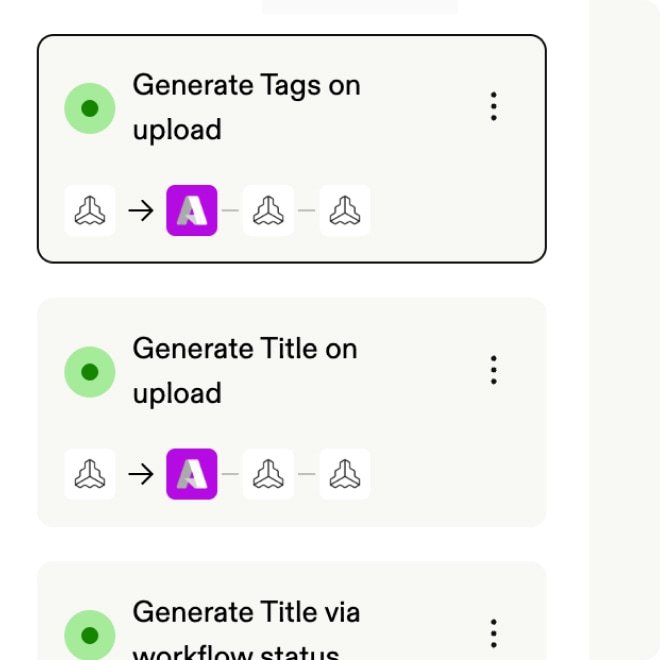
generating titles,
descriptions, tags ...
pulling folder structure ...
pulling folder structure ...

pushing to portal ...
pulling folder structure ...
Find any asset instantly
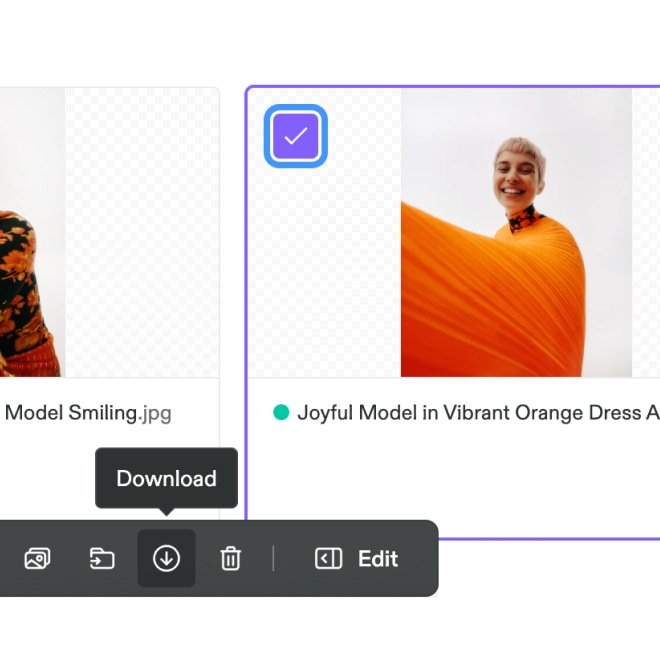
AI tags and organizes assets automatically. Search by image, keyword, or natural language to find what you need in seconds.
Review, approve, decide faster
Comment on videos with timestamps, annotate PDFs, approve assets without moving files. Decisions happen faster, and nothing gets lost.
Adapt for every channel
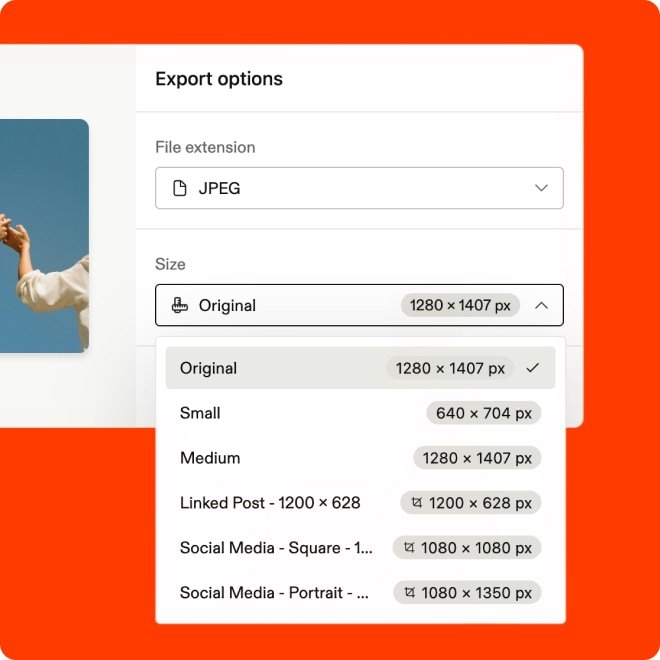
Teams transform assets into any format or size and deliver them across every tool and channel.
Automate brand protection
Built-in governance scales permissions and workflows across markets so all teams work with approved, current, and even localized assets.
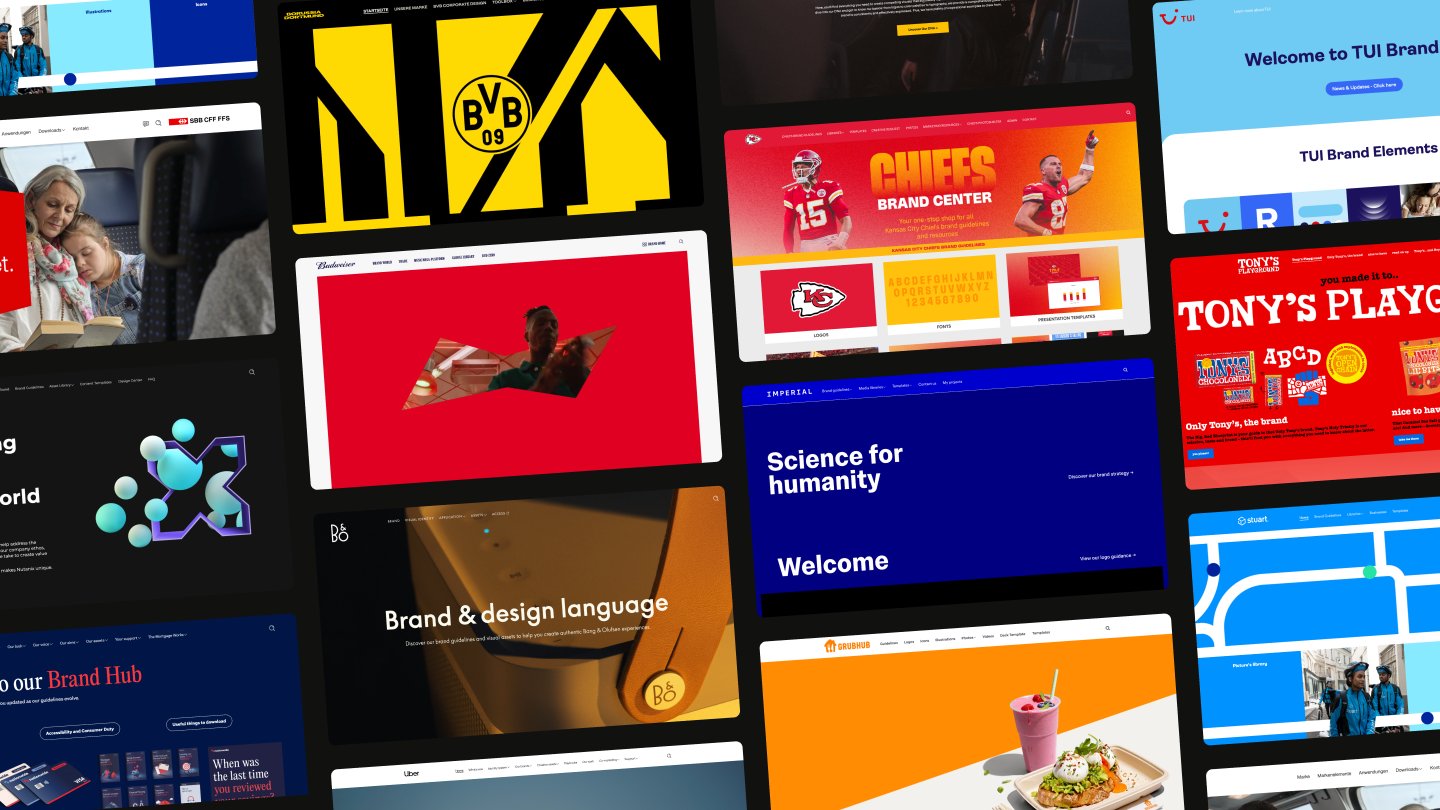
The DAM for leading brands

Frequently Asked Questions
What is a digital asset management system?
Accordion header
A digital asset management (DAM) system is a platform that gives organizations a single place to store, organize, find, and distribute digital content such as logos, images, videos, documents, and templates.
The core problem a DAM solves is straightforward: organization and access. Without a DAM, brand content gets scattered across shared drives, email threads, and local folders. Teams waste time looking for files and may end up using outdated versions. There's no reliable way to control what gets shared across teams, regions, or with external partners.
With a DAM, teams can find the right assets instantly, work with current versions, and maintain control over who accesses and shares what — all in one centralized system.
What is a DAM system used for?
Accordion header
A DAM system is used to centralize brand and marketing assets, control who can access and distribute them, and connect them to the tools and channels where they’re needed. This replaces files spread across multiple drives and folders with one searchable library. Sales, HR, agencies, and regional teams get self-serve access to approved content instead of waiting for the brand and creative teams to fulfill every request for logo files, product images, and event invitations.
Is Frontify's DAM just for storing files?
Accordion header
No, and that's the point. Most DAMs focus on storing and retrieving files. Frontify's DAM is built around your brand: Assets sit alongside your guidelines, templates, and approval workflows in the same platform. Teams can find the resources they need, understand how to use them, and share them in the right channels — without leaving Frontify.
How does the Frontify DAM handle large volumes of assets?
Accordion header
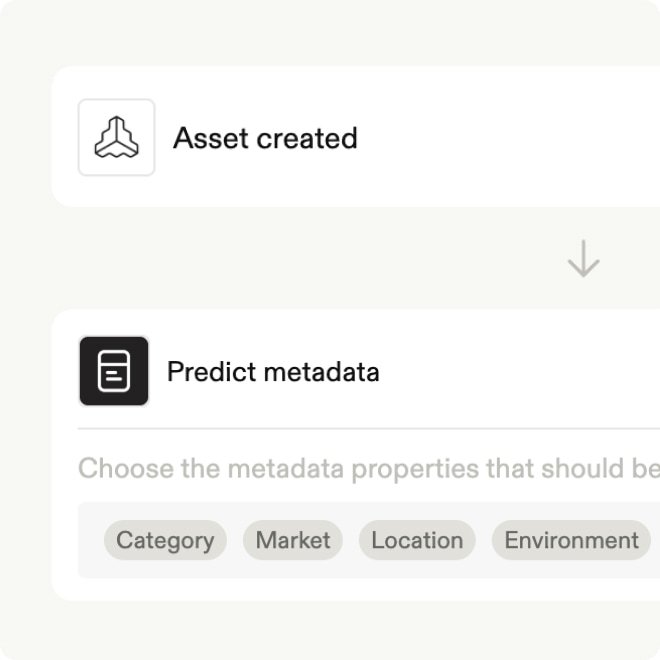
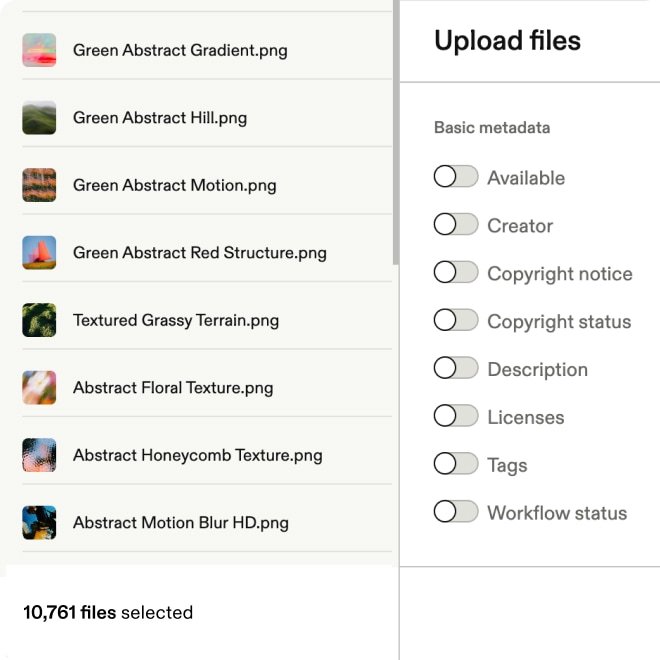
The platform uses AI to organize assets automatically as they come in by applying tags, generating metadata, and flagging duplicates without manual input. Bulk operations let you make changes across large numbers of assets at once. Smart libraries keep content structured by team, market, or use case so things stay findable as your library grows.
How does the Frontify DAM support review and approval?
Accordion header
Assets move through configurable approval workflows before they’re accessible to wider teams. Reviewers can annotate files directly in the platform, add timestamped comments on videos, and approve or reject without email chains. Nothing gets distributed until it has cleared the right sign-off.
How does the Frontify DAM protect the brand from misuse?
Accordion header
Governance is built into the platform rather than added on top. Permissions control who can access, download, or share each asset. Approval workflows prevent unapproved content from going live. Rights management alerts you when usage licenses are about to expire. And because guidelines sit in the same system, teams can check how an asset should be used without asking.
Can the Frontify DAM deliver assets directly to other channels and tools?
Accordion header
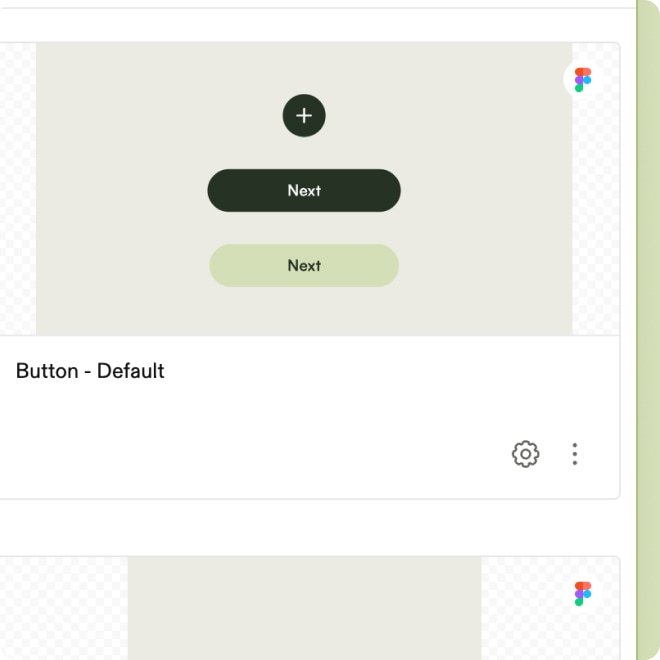
Yes. With CDN-based assets, teams can push assets directly to websites, CMS platforms, and other digital touchpoints. When you update assets in the DAM, they’re updated everywhere they’re embedded. Native integrations with tools including Adobe Creative Cloud, Webflow, and Figma mean assets sync into existing workflows rather than being downloaded and re-uploaded manually.
What AI capabilities are included in the Frontify DAM?
Accordion header
The Frontify DAM uses AI for metadata management, auto-tagging, natural language search, image analysis, and image generation. These reduce the manual work of running a large asset library and make it faster for teams to find and use what they need. Automations extend these capabilities further, letting you build custom AI-powered workflows that activate when assets are uploaded or updated.