Creative asset management
Turn creative chaos into momentum







Overview
How Frontify powers creative asset management
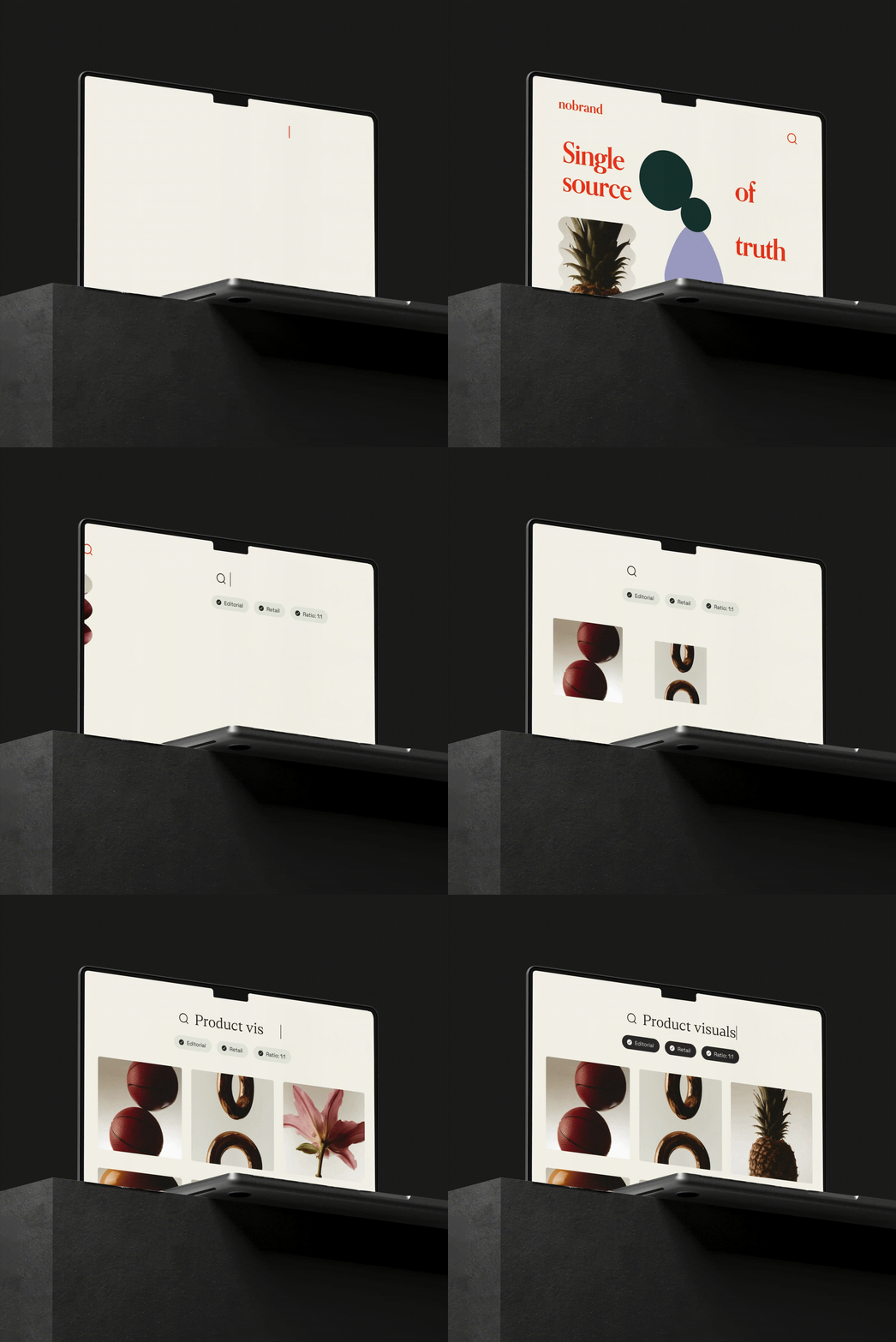
Centralize creative files
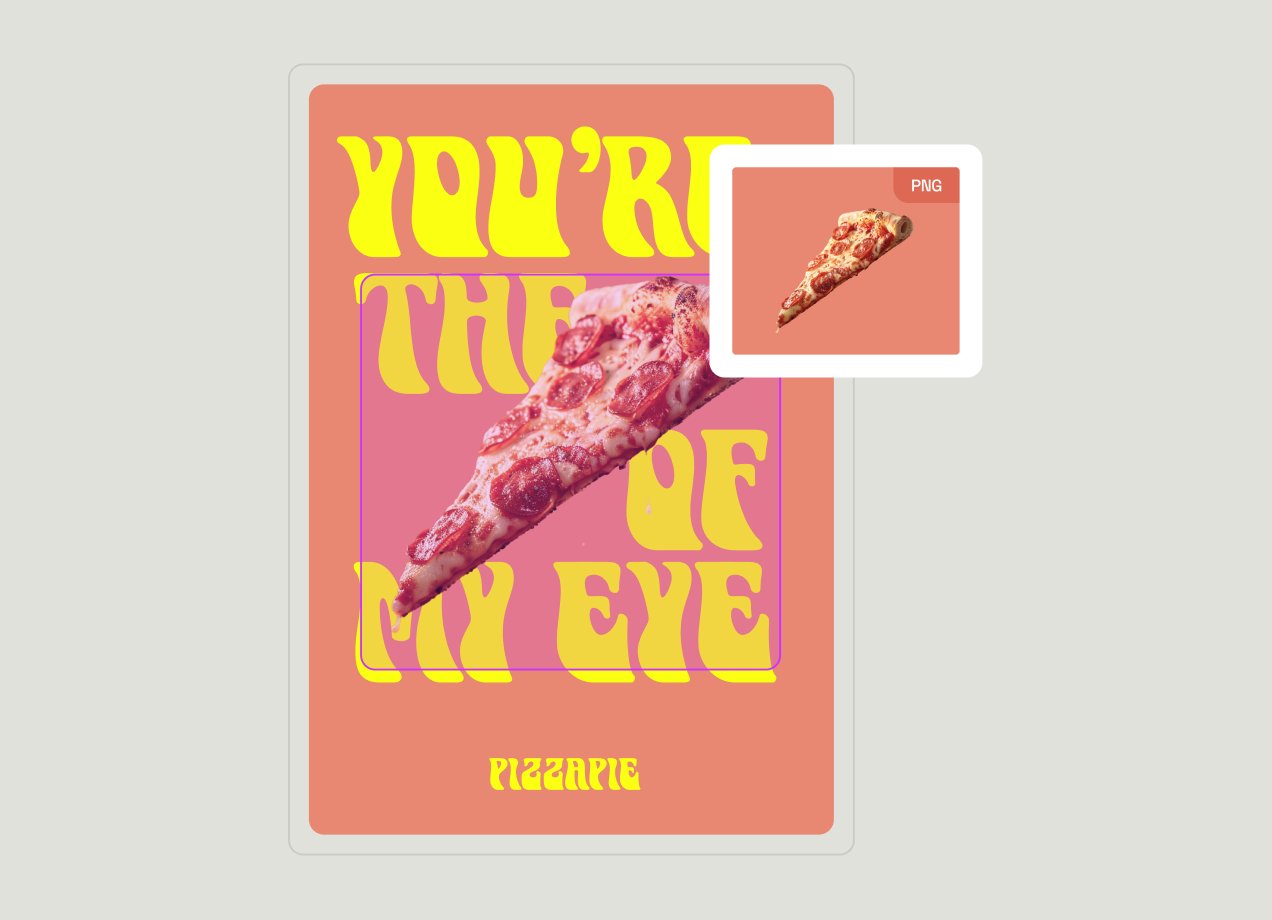
Accelerate collaboration
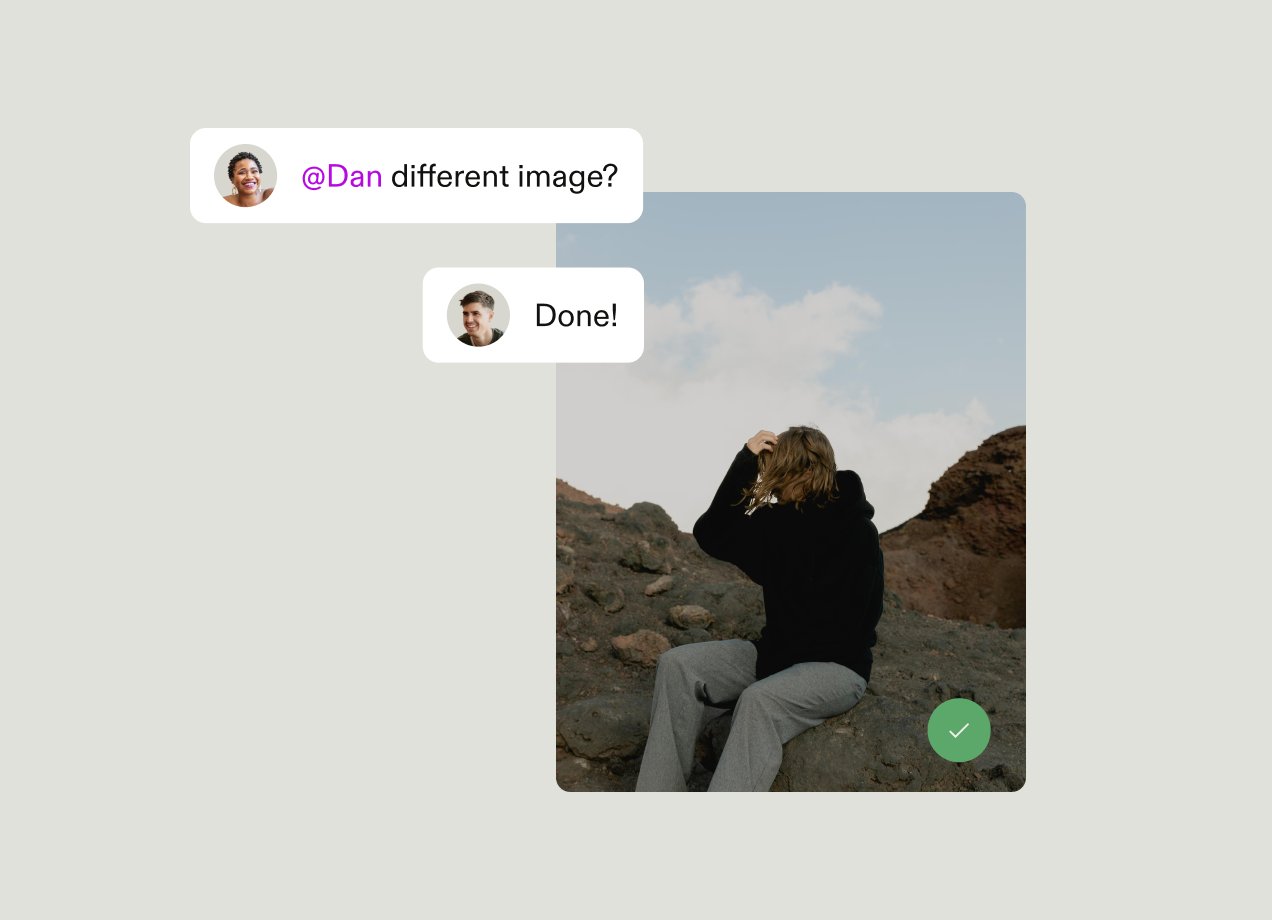
Enable creative production at scale
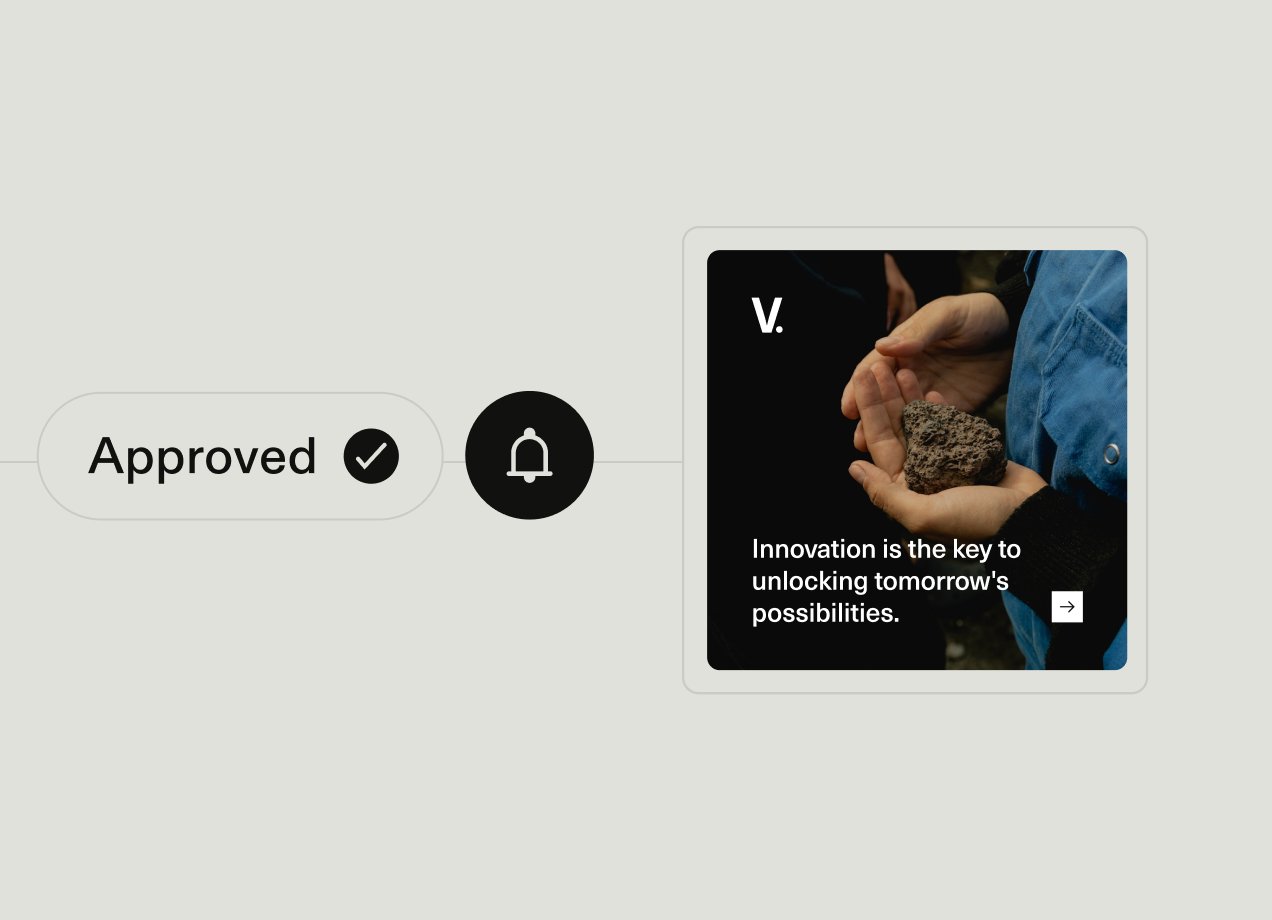
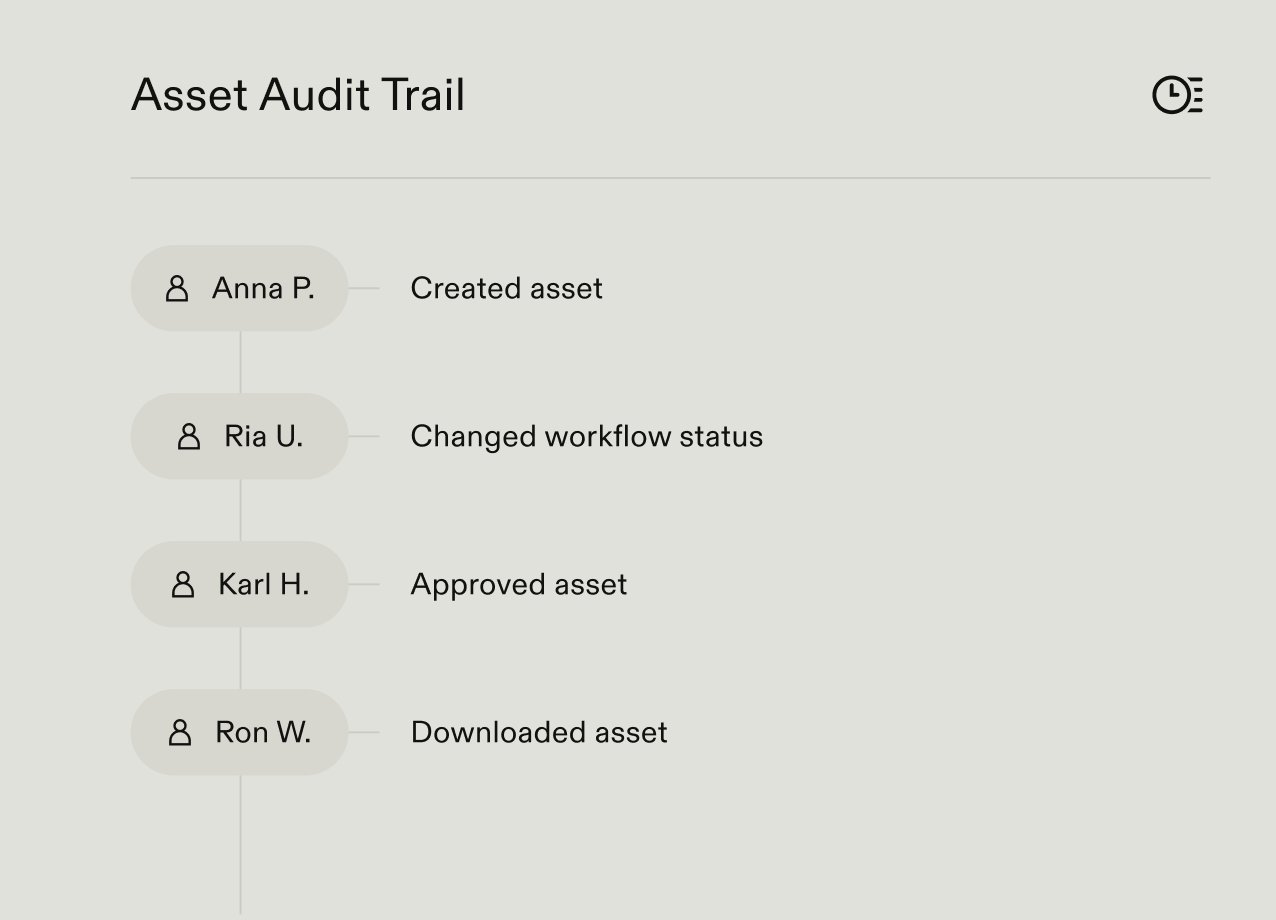
Control versions and approvals
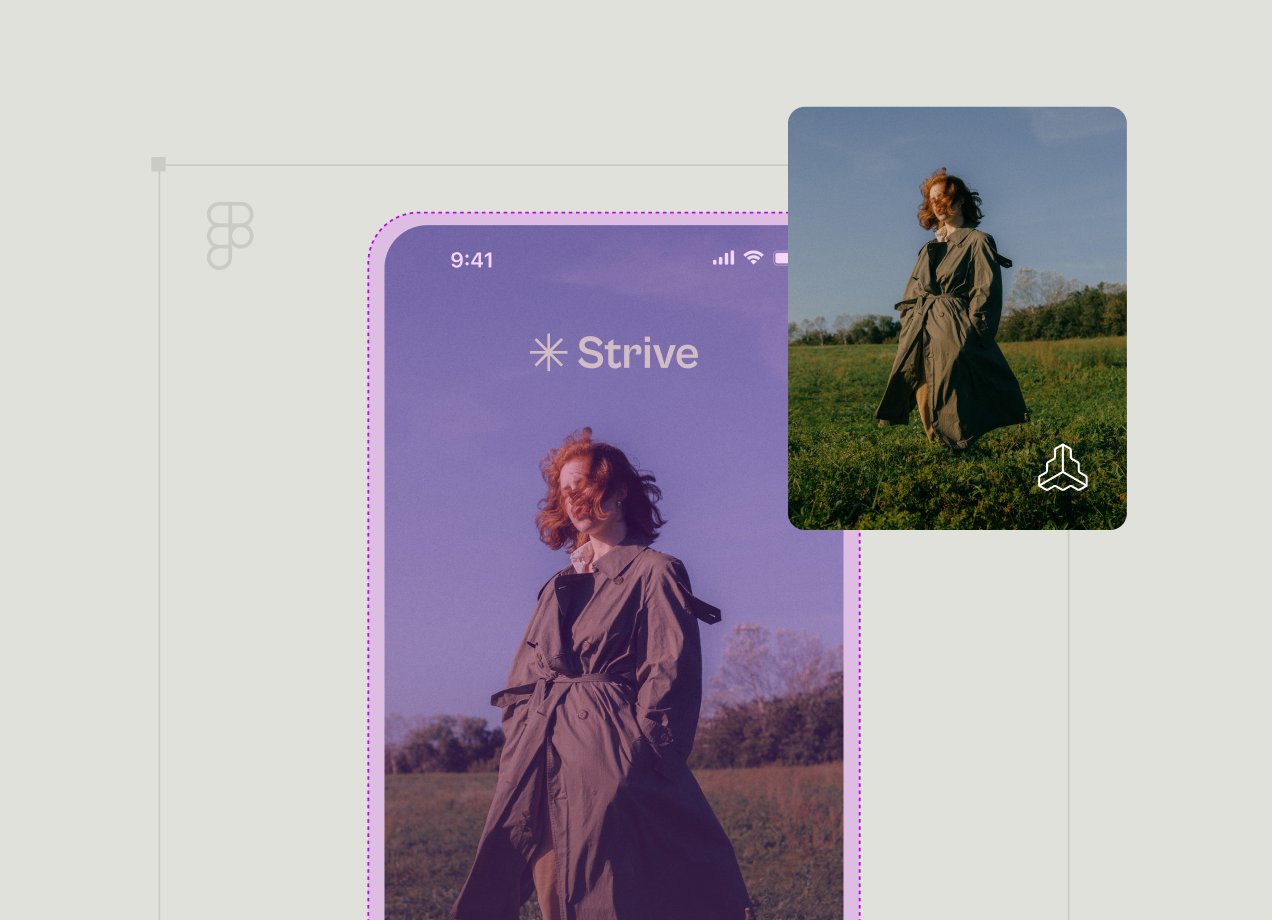
Connect your creative tools
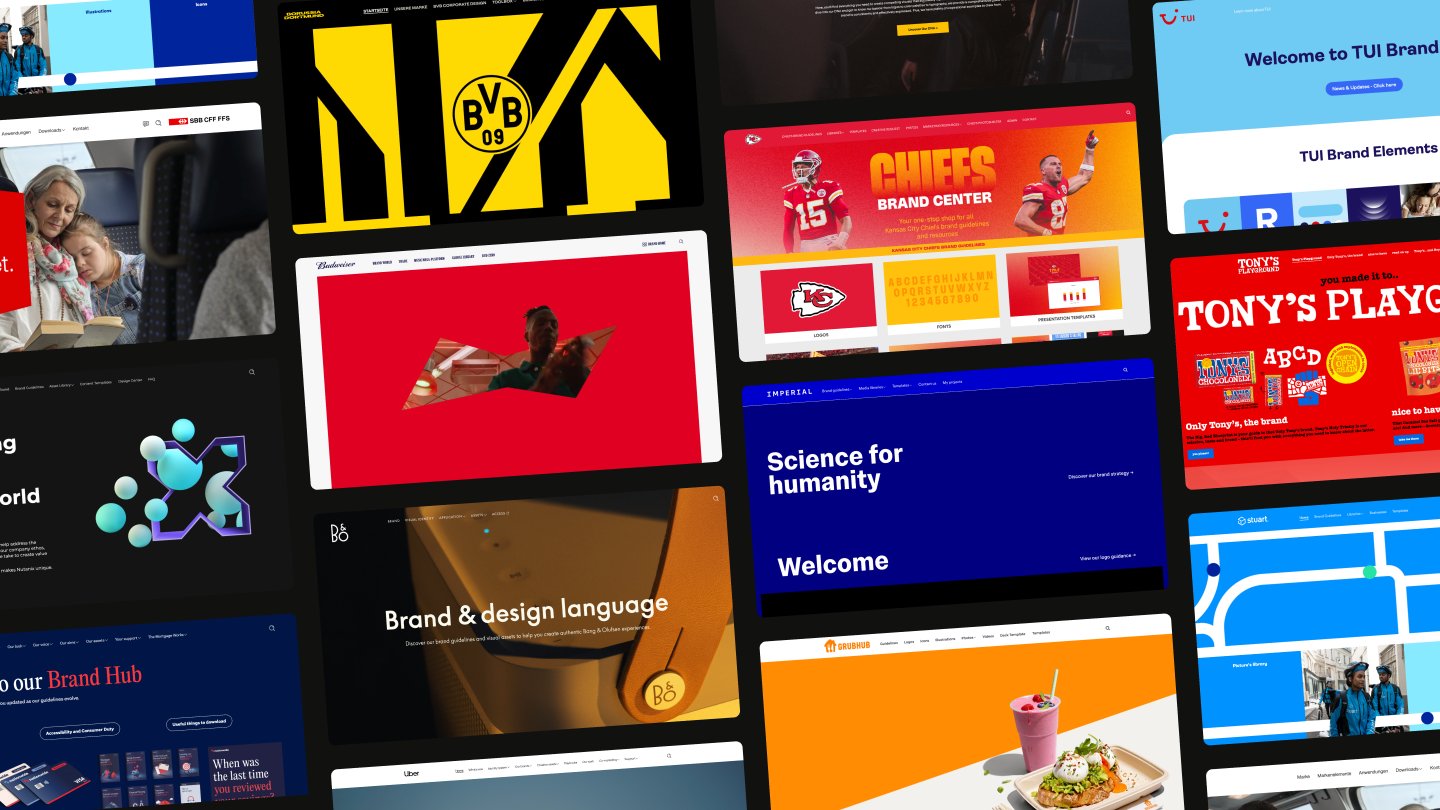
Unified brand platform
Turn asset storage into creative momentum
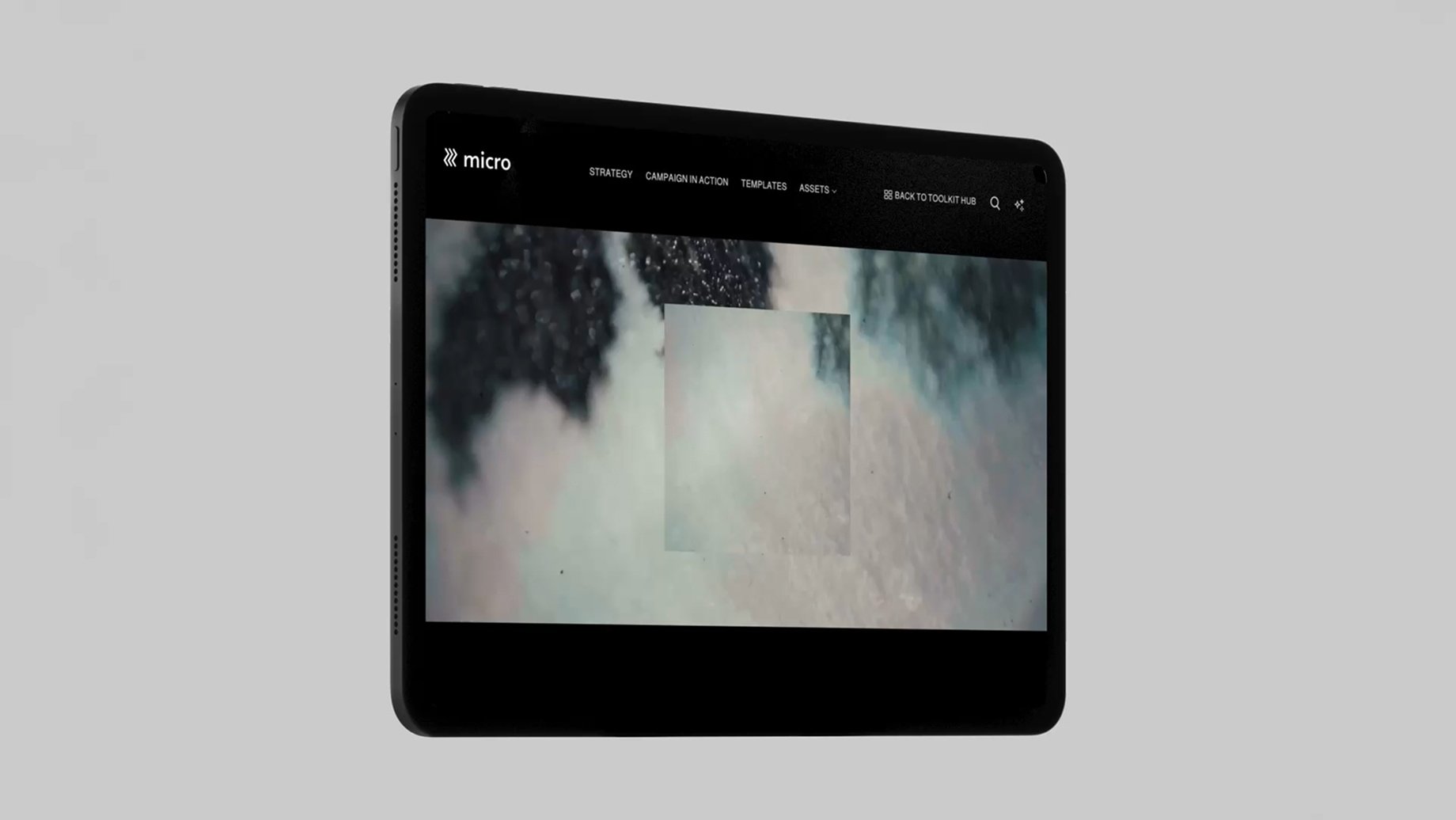
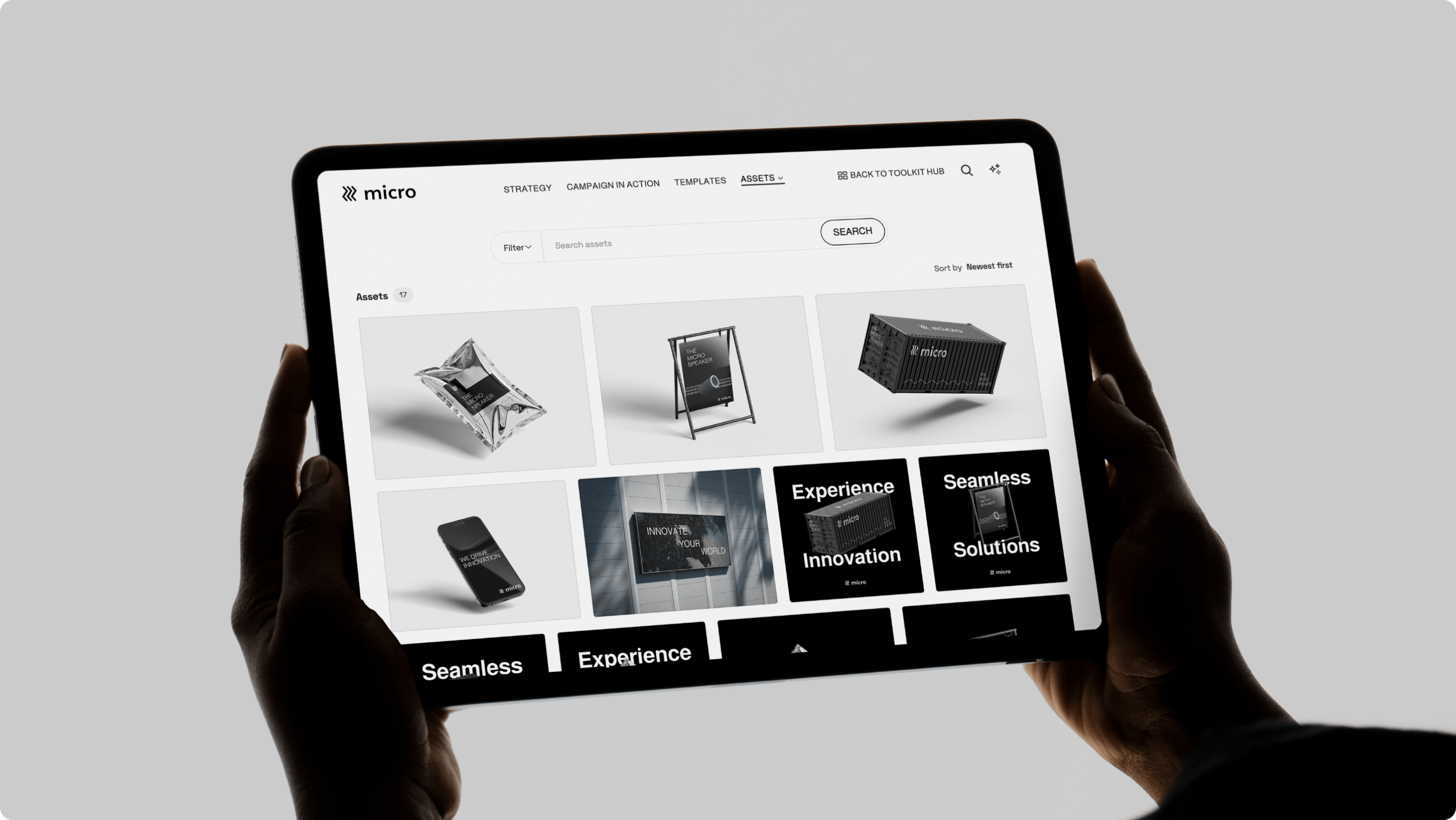
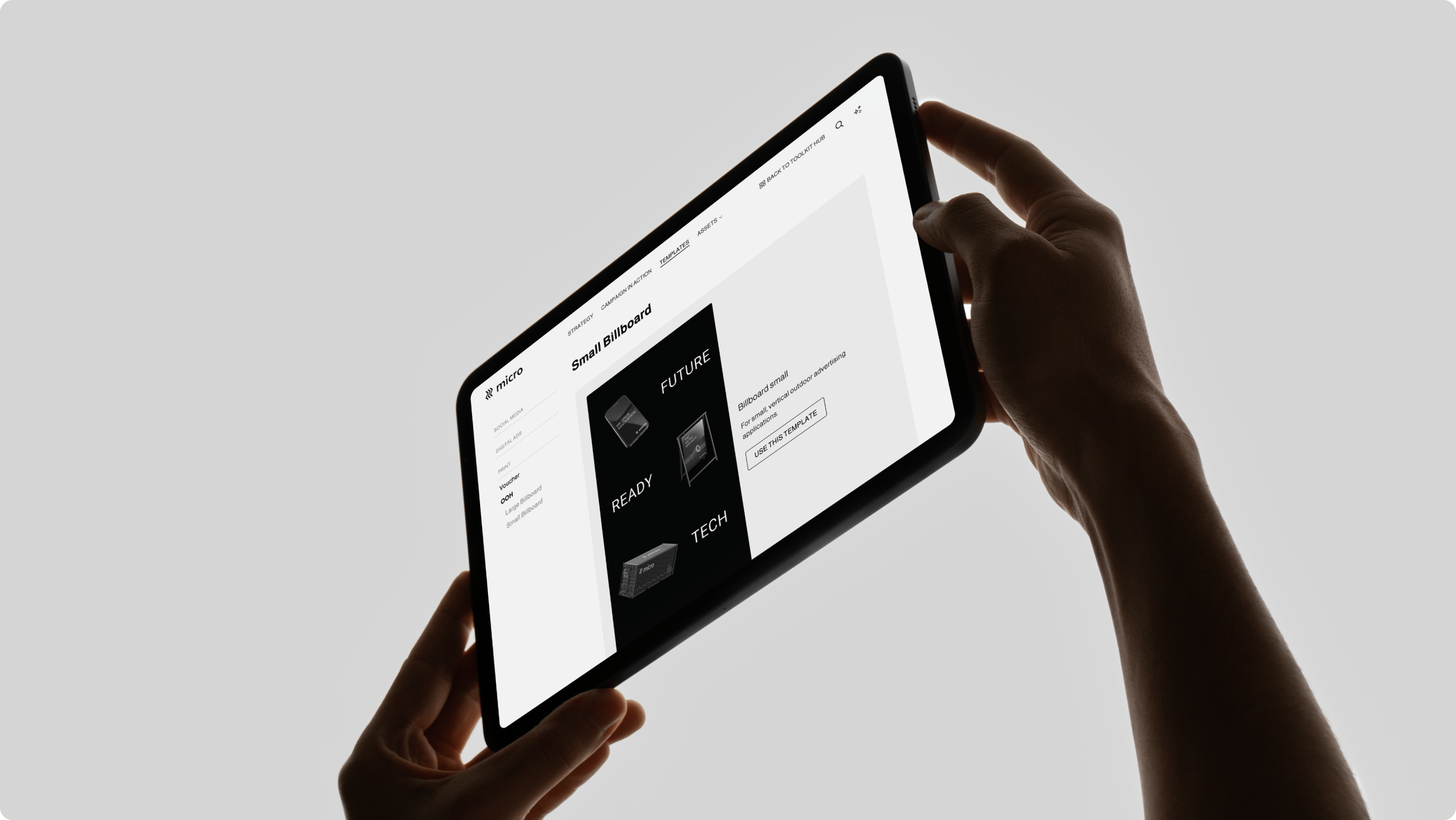
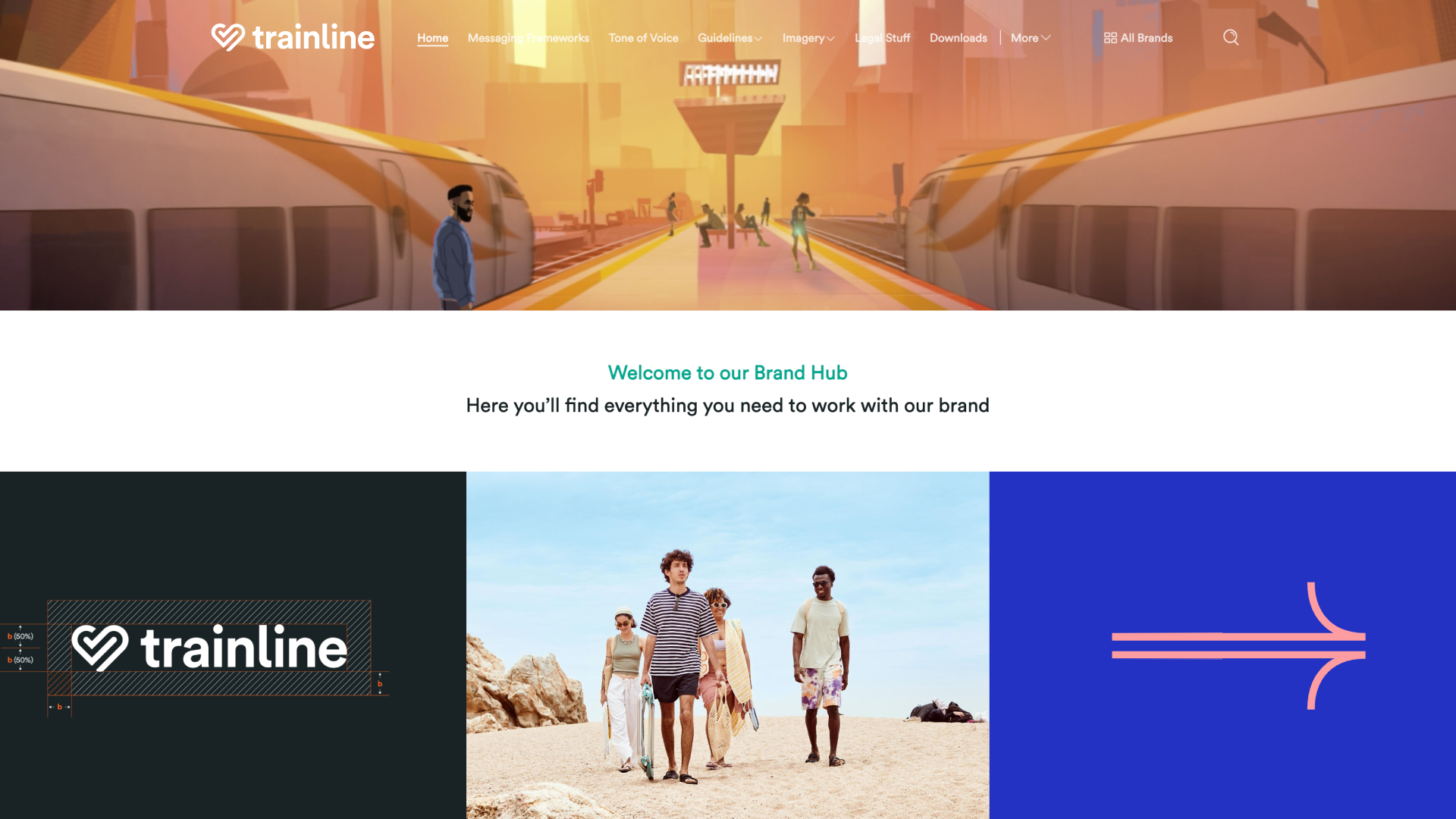
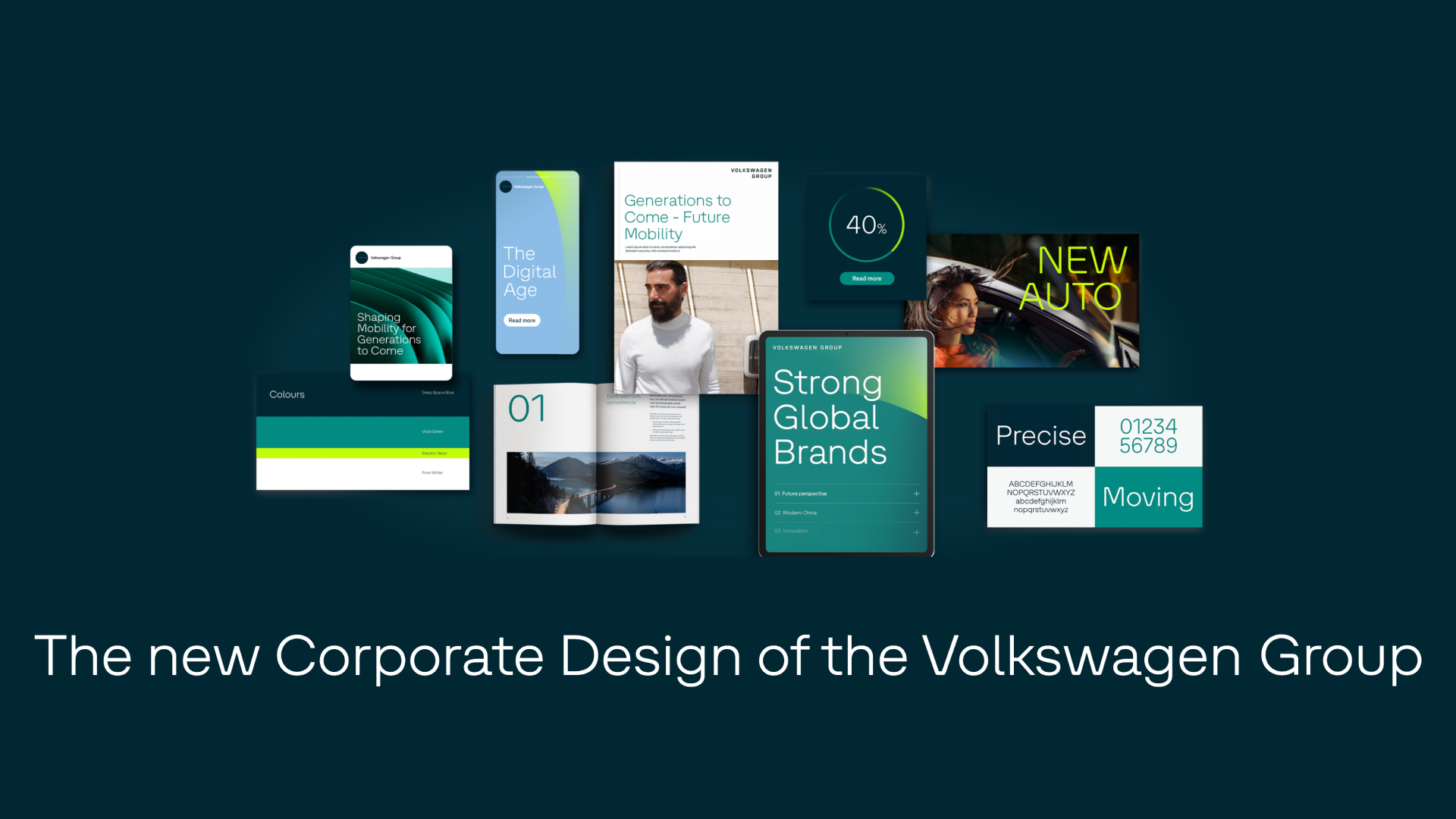
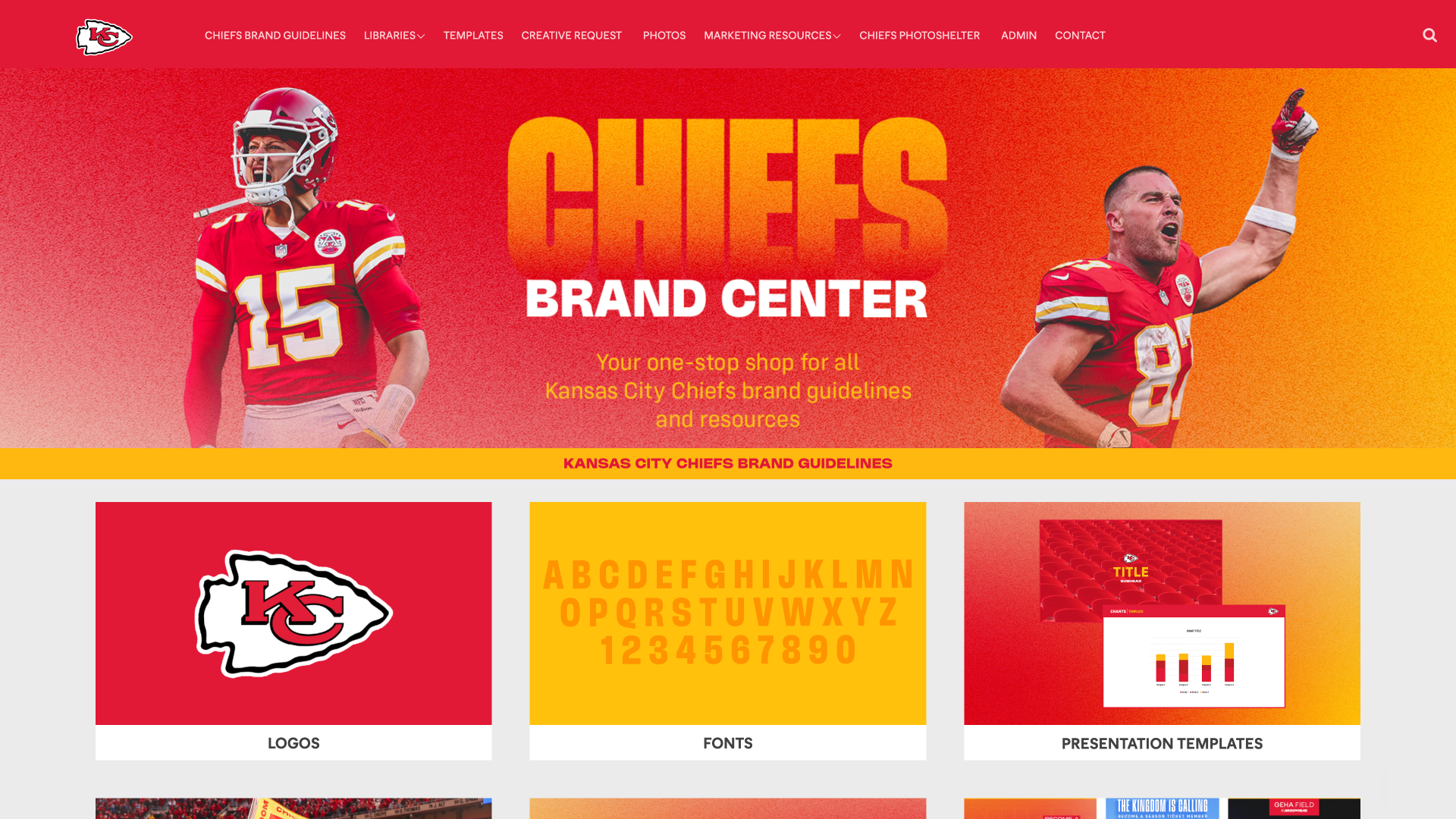
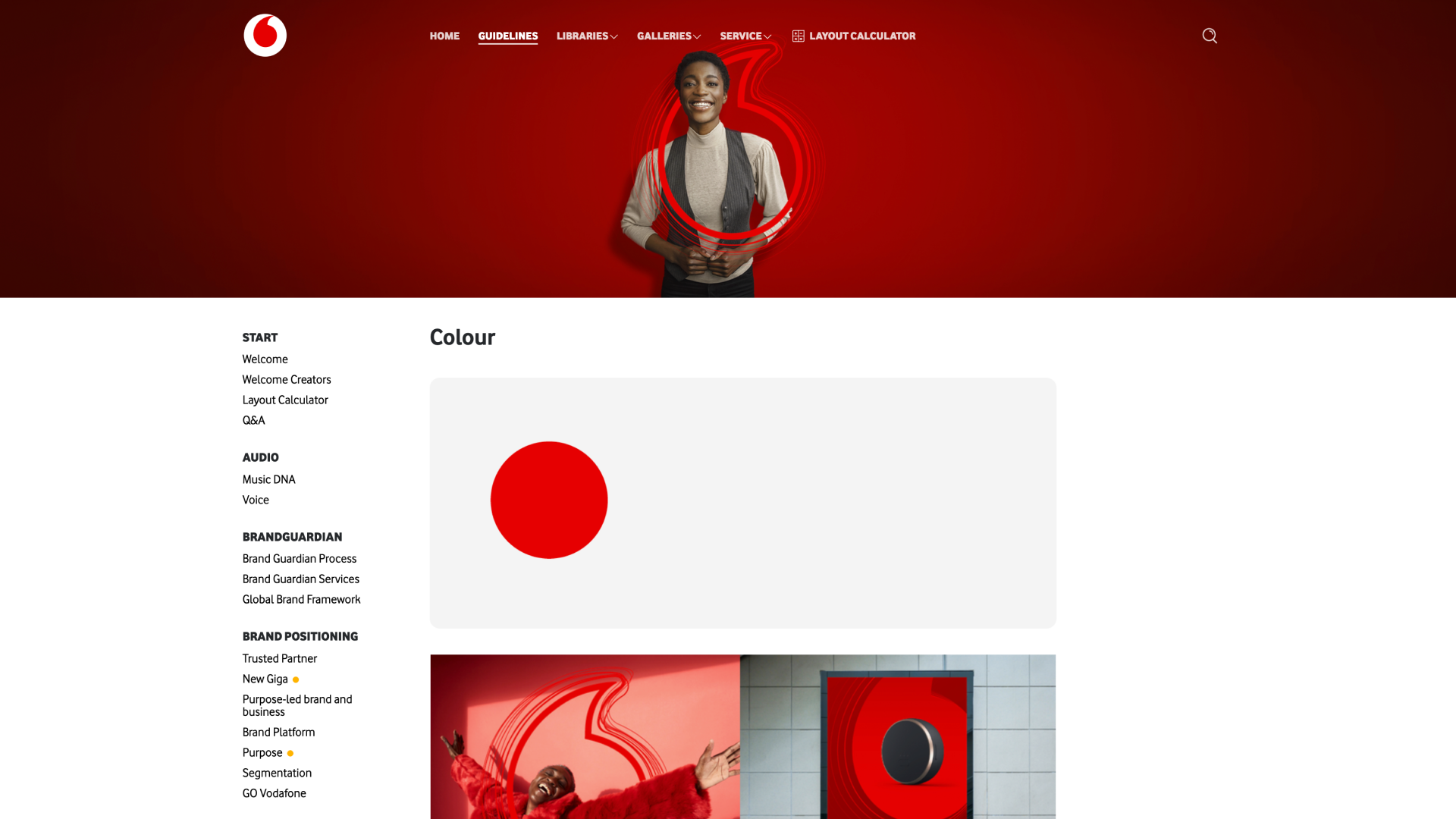
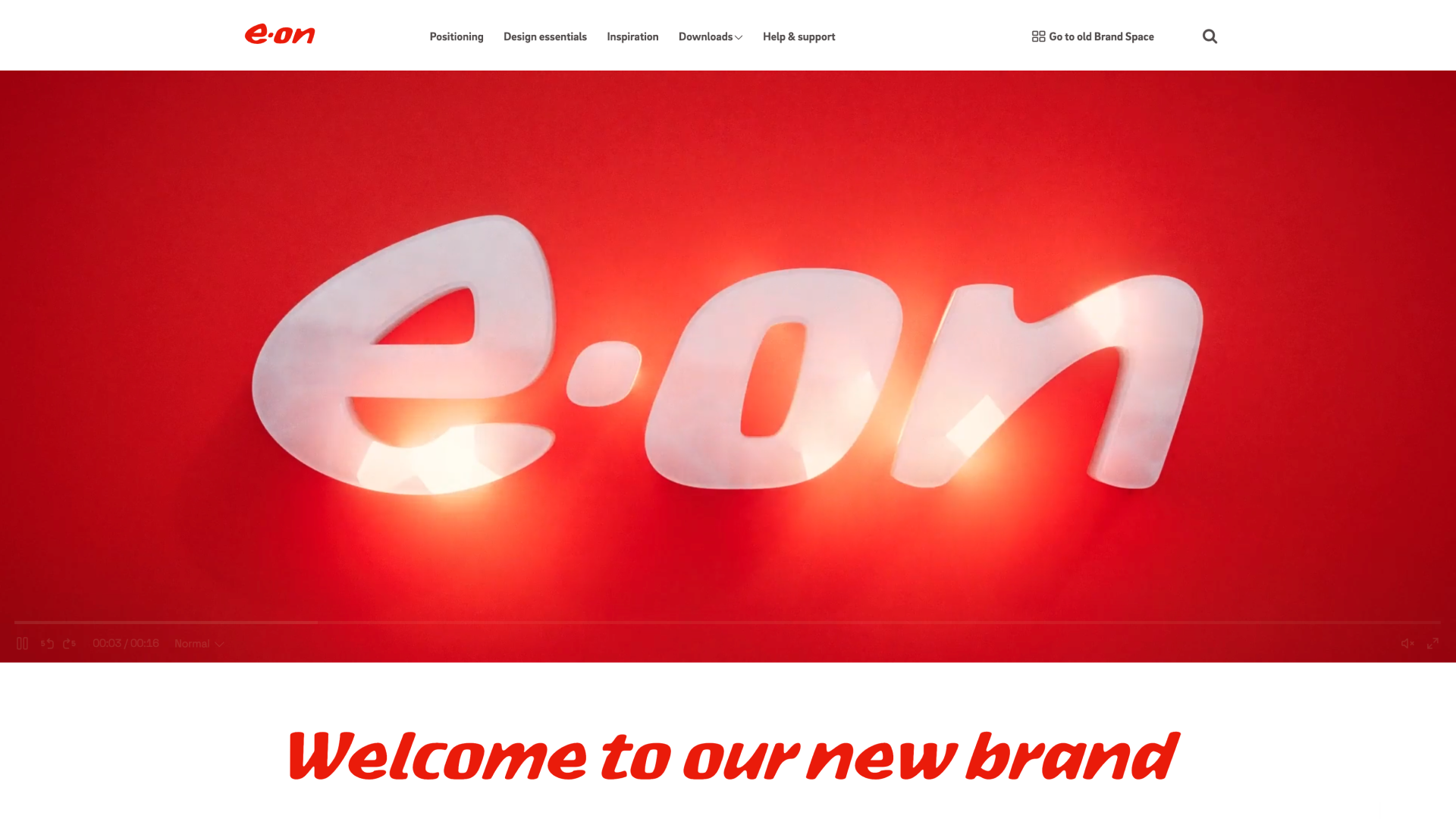
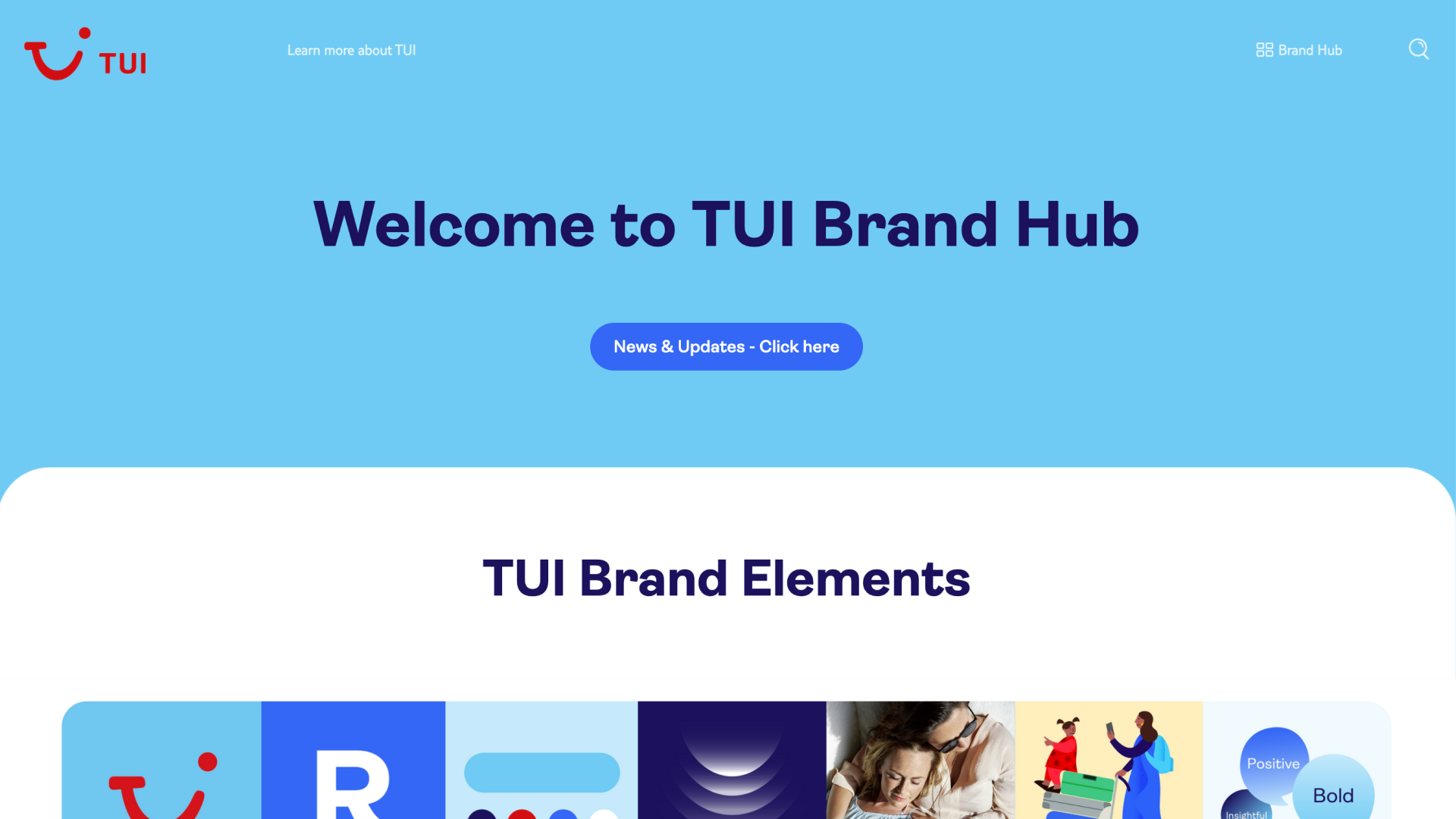
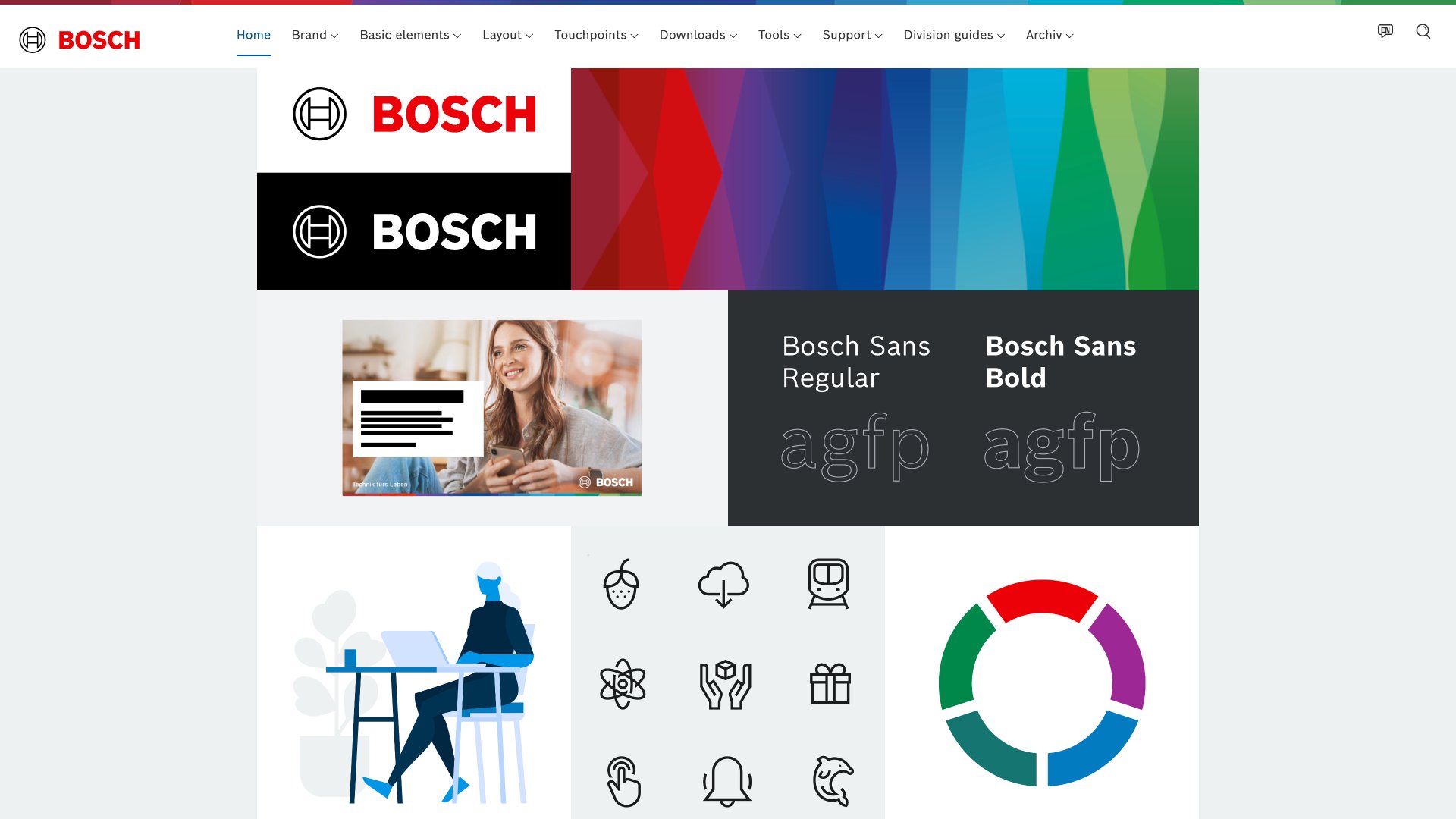
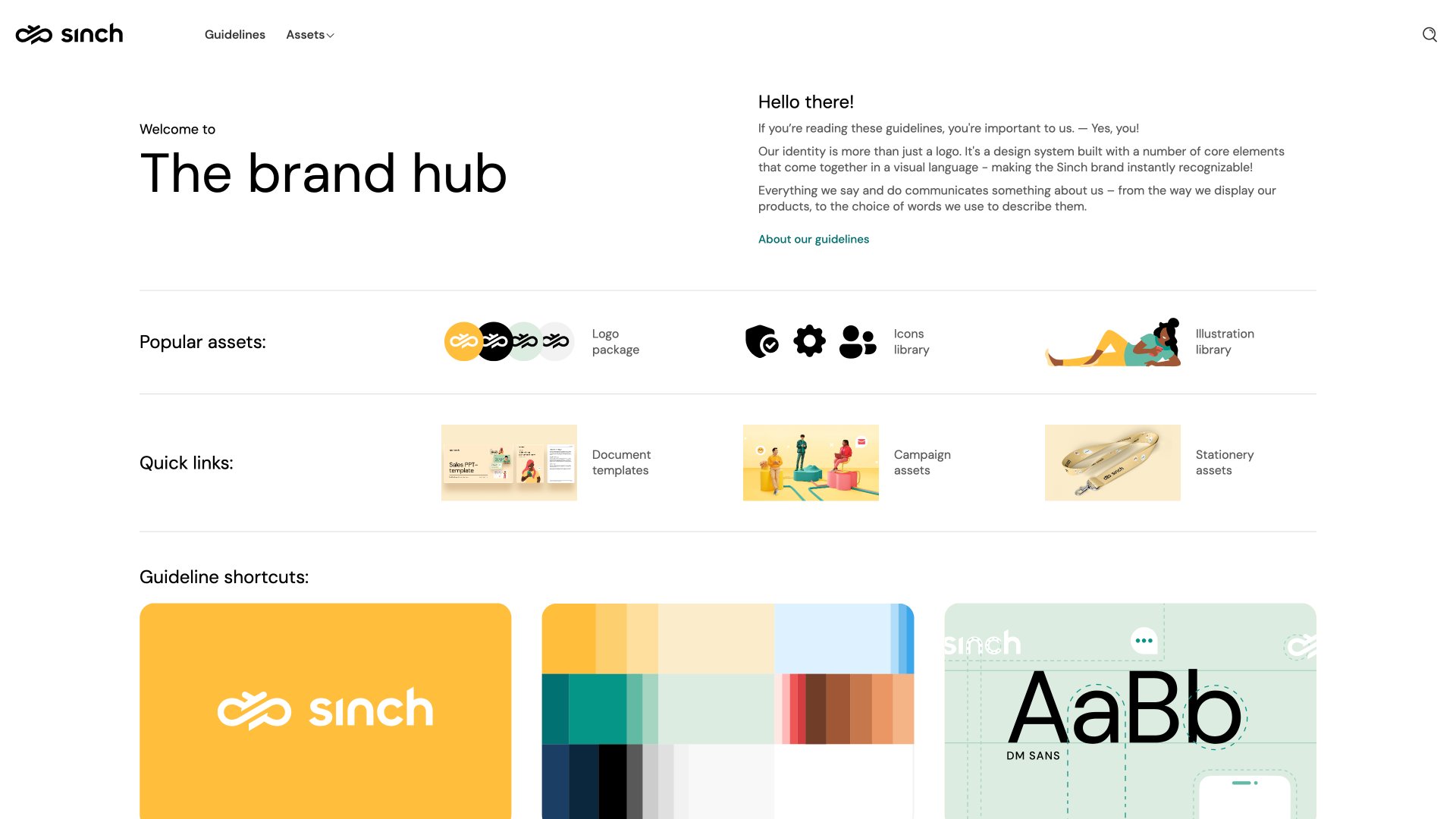
Creative asset management in action
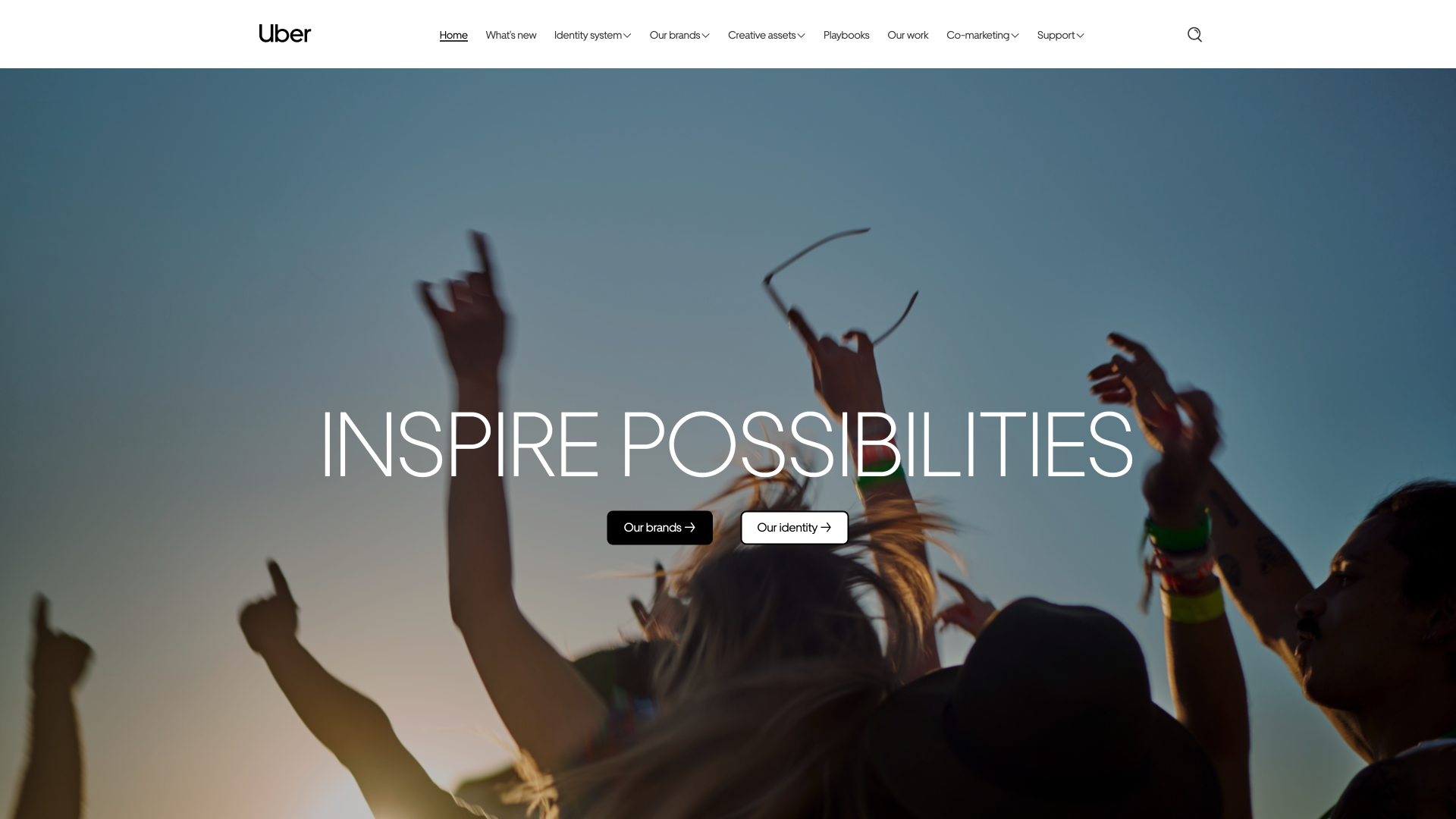
Frequently asked questions
What is creative asset management?
Accordion header
Creative asset management is the process of organizing, storing, and distributing design files—like images, videos, templates, and other creative content—so teams can access and use them efficiently while maintaining brand consistency.
How is creative asset management different from DAM?
Accordion header
Traditional DAM focuses on storage, control, and distribution of final approved assets. Creative asset management adds collaboration and iteration—connecting work-in-progress files with feedback loops, version control, and production workflows to accelerate what you make next.
What features should a creative asset management system have?
Accordion header
Look for version control, collaborative review and approval workflows, integration with creative tools (Adobe, Figma), template management, multi-brand support, advanced search with AI-powered tagging, and role-based permissions to control who can access or edit creative files.
Can we manage multiple brands or campaigns in one platform?
Accordion header
Yes. With multi-brand spaces and permission controls, you can manage separate campaigns, visual identities, or product lines—all within one centralized platform.
Who needs creative asset management?
Accordion header
Creative teams, marketing teams, in-house agencies, brand managers, and anyone producing high volumes of campaign content across multiple channels or markets. If you're juggling versions, can't find the right files, or lose time in email review cycles, you need creative asset management.
How does AI fit into creative asset management?
Accordion header
AI-powered features like auto-tagging, smart search, and content recommendations help teams find assets faster and discover relevant content without manual searching. AI can also suggest similar assets, identify duplicate files, and automate routine organization tasks.
Can external partners and agencies access our creative files?
Accordion header
Absolutely. Set roles and permissions to ensure that internal teams, freelancers, or external partners only see and edit the assets relevant to them. Secure sharing links and controlled portal access keep your creative files protected while enabling collaboration.