

Creative teams are producing more work than ever. Their queue keeps growing and the volume of routine requests never slows down. When they look for tools to support them, the standard fix is software that routes requests faster. But that just means requests move through the system more efficiently.
Creative workflows typically have two different problems. There's a process problem, where requests come in across multiple tools and systems, stakeholders lack visibility into task statuses, and feedback gets scattered across email or Slack threads. Then, there's an asset problem, where off-brand assets slip through approvals, and files get lost after delivery because you have no way to properly manage them.
Teams look for tools that only solve their first problem, but the second is just as important. Look for a tool that addresses the real challenges in your creative workflow, rather than just letting you route requests more quickly.
What is creative workflow management software?
Creative workflow management software structures how creative work moves from request to delivery. It covers intake, assignment, collaboration, review and approval, and handoff.
Every creative request moves through the same rough sequence:
- Intake and briefing: A request comes in to your design team.
- Assignment: The request goes to the relevant person, or sits in a queue until someone picks it up.
- Creation: The work actually gets made.
- Review and approval: Stakeholders ask for changes, and eventually sign off.
- Delivery: The finished asset goes back to whoever requested it.
- After delivery: What happens to the file once it's out the door. Where it lives, who can find it, whether it gets reused correctly.
Two types of tools have grown up around this process, and they solve different parts of it:
Process tools orchestrate the first five stages. They give requests a front door, assign them, track statuses, and consolidate review and approval feedback.
Asset-layer tools govern what happens to the work itself: how it gets created, whether it stays on-brand, and what happens to it after delivery.
Most teams shopping for "creative workflow management software" are really shopping for a process tool, because that's what the category name implies. But many teams also need a workflow for managing assets after delivery too, so they should consider both types of tool for effective workflow management.
Why faster routing doesn't fix an overloaded creative workflow
Most creative workflow software focuses on moving requests through the queue faster: cleaner intake forms, automated routing, dashboards that show where a task is stuck. All of that helps, but it doesn't change how much work is in the queue to begin with.
But a large percentage of what lands in a creative team's queue doesn't need a designer at all. Resize a banner for three ad placements. Swap in the Spanish copy for a regional campaign. Crop a hero image for Instagram Stories instead of the feed. These are straightforward changes, not creative decisions, and they still go through the exact same workflow as a from-scratch campaign concept.
Instead of routing requests faster, you want to look for ways to keep things out of the queue in the first place. The queue gets shorter because the work moved somewhere else, not because the workflow got more efficient at processing it.
The same logic applies after delivery too. A project management tool closes the task the moment the asset ships. But if that asset isn't properly organized and managed, people won't be able to find or use it. Six months later, someone will recreate a near-identical file, wasting even more time and resources. Governing assets after delivery is just as important as the earlier stages of your creative workflow, to stop the same requests coming around again and again.
What to look for in creative workflow management software
Each item below maps to one of the two types of tools: the process tools, and the asset-layer tools that govern what happens after delivery. Treat this less like a feature checklist and more like a diagnostic, as few teams will need everything on this list. Read through with your own workflow in mind, and notice which items are designed to address where your current workflow breaks, rather than trying to solve a problem you don't actually have.
Structured intake and visibility
Pipeline intake is usually the first part of your workflow that breaks down. Requests come in over email, Slack DMs, and kitchen conversations, with no overall visibility into the total number of requests.
Ungoverned intake like this slows down individual requests and hides the size of the queue. If work is scattered across five channels, nobody can see how much is actually there, and what's currently in progress. Deadlines slip because status updates live in someone's inbox instead of somewhere with shared visibility.
Creative workflow software fixes this by creating a clear process for creative requests. It gives every request one front door: a structured form that captures specs, deadlines, reviewers, and brand requirements at submission. From there, the status of each request is visible to everyone involved.
Review, proofing, and approval
Feedback is where creative work tends to fall apart, even when the work itself is good. One round of comments lives in an email thread. The next round comes as Slack messages with screenshots attached. A third round arrives as tracked changes in a doc.
The cost compounds with every round of revisions, as each one adds more time before delivery, and more chances for the wrong version to go live because someone approved an earlier draft without realizing a newer version exists. For brand-sensitive work, you're also reliant on reviewers' familiarity with your guidelines and brand standards. One person might let a logo misuse slide that someone else would have flagged.
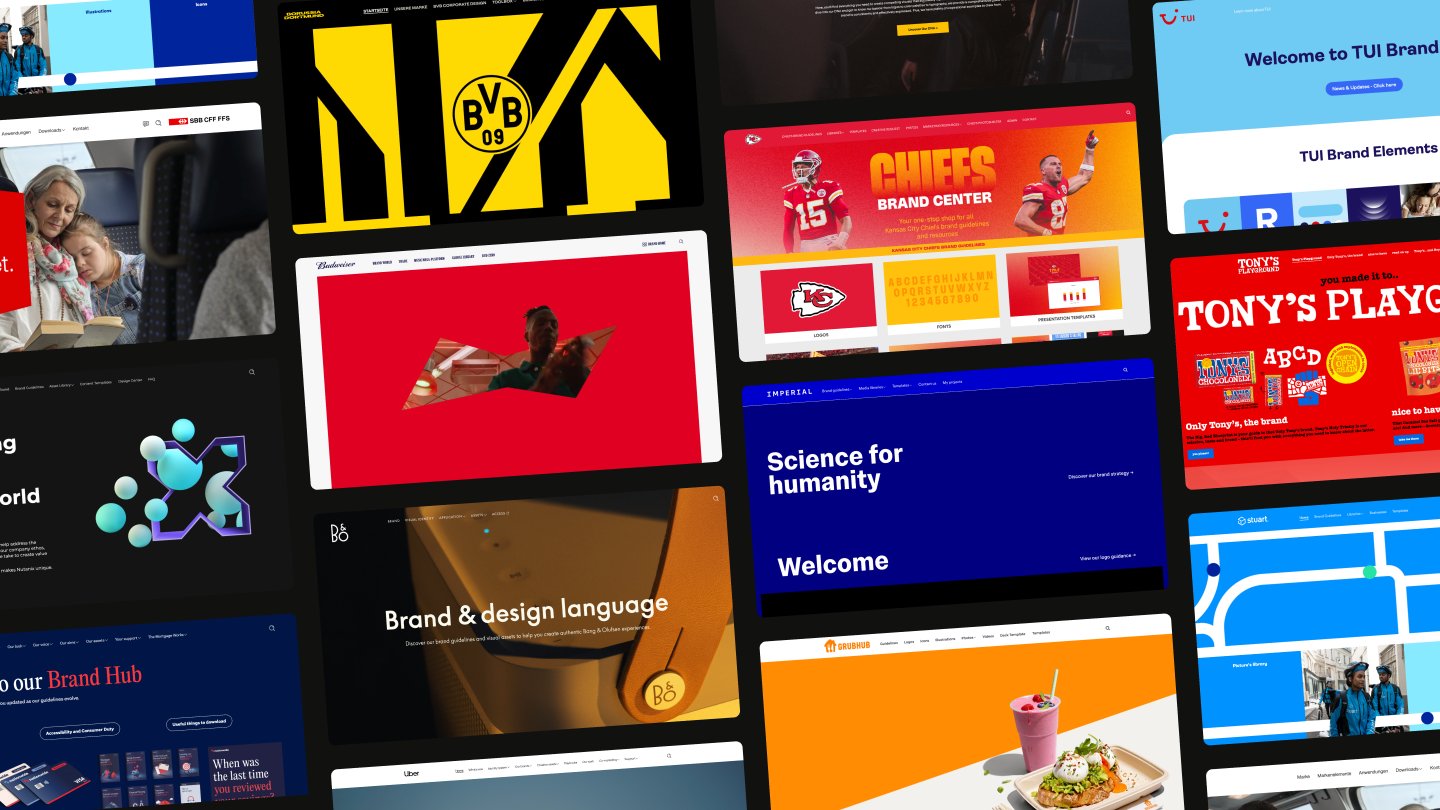
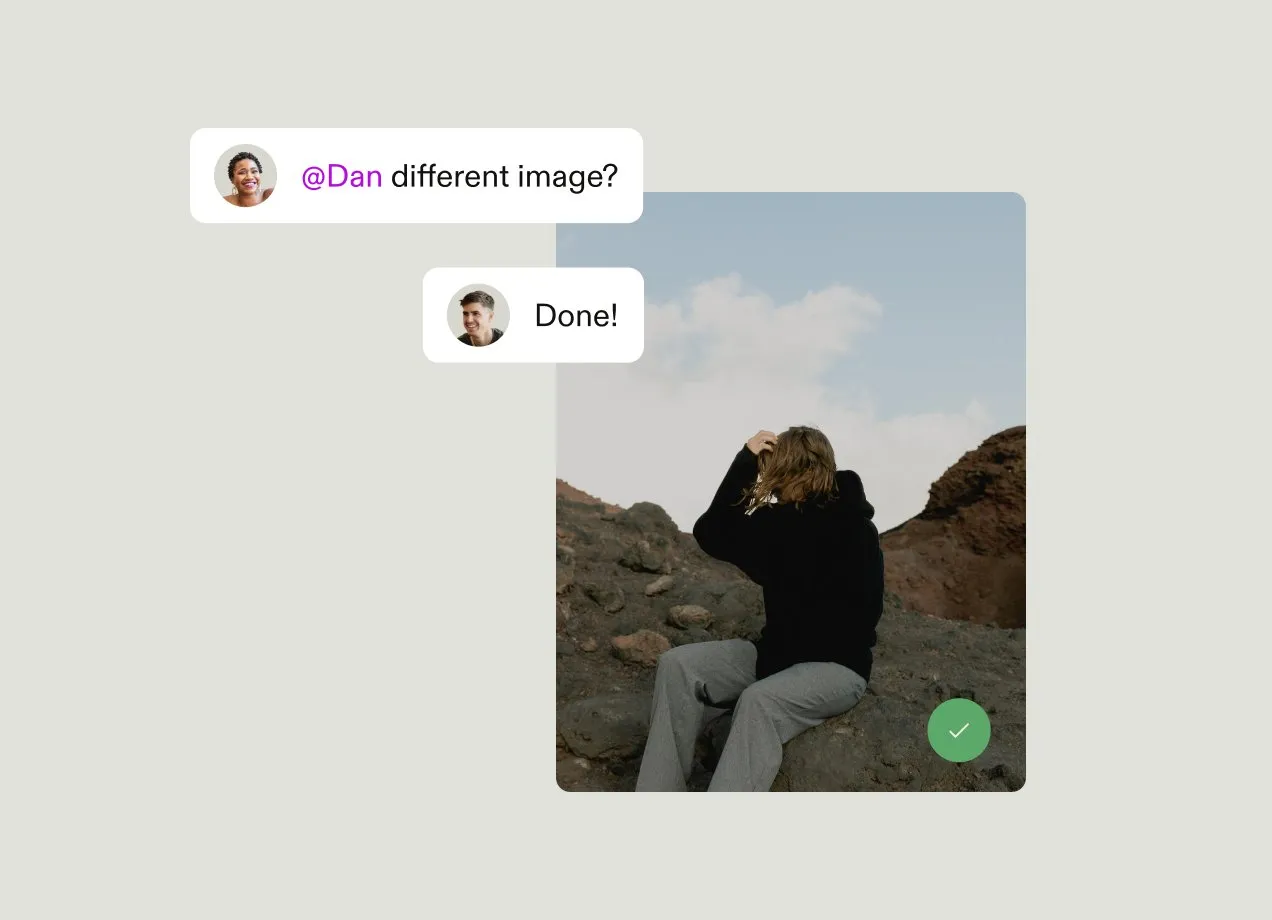
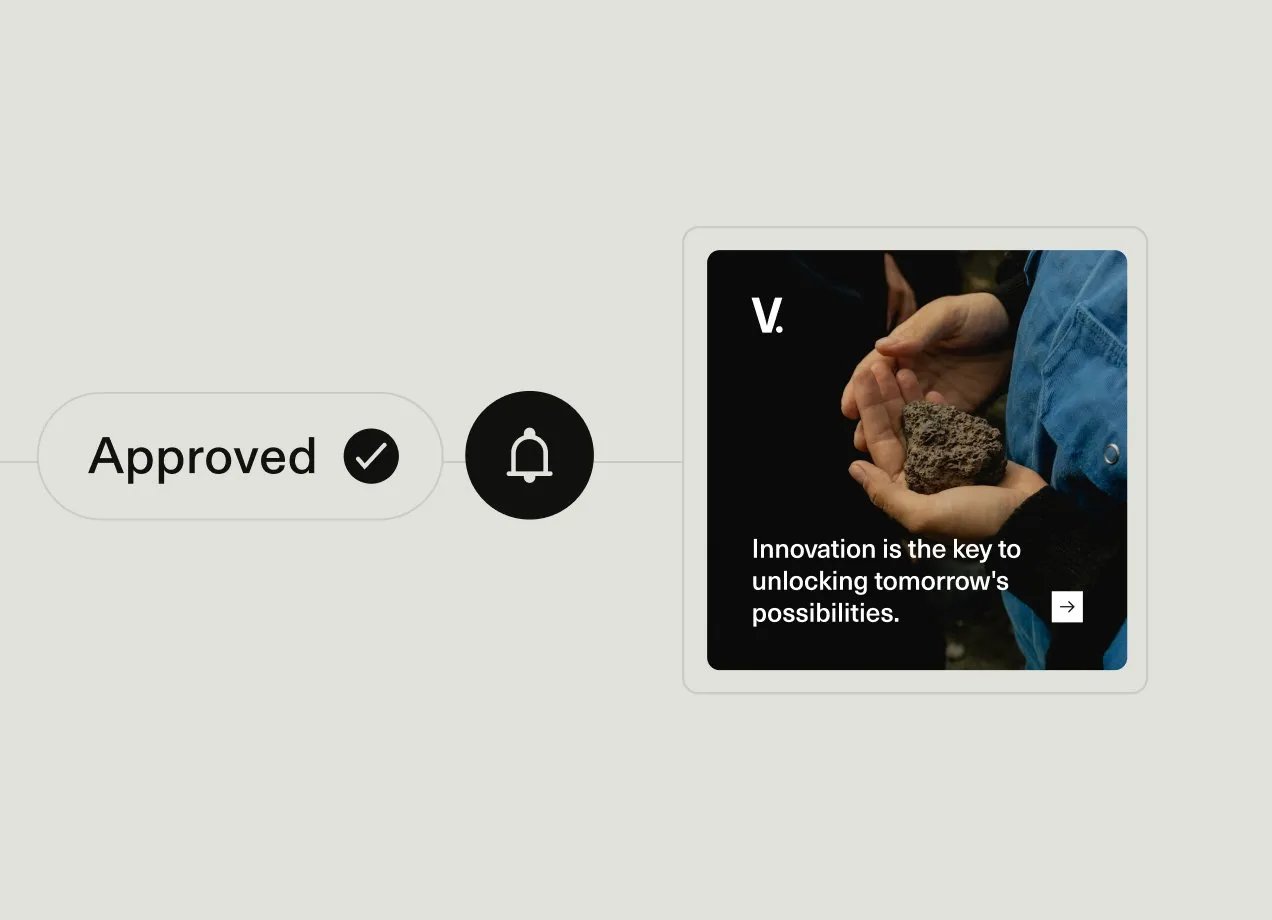
Creative workflow software consolidates feedback onto the asset itself, with comments and annotations pinned to a specific version, side-by-side comparison between drafts, and a clear approval trail showing who signed off and when. That helps reduce the number of rounds as feedback stops getting lost in translation between tools. For example, the creative team at Borussia Dortmund saved over 3 hours each week by streamlining its approval processes.
Self-service creation within brand guardrails
Most creative requests aren't creative decisions or highly-skilled work. They're routine variations on something that already exists: a new size, a new language, a new channel crop.
When a marketer, salesperson, or regional team can open a locked template and produce an on-brand asset without briefing a designer, that request never enters the creative queue at all. Enabling self-serve asset creation is the single biggest lever for reducing creative workload, ahead of anything that makes the queue move faster.
In practice this looks like brand elements (logos, colors, typography) inherited automatically rather than dragged in by hand, locked zones that protect layout and logo placement from being moved or resized, and editable fields to limit what people can change, like copy or a swapped image.
At higher volumes, the same logic runs through an API. If you're producing hundreds of variants across markets and languages, generating them programmatically from an approved template removes that work from the queue entirely rather than making it faster to process. Ask vendors whether template output can be generated in bulk from a data source, or whether every variant needs someone to sit and make it.
Asset management and post-delivery governance
Delivery isn't the end of an asset's life. Once a file ships, it needs somewhere to go that isn't a shared drive or someone's downloads folder. Without that, nobody can find the approved version, so they recreate work that already exists, or they use an outdated file because it's the one they happened to have in their downloads already.
This is where workflow problems resurface. A design request that took a day to fulfil turns into three requests over the next year because no-one could find the first asset once it was completed. Or an expired license or an outdated logo keeps circulating because nothing flagged it.
Creative workflow software that connects with asset management gives finished work a governed destination: searchable through metadata, permission-controlled so the right people can access or edit it, with expiration and rights handling that flags files before they go stale rather than after.
It's worth asking how assets get delivered out of that system as well. If a website, CMS, or partner portal pulls assets from a governed source rather than holding its own copies, updating the original updates everything downstream. If people export copies instead, you're back to versions drifting apart within weeks.
Whether your brand system is readable by AI
This is new to most shortlists, and it's worth adding to yours. Teams are increasingly using AI tools to draft, adapt, and produce content. Those tools are only as on-brand as the context they can reach. If your guidelines sit in a PDF and your assets sit in a folder, AI tools have nothing to work from, so they guess.
The practical question for vendors is whether guidelines and assets are exposed in a structured way that other tools can query, through an API or through a protocol like MCP, which lets AI assistants read from a connected system directly. That's the difference between a tool with AI features inside it and a brand system that AI tools elsewhere in your stack can actually use.
This matters more over time, not less. The volume of AI-assisted content production is rising, and the governance question follows it.
Integrations across the creative stack
Every manual transition between different tools, when someone has to export from one tool and re-import into the other, is an opportunity for your workflow to break down.
If a designer has to leave their design tool, log into the workflow platform, and manually upload a file, it adds friction every step of the way and increases the chance of uploading the wrong file or sharing with the wrong people.
Look for creative workflow tools that offer native integrations with creative tools, rather than third-party plug-ins. A native integration connects two tools directly, so status, assets, and feedback sync without manual intervention. A plug-in relies on an intermediary connection that tends to offer limited functionality and breaks when either tool updates. Ask vendors directly which integrations are native and which rely on third-party connections, to help you assess the tools that will fit in best with your existing tech stack.
Adoption beyond the creative team
Creative workflow tools aren't only used by the creative team. People from any team, like sales, regional marketing, and HR, submit requests for work. So if the software only makes sense to the designers, everyone else will avoid using it and revert back to sending requests via email, Slack, or asking a designer directly.
The experience for occasional users, like marketers who send three requests a year or a regional lead who needs to review one campaign asset a quarter, is the deciding factor for whether a workflow management tool gets adopted beyond the creative team. If the interface confuses them, they'll work around the system, so the tool won't actually help improve your workflow.
The best creative workflow management software, by use case
This list should help you build a shortlist of workflow management tools to review in more detail. It's not a list of every option available, but it's a selection of tools chosen for their differing strengths and use cases.
Best for AI-ready brand and asset governance: Frontify
Frontify shrinks the creative queue rather than speeding it up, then governs what happens to the work after delivery. Because guidelines and assets live in one connected system, both people and AI tools can work from the brand rather than guessing at it.
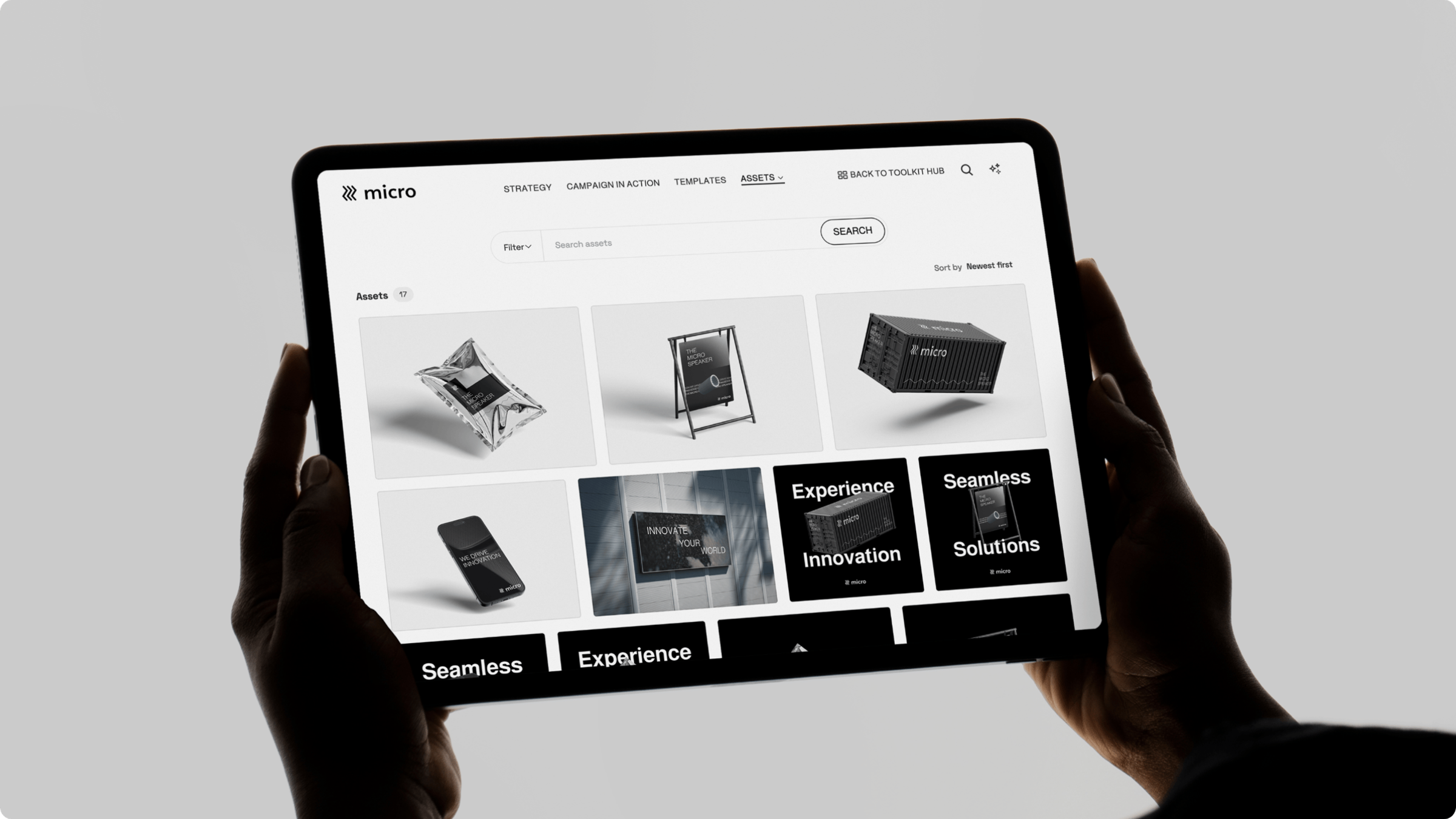
Strengths: Locked templates and a Creative API keep routine and bulk requests out of the queue. Approval workflows tie sign-off to live brand guidelines rather than reviewer judgment. Guidelines and assets are queryable by connected tools through the API and Frontify's MCP server, so AI assistants work from the actual brand system. CDN-based delivery means updating an asset updates it everywhere it's embedded.
Best for: Brand and marketing teams whose real pain is request overload, off-brand output, and files that get lost after delivery. One brand and PR manager at Leonardo Hotels went from spending 70% of her time creating briefs and distributing approved content to focusing on higher-value projects.
Consideration: Frontify sits alongside a project management tool rather than replacing one. The PM tool orchestrates who does what by when. Frontify governs what gets made, approved, and reused.
Best for review and approvals: Ziflow
Ziflow is a dedicated creative proofing platform, built around the review stage of your workflow specifically.
Strengths: Frame-accurate video proofing, comment consolidation, and automated approval routing.
Best for: Teams whose challenge is reviewing rich media, video especially, where feedback tied to a specific frame or timestamp matters more than a general comment thread.
Consideration: Focused on proofing. Briefing, self-service creation, and asset governance after delivery all live in other tools, so it reduces revision rounds rather than request volume.
Best for visual boards and customization: monday.com
monday.com is a horizontal work platform used across businesses, which is why its board-driven interface isn't purpose-built for creative-specific needs like proofing or brand governance.
Strengths: Customizable Kanban and timeline views, automation recipes, and a broad template library.
Best for: Teams that want an adaptable, visual process tool without heavy configuration.
Consideration: Creative-specific capability is lighter than in dedicated creative workflow tools. Its templates structure projects rather than producing on-brand assets, so routine production requests still reach a designer.
Best for enterprise workflow orchestration: Wrike
Wrike started as a general enterprise project management tool and later added creative-specific functionality on top.
Strengths: Centralized workspace, customizable request forms, complex workflow automation, built-in reviews and approvals.
Best for: Large organizations managing high-volume creative operations across multiple teams.
Consideration: Configuration overhead and interface complexity can slow adoption for occasional users. It tracks work through to delivery, so where assets live and how they stay on-brand afterwards needs a separate system.
Best for enterprise creative operations at scale: Adobe Workfront
Adobe Workfront is Adobe's enterprise work management platform, which makes it the natural fit for teams already using Creative Cloud and Experience Cloud.
Strengths: Centralized request queues, customizable briefs, resource and capacity management, and end-to-end connection to Adobe's design and review tools.
Best for: Large enterprises running centralized creative operations alongside broader marketing programs, that are already heavily invested in the Adobe ecosystem.
Consideration: Implementation is complex, and the platform's depth and cost is hard to justify for teams outside the Adobe ecosystem. It manages the process layer, so asset governance and brand-guarded self-service require additional Adobe products alongside it.
Best for cross-functional intake and coordination: Asana
Asana is a widely used work management platform. Many creative teams adopt it for their workflows if the rest of their organization already runs on it.
Strengths: Customizable forms for briefs and intake requests, centralized workspace for internal and external collaborators, automations to route and streamline approvals, and a large integration ecosystem.
Best for: Creative teams embedded in organizations that already run on Asana company-wide.
Consideration: Proofing, self-service creation, and asset governance are relatively shallow compared to other tools in this list. They're best supplemented by dedicated tools.
Best for small and growing teams: Hive
Hive is an approachable project management tool with creative-friendly features layered on top of general work management capabilities.
Strengths: Built-in proofing, flexible timeline views to understand dependencies and blockers, and structured feedback and approvals.
Best for: Smaller teams and studios that want to add structure to their workflows without the complexity or weight of enterprise tools.
Consideration: Costs can climb through paid add-ons for extra features, and asset-layer governance is minimal.
How to choose the right creative workflow software
Before you look at any tool, figure out which layer of your workflow is actually broken. If work stalls in intake, sits in an unclear status, or gets stuck in review, that's the process layer. If your queue is full of routine production work, output keeps drifting off-brand, or finished assets scatter and get recreated from scratch, that's the asset layer.
When you start comparing tools, there are several common mistakes to watch out for. Some buyers default to the biggest-name PM platform simply because it's the one everyone's heard of, or they choose based on feature count instead of checking if the platform actually solves the problems in their workflow. Others only look at their creative workflow up to the point of delivery and forget what happens to assets once they're approved. And some run product demos and trials with only the creative team, which means nobody sees what the experience is like for requesters or occasional users until after the tool is already live.
These four practical steps can help you review different options and decide which is the best fit for what your business needs and how people in your organization will actually use it:
- Map your current workflow to understand where the time actually goes. Trace one real request from intake to delivery and time each stage. Specifically, figure out what share of requests are routine adaptations, like resizes, localizations, or channel crops, because that share is how much work the right tool could help you eliminate, instead of just routing faster.
- Put real users in the demo, not just admins. Have different user types try out the tool during product demos. Get requesters, reviewers, and occasional users to run different tasks, like submitting a request, creating something from a template, running an approval, or finding a finished asset. These will all bring unique perspectives on how easy it is to navigate and use the tool, which will help you spot potential adoption risks.
- Check whether it connects to your existing tools. Confirm the design tools you already use, like Figma or Adobe Creative Cloud, connect natively, along with the rest of your martech stack. If you still need to manually export and import files between tools, that'll add friction into your workflow and is often where workflows break down.
- Watch your least technical stakeholder use it. If they get confused or give up, it suggests you'll struggle to achieve widespread adoption outside the creative team, no matter how good it looks in a vendor demo.
How Frontify removes work from the creative workflow
Every tool in this guide makes the creative workflow run smoothly. Frontify also helps make your queue smaller so creative teams have fewer tasks going through that workflow, and governs what the process tools hand off after delivery.
On-brand templates keep routine requests out of the queue. Marketing, sales, and regional teams can produce their own resizes, localized versions, and channel crops without briefing a designer, which reduces request volume rather than just helping teams deliver faster. For higher volumes, the Creative API generates variants across languages, markets, and formats from the same approved templates.
Approval workflows enforce the brand during the creative process. Guidelines live alongside the asset, so what gets approved is on-brand by construction. Sign-off checks against the brand system itself, rather than depending on the approver's level of brand knowledge.
DAM gives finished work a governed home. AI tagging, permissions, and version control mean assets stay findable and current after delivery. CDN-based embedding delivers those assets to websites, CMS platforms, and partner portals from one source, so an update in Frontify updates every place the asset appears.
Brand guidelines sit next to the assets they govern, not in a separate PDF. Anyone creating or approving work can check logo usage, color, and tone in the same place they're working, instead of jumping between tools which adds friction.
The brand system is readable by AI, not just by people. Because guidelines and assets are structured and connected, AI tools can query them through Frontify's API and MCP server. When someone drafts or adapts content with an AI assistant, it can work from the brand rather than approximating it.
Frontify isn't trying to replace the process tools in this guide. It pairs with PM tools like Asana or Wrike that orchestrate who does what by when, then Frontify governs what actually gets made, approved, and reused. That's the part most creative workflow tools miss, and the reason a "workflow" tool and a brand platform tend to solve different problems for the same team.