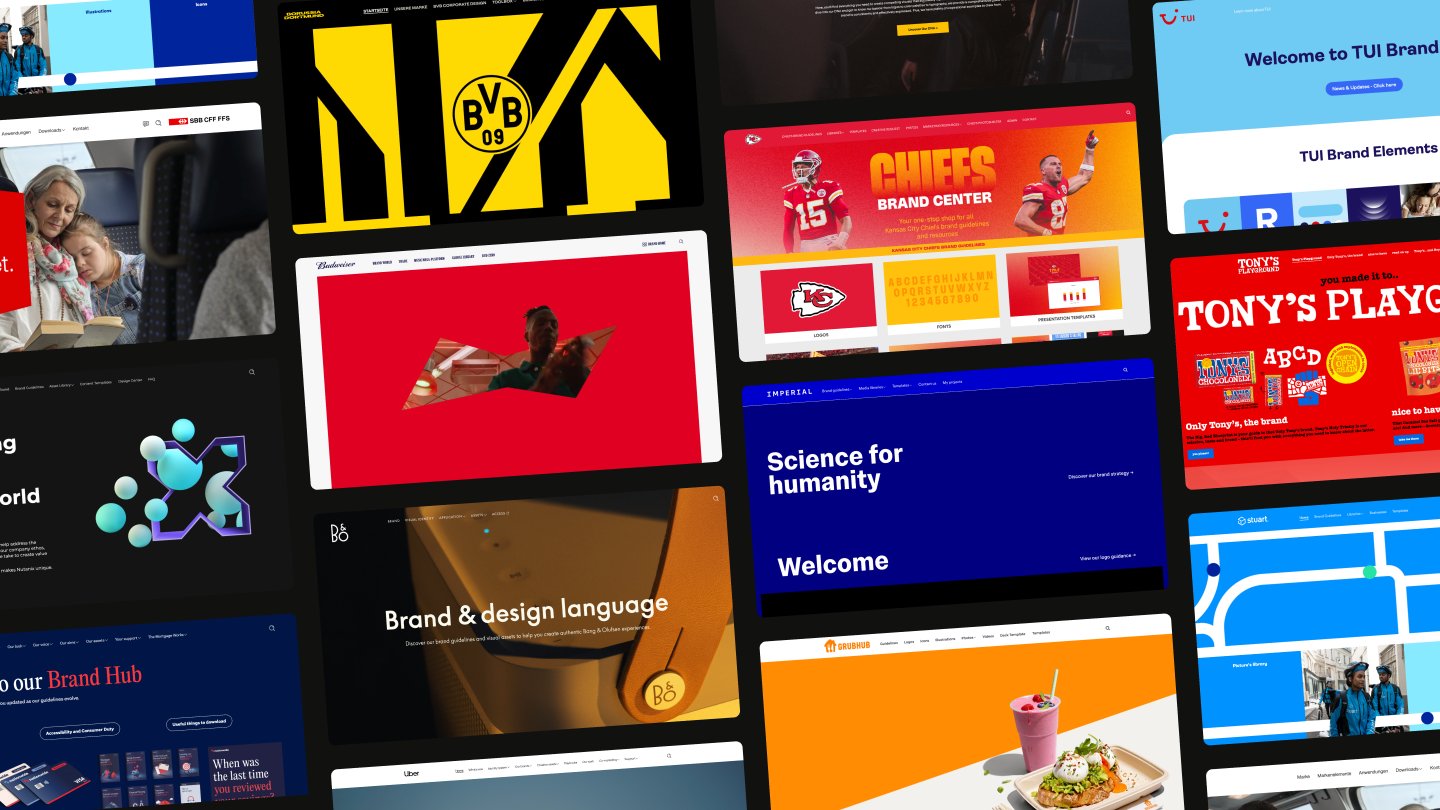
Fundierte Entscheidungen für eure Marke
Einblicke in euer Markensystem

browsing analytics ...

narrowing down the data ...

pulling folder structure ...

spotting patterns & trends ...
pulling folder structure ...
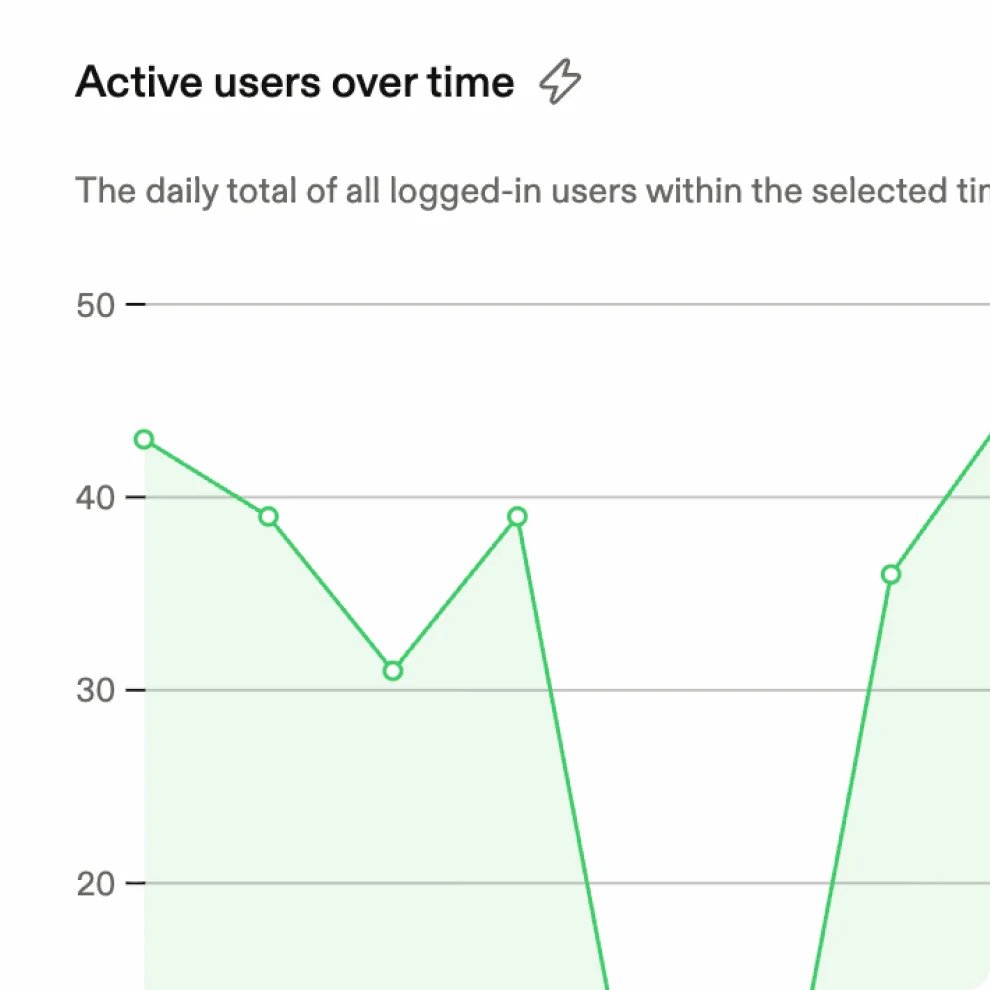
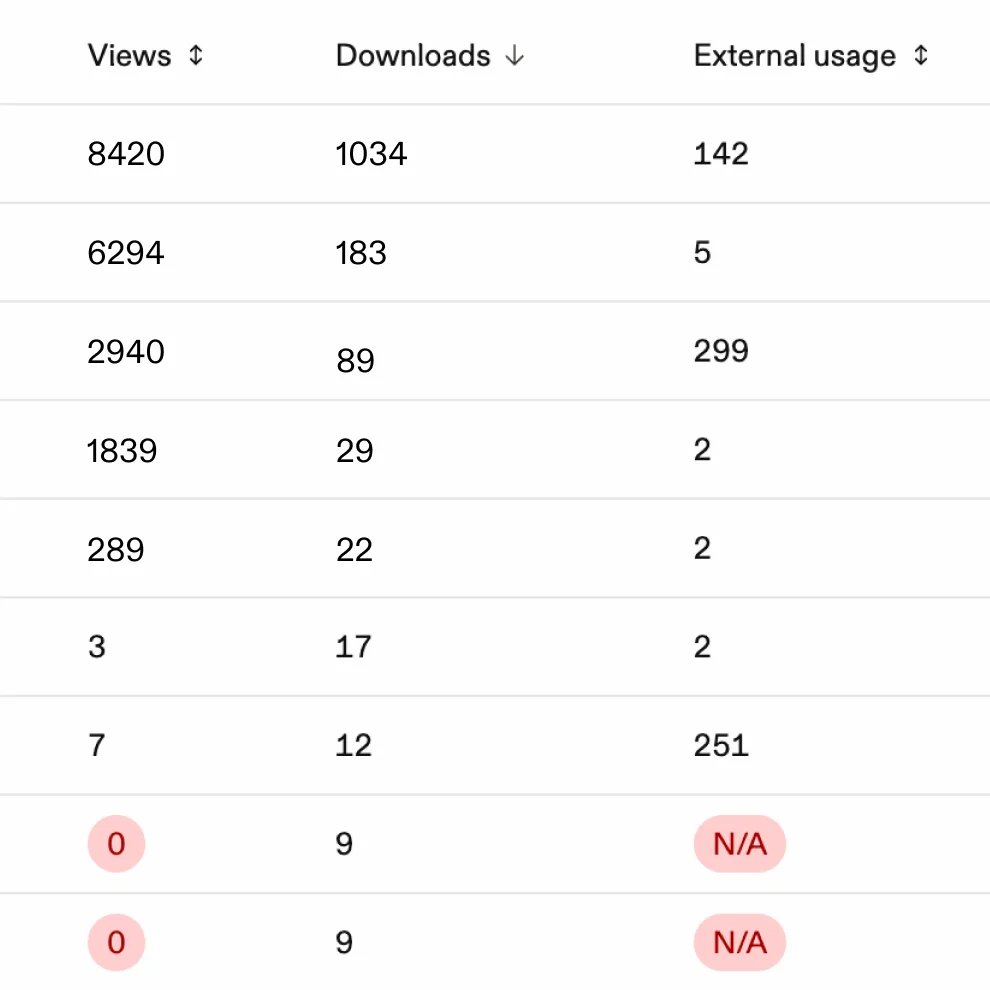
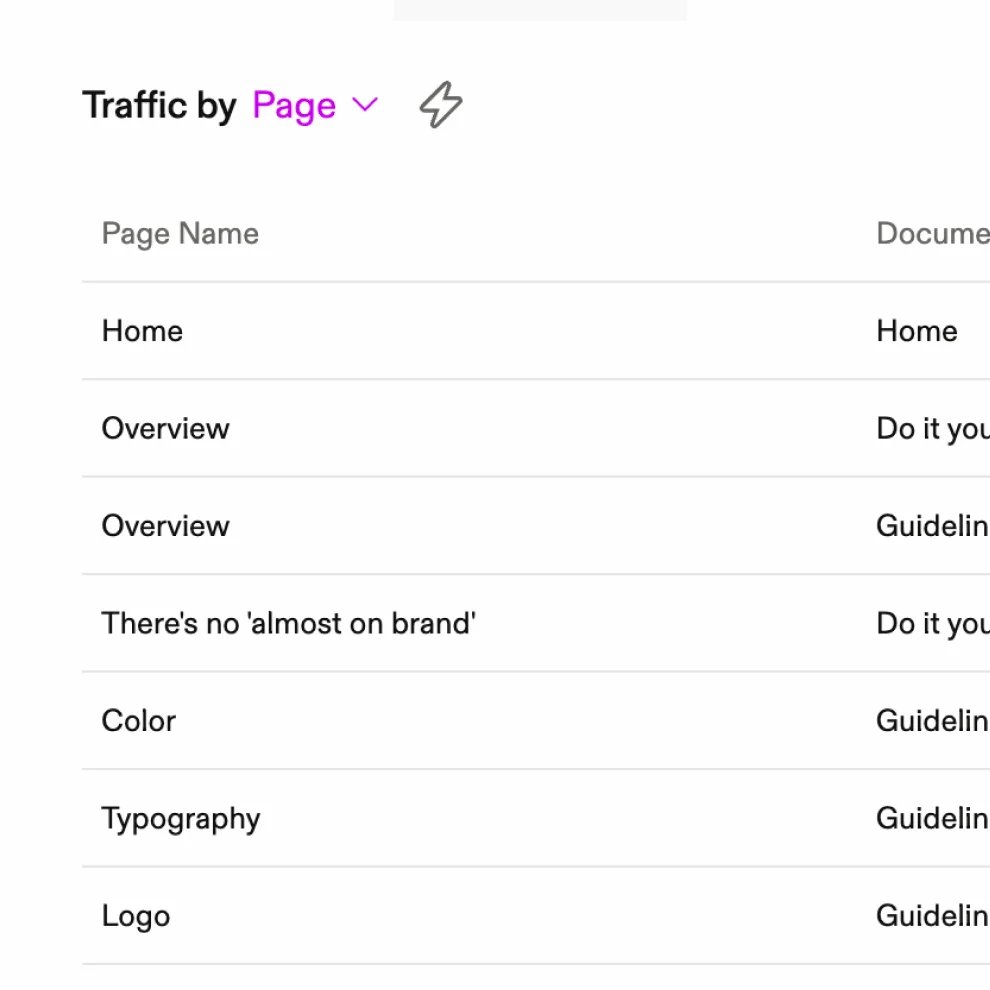
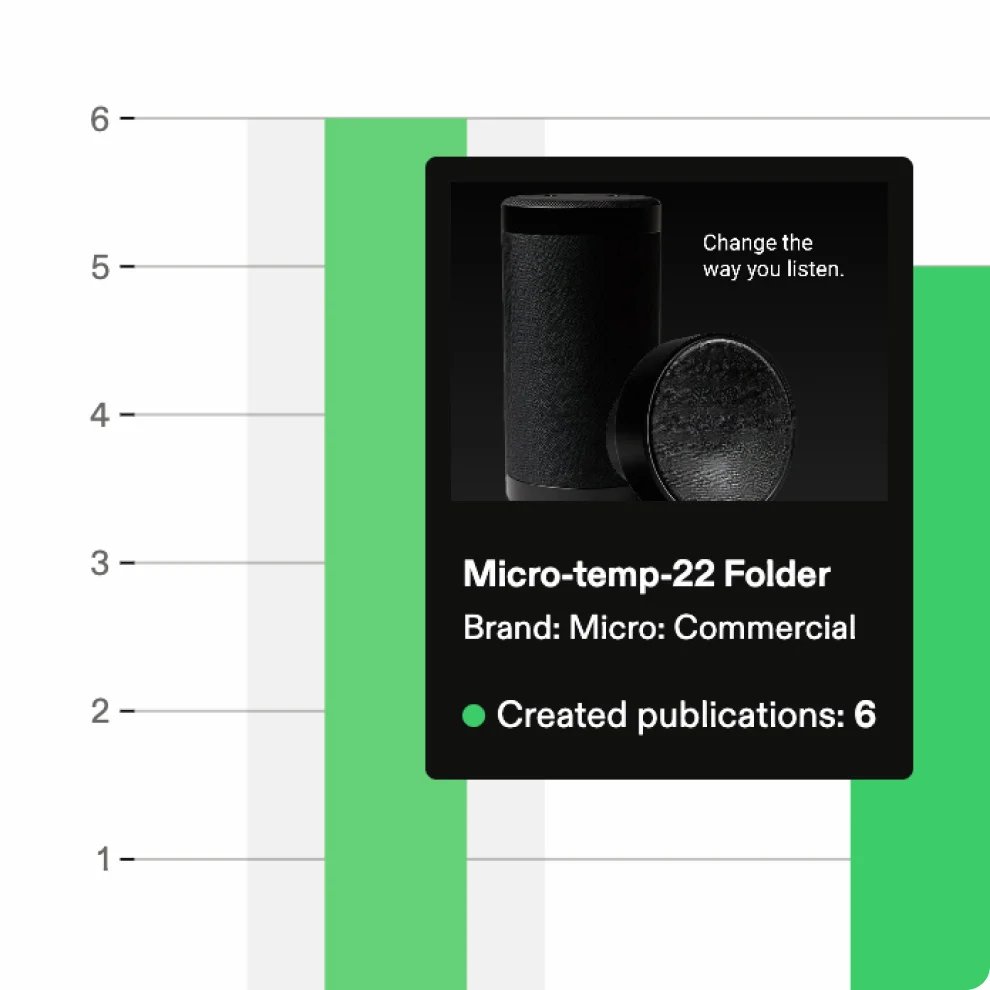
Nutzung auf einen Blick
Verfolgt in einem Dashboard, wie Teams Guidelines, Assets und Markeninhalte nutzen.
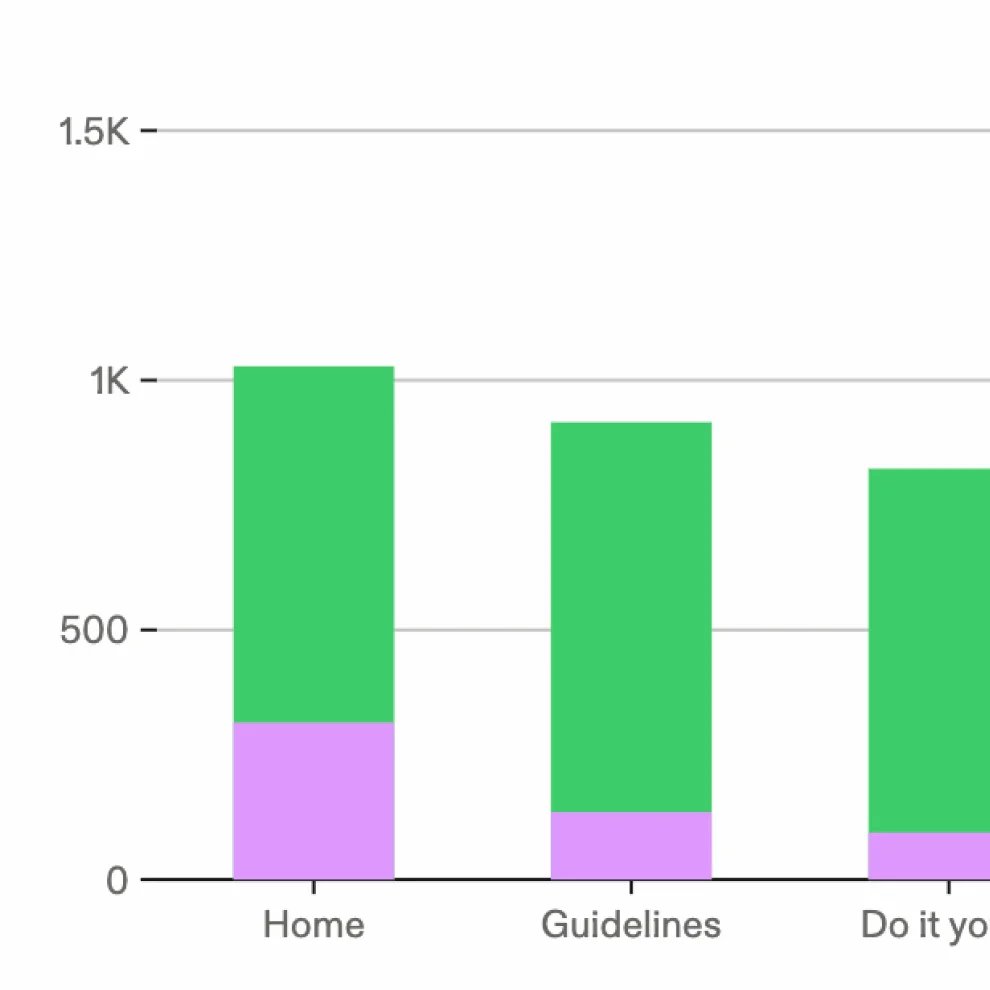
Eure besten Assets identifizieren
Erkennt, welche Seiten, Assets und Inhalte am besten funktionieren. Baut auf Erfolgreichem auf und optimiert, was noch Potenzial hat.
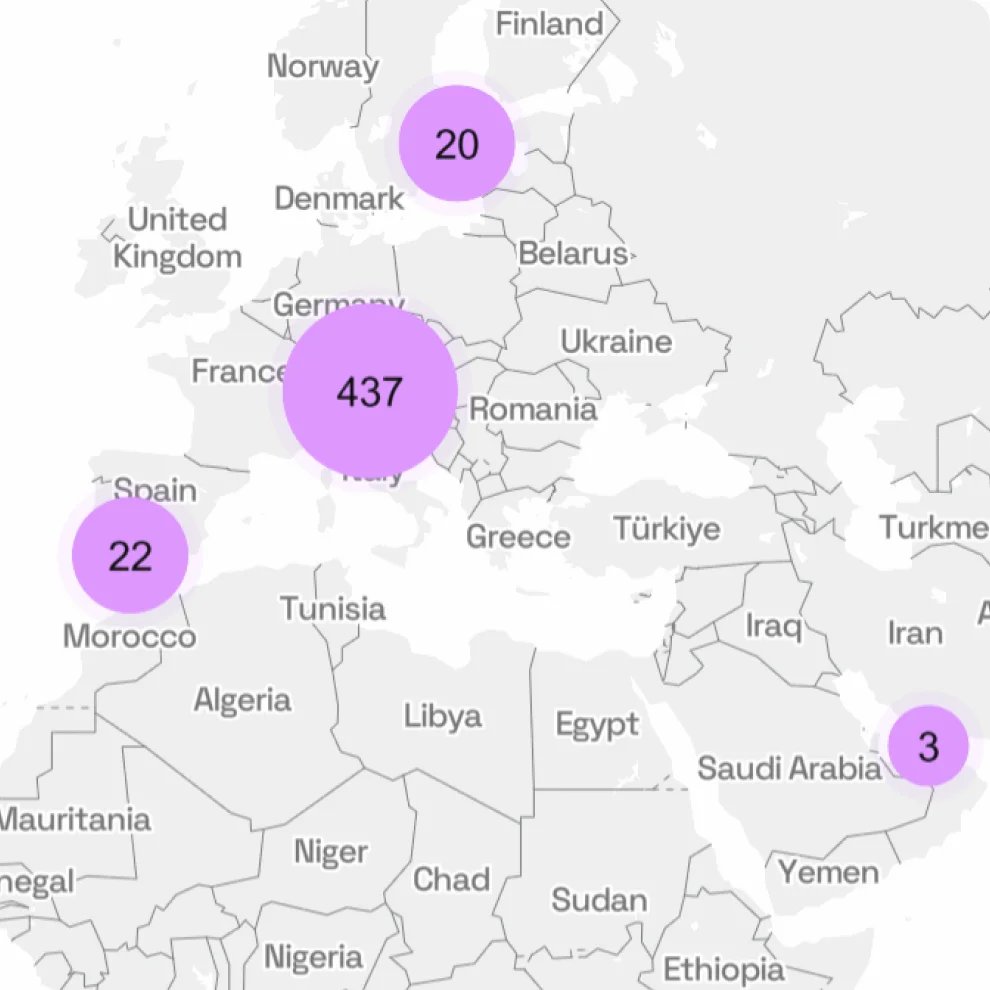
Nutzung regional auswerten
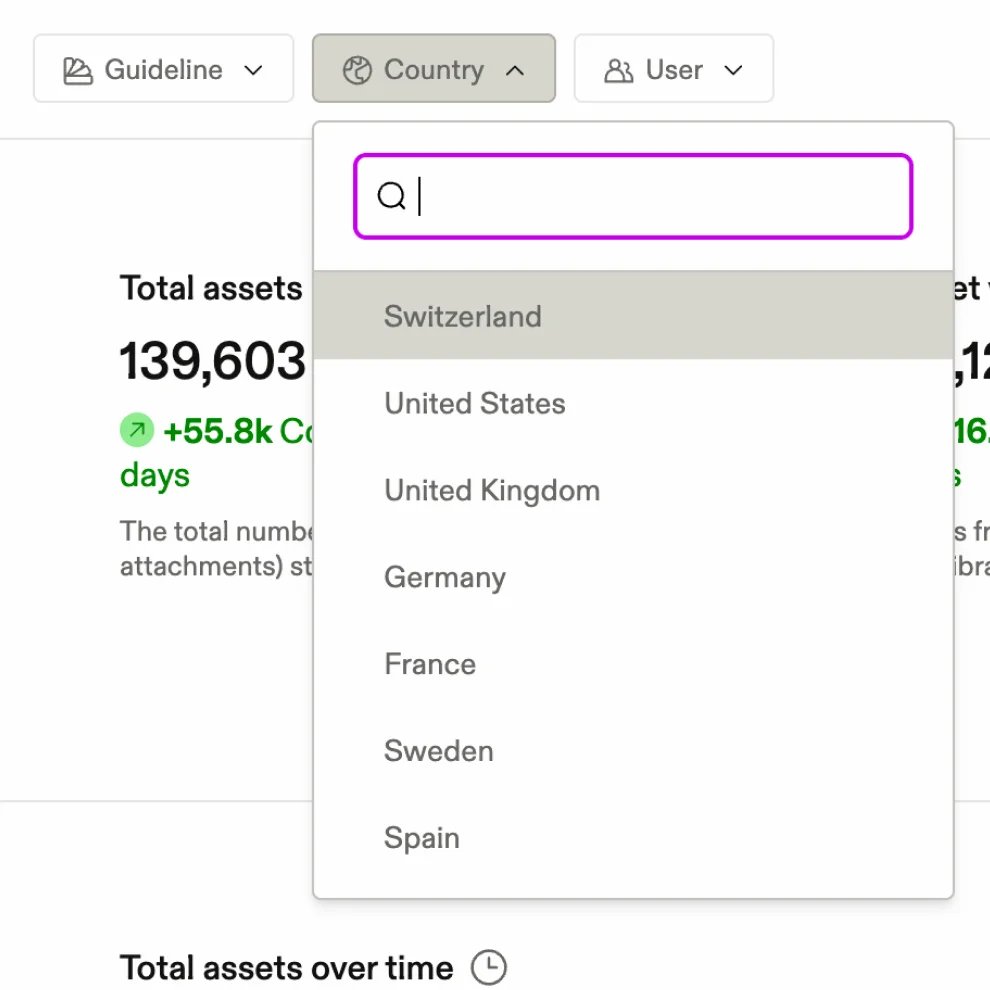
Analysiert die Nutzung nach Regionen, Ländern und Nutzergruppen und erfahrt, wie Teams eure Marke lokal umsetzen.
Erkenntnisse in Maßnahmen verwandeln
Nutzt Daten, um Potenziale zu erkennen, Lücken zu schließen und fundierte Entscheidungen für mehr Markenkonsistenz zu treffen.
Analytics-Funktionen
Häufig gestellte Fragen
How customizable are Frontify brand guidelines?
Accordion header
You can tailor the structure, navigation, layouts, and visual design to reflect your brand. Guidelines include around 40+ pre-built content blocks for things like colors, typography, and admins can install more from the Frontify Marketplace, including blocks that embed Figma components, forms, and video. Custom domains and SSO help create a consistent and secure experience.
Can we build on top of Frontify?
Accordion header
Yes. The Brand SDK lets development teams build custom content blocks, apps, and themes that run inside Frontify alongside the pre-built ones, and the GraphQL API and webhooks connect guidelines to your own systems. Anything you build can stay private to your account or be published to the Frontify Marketplace. Full documentation is at developer.frontify.com.
Can I see how our brand guidelines are being used?
Accordion header
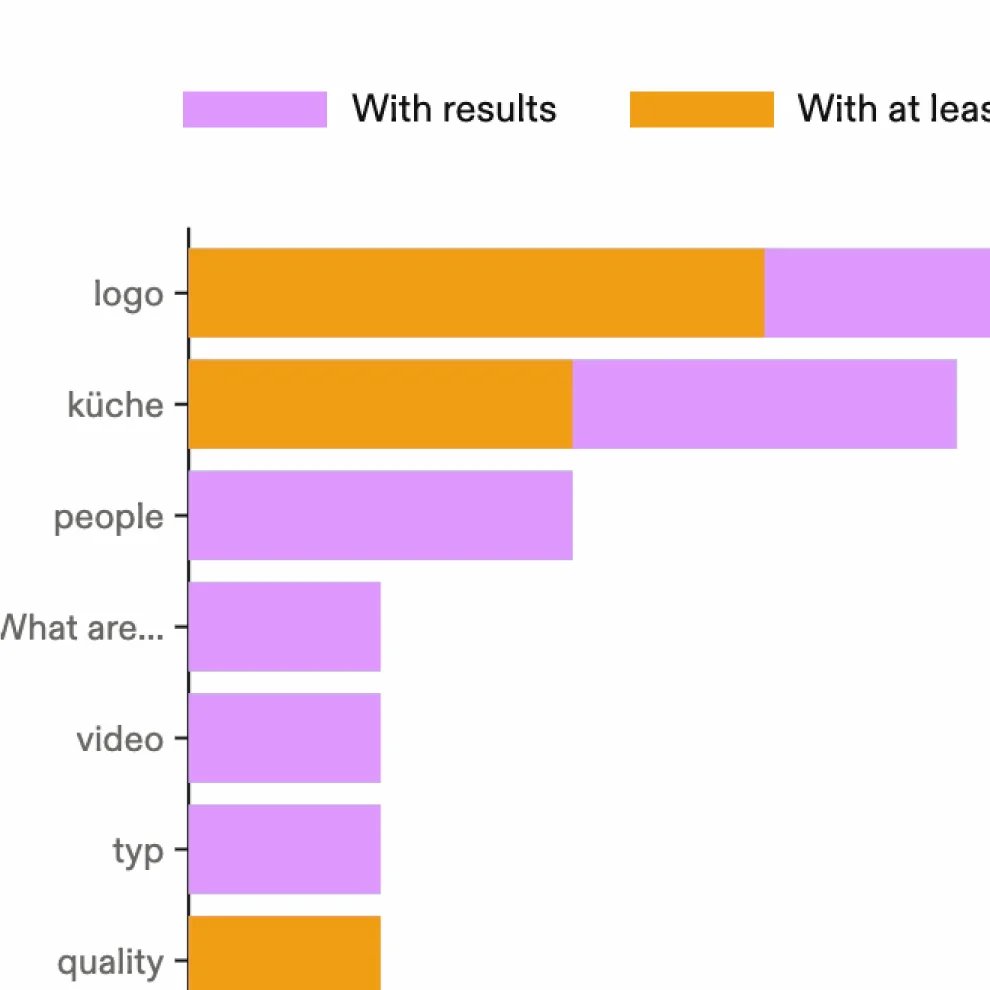
Yes. Frontify provides insights into how people access and engage with your guidelines. You can identify frequently visited content, understand what people are looking for, and improve guidance based on real usage.